

Saudi man beside a robot holding a laptop and a large dollar sign
AI-assisted pricing

AI Dynamic Pricing for Restaurants in Saudi Arabia

Review demand and market signals with LYNNC's AI pricing assistant. Get price recommendations for restaurant items, then approve or adjust pricing decisions based on your operating needs.

AI-Powered Pricing Excellence

When Does AI Dynamic Pricing Help Restaurants?

Use pricing signals when demand changes between peak and quieter periods or market conditions shift, instead of relying on one fixed price.

Pricing recommendations: Review data-informed price suggestions instead of relying on automatic price changes.

Demand signals: Use changes in demand and market conditions as inputs when reviewing pricing decisions.

Get In Touch
Get In Touch
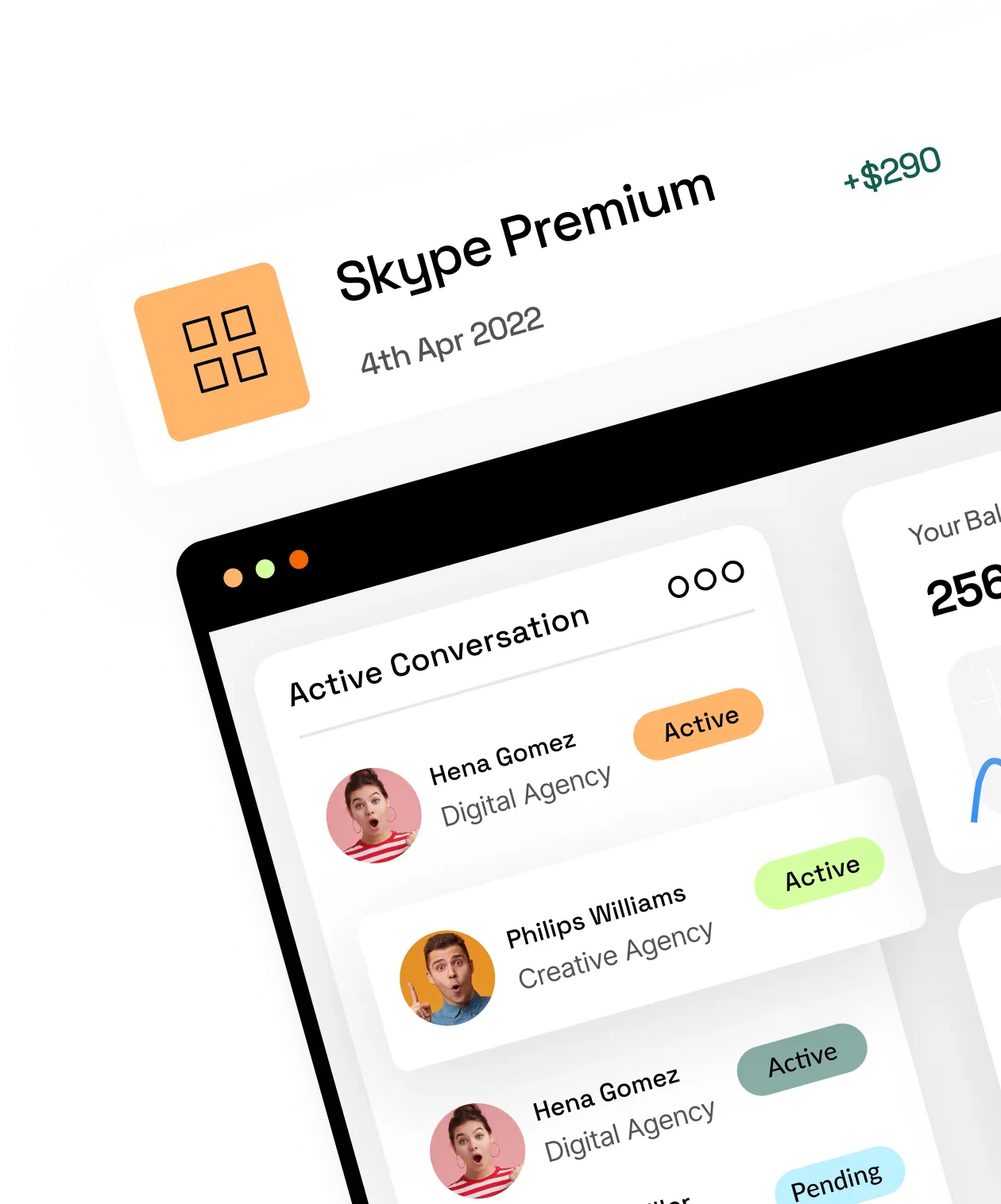
Tilted business dashboard with customer activity and subscription transactions
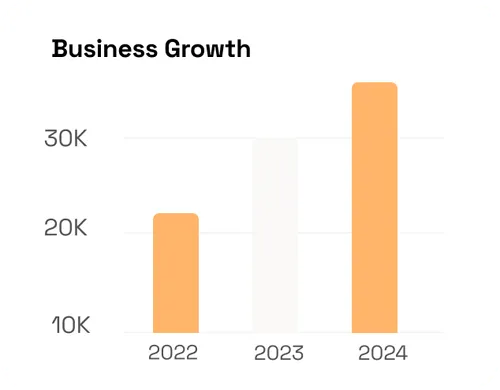
Saudi man wearing a thobe and shemagh pointing to the rightBusiness growth bar chart comparing 2022, 2023 and 2024
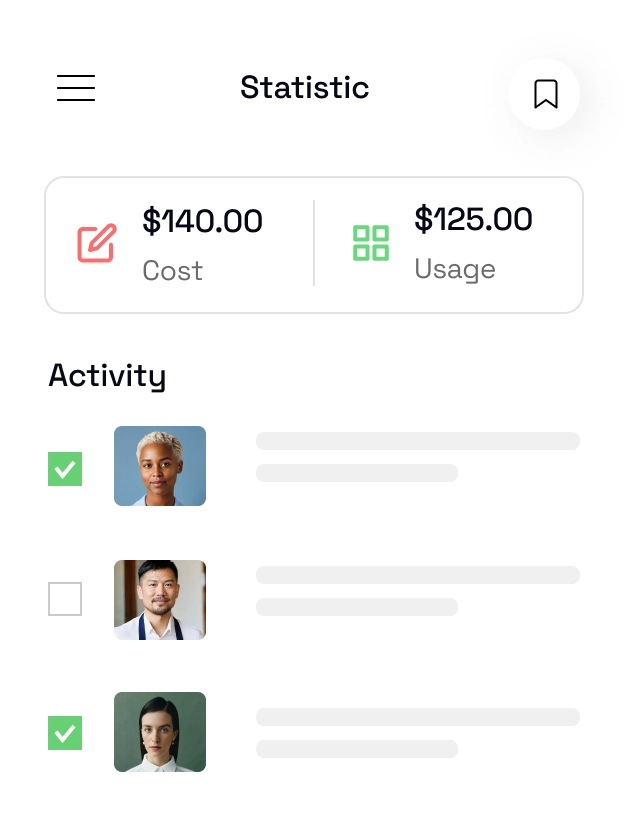
Business performance dashboard in the mission section
Real Value for Your Business

How AI Pricing Recommendations Work

The assistant analyzes demand and market signals, then recommends a price for review. Your team keeps control of the decision and can adjust pricing from LYNNC.

Pricing decision support

Review AI Price Recommendations Before Applying

Review price recommendations against current demand and operating context.

Customer trust

Keep your team in control of the final pricing decision.

Pricing Performance Reports and Demand Signals

3D analytics illustration with a magnifying glass, chart and rocket
Real-time pricing reports
Monitor product performance and pricing instantly with clear dashboards that enable fast, data-driven decisions.
Green notification bell with an exclamation mark
Intelligent alerts  
Receive immediate notifications on demand shifts or market changes, allowing you to stay ahead and maintain your competitive edge.  

Built for Restaurants, Cafés and Retail Operations

Cicchetti restaurant logoFITT PUB restaurant logo on a purple backgroundSauz & Co restaurant brand logo in blueBlue handwritten café logo with Drink & Bakery letteringNavy blue circular restaurant emblem with white illustrationMeshraq restaurant brand logo in Arabic and EnglishRestaurant partner logo with W emblemKayzo restaurant brand logoKarazeh restaurant brand logoRatio restaurant brand logoRestaurant partner logo with yellow linked mark on orange backgroundBeffer restaurant brand logoRestaurant partner logo with gold geometric markRestaurant partner logo with orange keyhole symbolRobata restaurant brand logoUrth Caffé brand logoThe Grounds Social restaurant logoCrazy Pizza restaurant logoZero Fatty restaurant brand logo
Frequently Asked Questions

Frequently Asked Questions About AI Dynamic Pricing

Clear answers about price recommendations, demand signals and user control.

What is AI dynamic pricing?
It uses demand and market signals to support more responsive pricing decisions instead of relying on one fixed price.
How does LYNNC recommend prices?
LYNNC’s pricing assistant analyzes relevant demand and market signals and recommends a price for the user to review.
Does LYNNC change prices automatically?
The assistant recommends prices and the user reviews and adjusts them from the platform.
Can demand changes be used as a pricing signal?
Yes, changing demand across periods can be used as an input when reviewing price recommendations.
How can smart pricing support margin decisions?
It helps teams review pricing in response to demand and market conditions rather than keeping prices fixed regardless of change.
Does it connect with Order Management and POS workflows?
It operates within LYNNC and can connect with existing operations according to supported integrations.

Related solutions: Order Management · Digital Menus · Integrations · Request a Demo

Review Smarter Pricing with LYNNC

See how demand signals and reviewable price suggestions can fit your restaurant's existing pricing workflow.

Analytics dashboard icon with growth chart and user symbolDigital checklist and document selection iconAnalytics report icon with a magnifying glass and currency symbolQR code scanner iconStarStar