


Centralize orders from supported delivery apps in a clearer operating view. Before connecting your POS, confirm the delivery platforms and POS version you use, then test how an eligible order reaches your team and how its status is tracked.

Reduce manual re-entry and give teams a clearer view of incoming delivery-app orders.
Follow each order through the operating workflow with clearer status visibility.
Keep item details, prices and operating hours aligned across supported connected channels from one workflow.
To keep menu updates and incoming orders aligned across systems, review the supported POS and delivery-app integrations before connecting each sales channel.
Item performance insights: Review top-selling items and product-level performance without relying on manual comparisons.
Operating hours: Set working hours and stop orders outside business times where supported by the connected workflow.
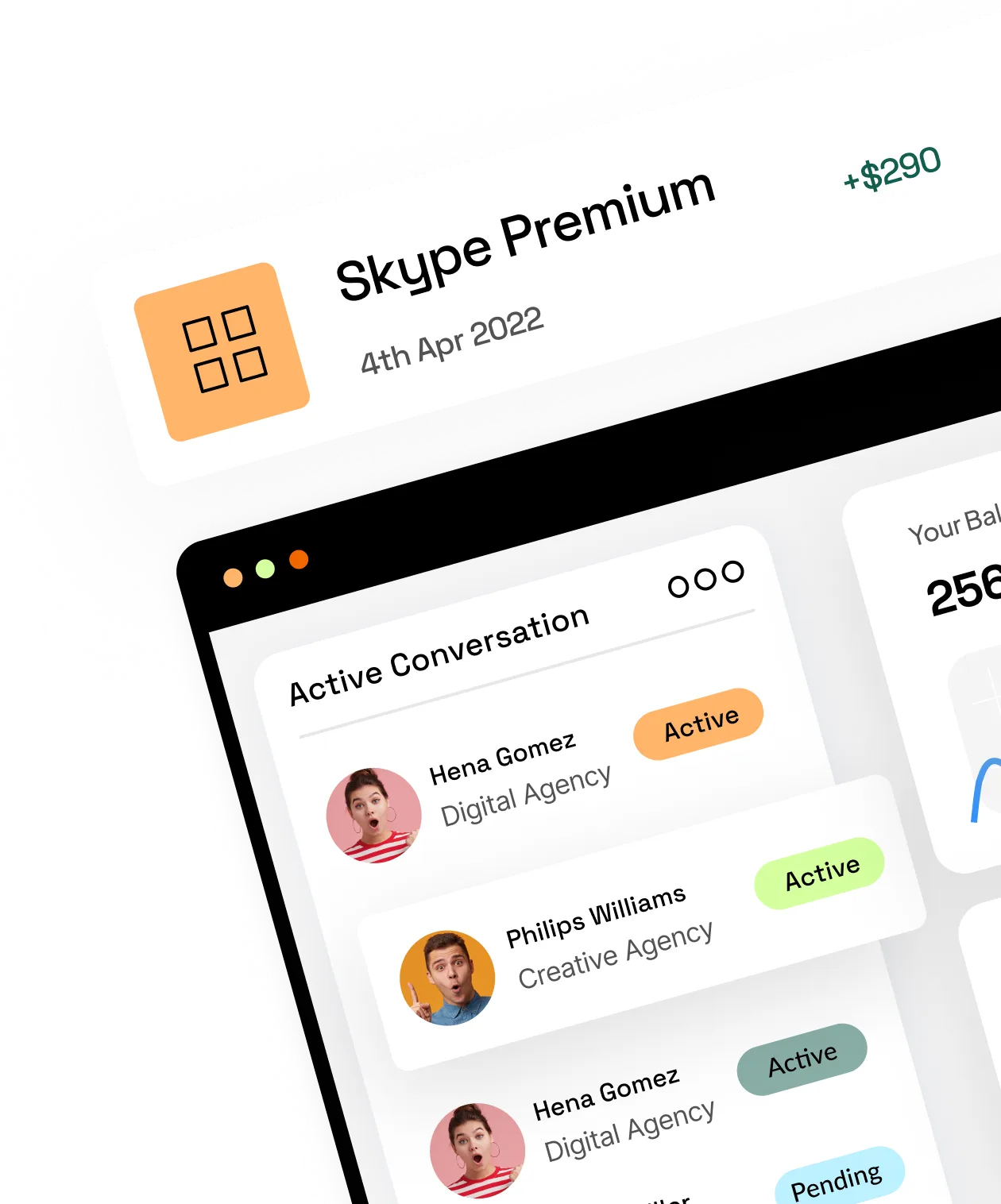

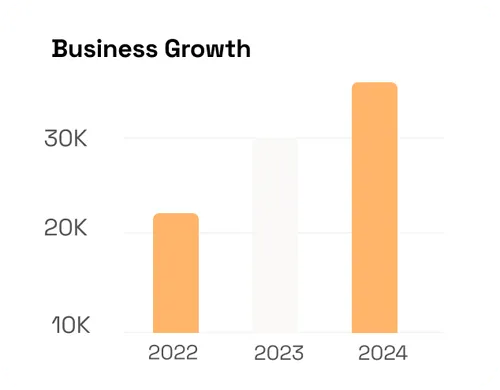
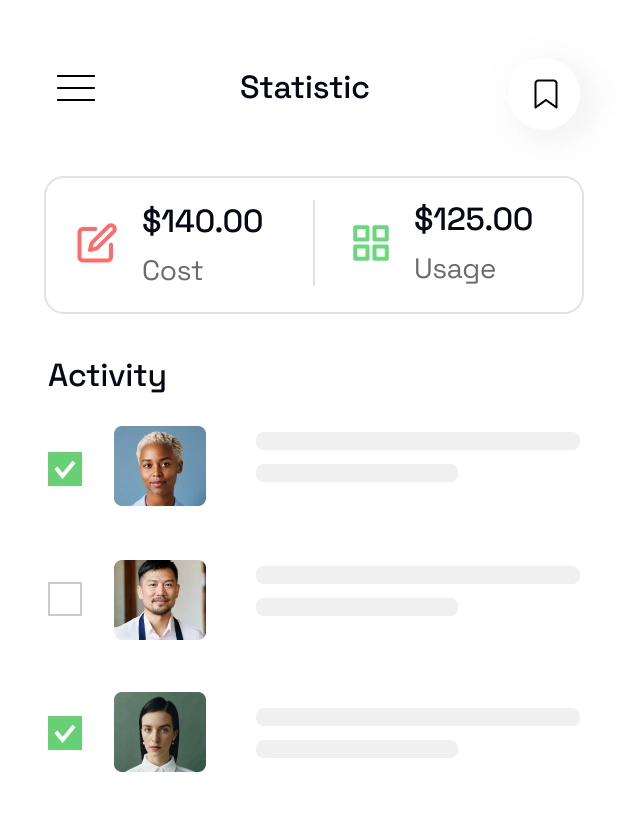
Review orders, sales and branch performance from one operating view to support faster, data-informed decisions.
For restaurants operating their own drivers, delivery fleet management connects dispatch visibility and delivery performance with the order workflow.
Review order, sales and branch data in one operating view.
Use clearer reporting to compare performance across locations.


LYNNC helps restaurants coordinate orders from compatible delivery platforms. Review your existing systems and test an eligible order before switching daily operations.
Order management is not fleet management. Receiving orders from a marketplace does not mean controlling its drivers. See Fleet Management if your restaurant operates its own delivery team.


