


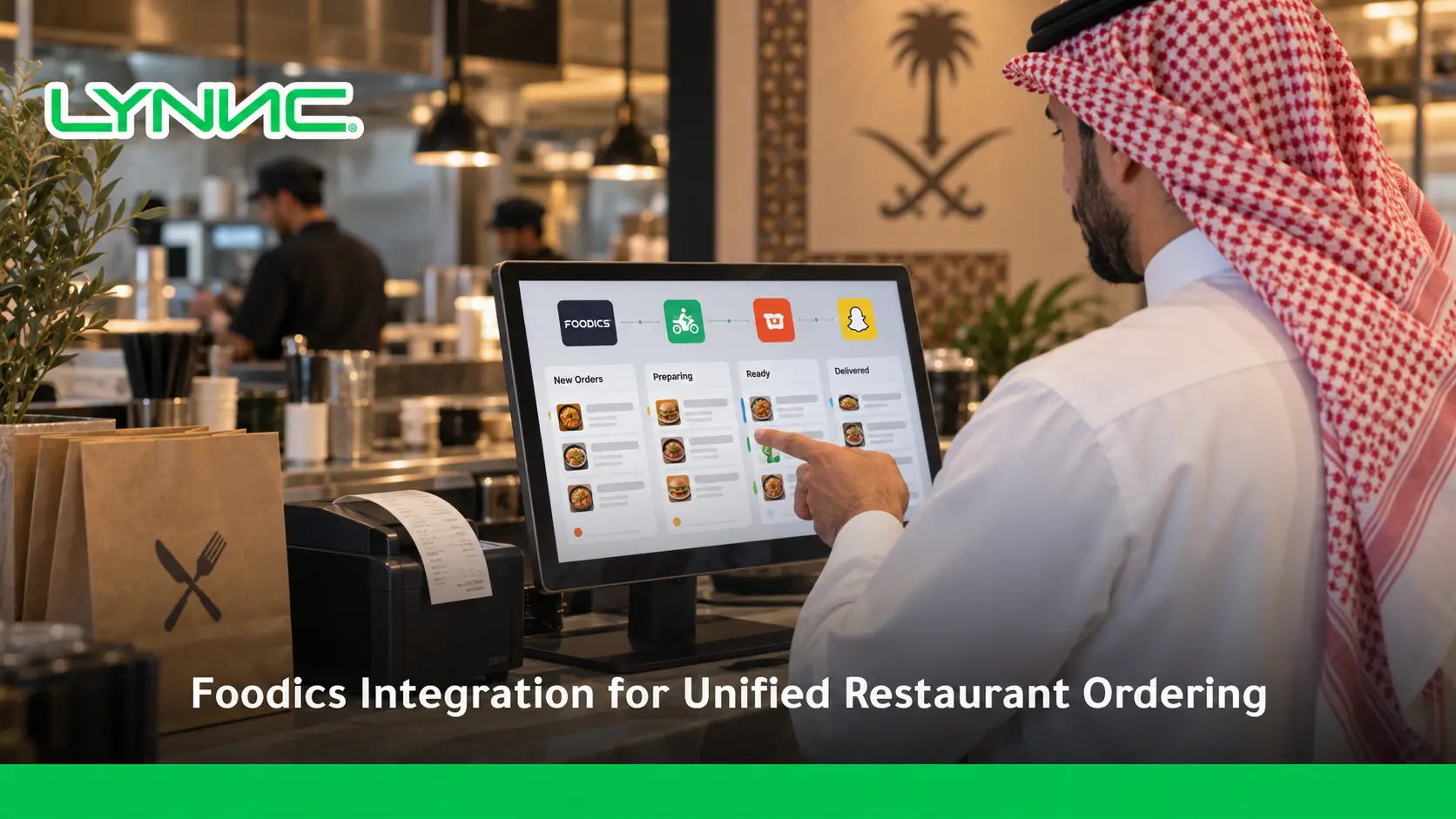
A Foodics POS integration may connect selected restaurant order, menu and reporting workflows with external applications through available APIs or approved connectors. The exact data, supported actions and update frequency depend on the systems and permissions involved. Confirm compatibility before assuming that any POS or delivery app can automatically sync every order or menu field.
Foodics Integration Compatibility Checklist
Before committing to a connector, confirm the available Foodics API scope, restaurant branch configuration, order and modifier mapping, supported menu or price updates, testing requirements and support responsibilities. LYNNC Integrations describes supported restaurant connection workflows; it does not by itself confirm a Foodics-certified or officially approved connector.
This proactive approach significantly boosts operational efficiency and reduces human error. By implementing proper system integration, restaurants can effortlessly sync their menus, manage inventory, and route orders directly to the kitchen. This ultimate guide explains how connecting your platforms works and benefits your business.
Understanding Foodics Integration and How It Connects Restaurant Operations
Technically, a Foodics integration acts as a digital bridge that enables seamless data exchange between your core Foodics Point of Sale (POS) and external third-party applications. It is an automated data flow that strictly delivers essential logistics, pricing, and order information across your entire tech stack.
Simply put, it is the automated system that ensures your front-of-house ordering tools talk directly to your back-of-house operations.
Here is how data moves seamlessly across the ecosystem:
- POS: Acts as the central brain, receiving all financial and operational data.
- Online Ordering: Captures web orders and pushes them straight to the POS.
- QR Ordering: Allows dine-in guests to scan and order, instantly reflecting on the cashier's screen.
- Digital Menu: Pulls real-time updates directly from the POS so customers always see accurate items.
Restaurants desperately need a connected system rather than isolated tools to maintain speed. Relying on fragmented software creates data silos, whereas robust system integration ensures that every part of the restaurant operates in perfect harmony.
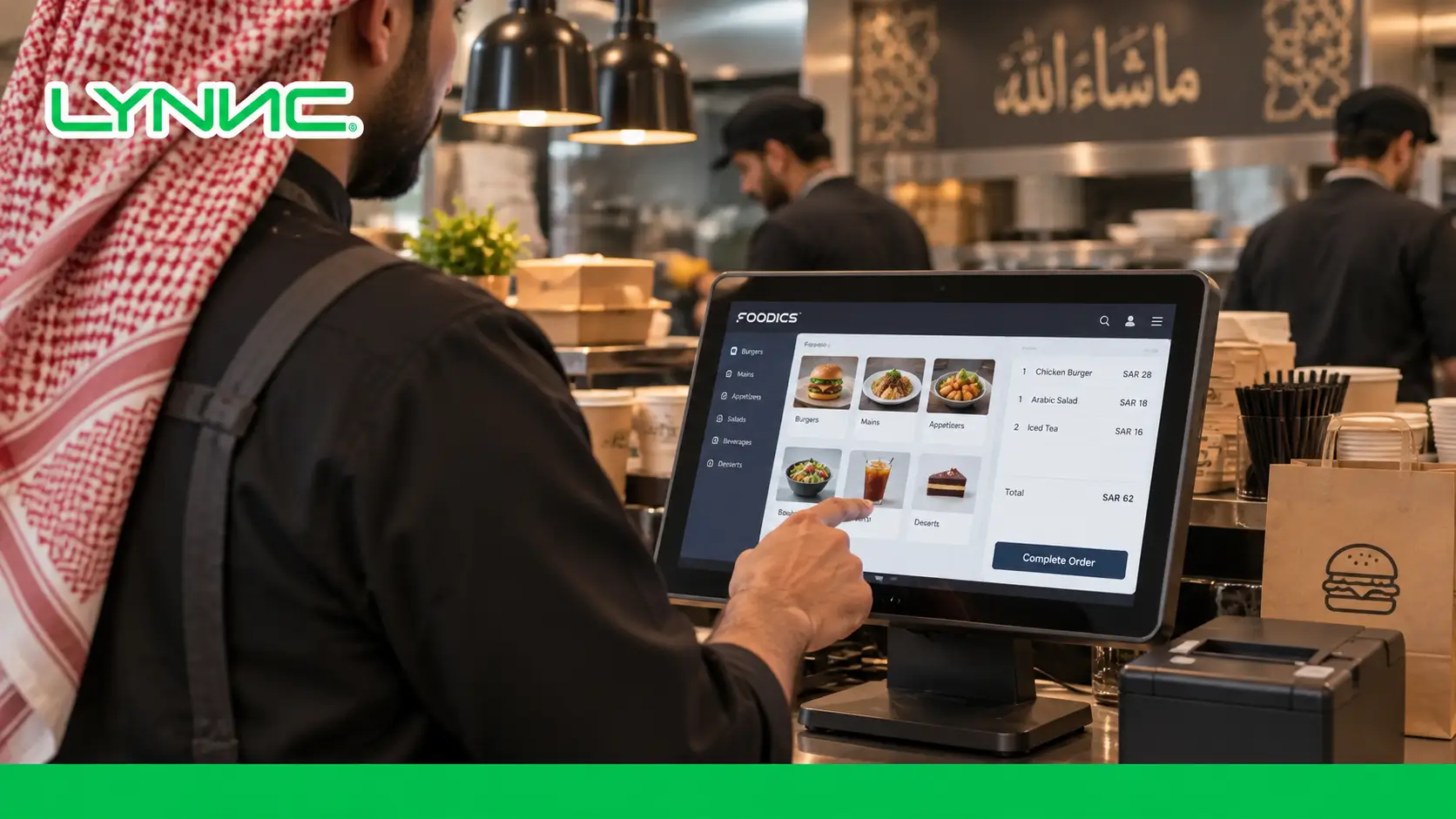
Why Restaurants Are Moving Toward Unified Ordering and POS Ecosystems
Relying on disconnected platforms fundamentally shifts the operational focus from hospitality to exhausting manual data entry. Unified systems solve major operational bottlenecks.
Here is exactly what this integration solves:
1. Updating Menus in Multiple Places
- The Problem: Staff waste hours manually changing a single item's price across delivery apps, the website, and dine-in menus.
- The Solution: POS integration for unified ordering, instantly publishing the change across all platforms.
2. Price Discrepancies Between Channels
- The Problem: Outdated menus lead to customers paying different prices online versus in-store, causing accounting nightmares.
- The Solution: Centralized workflows can reduce manual price differences when all connected systems support the relevant data and updates.
3. Manual Order Entry
- The Problem: Cashiers are forced to read orders from a delivery tablet and manually type them into the POS, leading to critical mistakes.
- The Solution: Orders bypass the cashier entirely and flow directly into the system, freeing up staff and eliminating human error.
4. Losing Complete Order Visibility
- The Problem: Managers cannot track true daily revenue because sales are scattered across five different isolated platforms.
- The Solution: A unified dashboard aggregates every single transaction, providing a crystal-clear, real-time view of business performance.
How Foodics Integration Creates a Single Workflow From Order to Kitchen
Proper Foodics integration fundamentally transforms the restaurant environment from a chaotic, multi-device setup into a seamless, highly predictable production line.
Here is the exact journey of a seamlessly integrated order:
- Customer Order: The buyer selects their meal and pays via a digital channel.
- ↓
- Ordering Platform: The app instantly formats the data and triggers a Webhook.
- ↓
- Foodics POS: The system receives the data, verifies inventory, and records the financial transaction automatically.
- ↓
- Kitchen: The POS instantly fires the ticket to the kitchen display screen or printer without cashier intervention.
- ↓
- Order Completion: The chef marks the food as ready, completing the cycle.
This automated synchronization completely reduces errors caused by messy handwriting or misheard requests. Because the menu is perfectly updated in real-time, customers can only order what is actually available in the kitchen.
Key Advantages of Integrating Foodics With Unified Restaurant Platforms
- Faster Order Processing: Orders flow instantly from the customer's smartphone directly to the kitchen printer, requiring absolutely zero manual effort from the cashier.
- Accurate Menu Synchronization: Maintain absolute consistency across all channels by automatically syncing Products, Prices, and complex Modifiers in real-time.
- Reduced Manual Work: Proactive data flow drastically cuts down the time staff spend typing in orders, allowing them to focus entirely on food quality and hospitality.
- Better Multi-Branch Control: Centralized cloud platforms allow management to update menus, track inventory, and monitor sales across dozens of locations simultaneously.
- Improved Customer Experience: Buyers enjoy a frictionless ordering journey with accurate availability, zero delays, and faster food delivery.
A Step-by-Step Guide to Implementing Foodics Integration
Automated system integrations rely on instant synchronization between your online store and your core POS. The process depends on API availability, connector configuration, permissions and testing.
Here is how to set it up step by step:
Step 1: Review Your Current Restaurant Systems
- Action: Analyze your existing tech stack.
- Result: You gain a clear understanding of your current POS, active ordering channels, and any existing tools that need to be unified.
Step 2: Connect Through API Integration
- Action: Utilize secure API integration protocols to bridge the two platforms.
- Result: This establishes a fast, secure data exchange channel, ensuring proper authentication and data protection between systems.
Step 3: Synchronize Menu and Order Data
- Action: Push your central catalog to the new platform.
- Result: All Products, Categories, Prices, Modifiers, and Stock Availability are perfectly mirrored on your digital ordering interfaces.
Step 4: Test System Integration
- Action: Run dummy transactions through the new setup.
- Result: You verify the complete order flow, ensuring the POS is receiving the data accurately and kitchen routing is firing to the correct prep stations.
Step 5: Monitor and Optimize Performance
- Action: Continuously track the system during live operations.
- Result: You can easily monitor for API errors, track order speed, and evaluate overall operational performance to ensure maximum efficiency.
The Role of API Integration in Building Scalable Restaurant Technology
An API (Application Programming Interface) is essentially the digital courier that allows two separate pieces of software to talk to each other. It is the vital link that makes an integrated POS system possible.
Manual Processes vs. Integrated Systems Without an API, transferring data requires human intervention—downloading spreadsheets, typing in orders, and manually adjusting stock. With API integration, this communication happens in milliseconds in the background. If an item sells out, the API instantly tells the online menu to mark it as "Out of Stock."
Fueling Scalability As a restaurant grows from one branch to fifty, manual updates become impossible. API integration allows technology to scale effortlessly, enabling brands to plug in new delivery apps, loyalty programs, or accounting software without disrupting daily operations.
Choosing the Right Integration Partner for Your Restaurant Growth
Crafting a flawless tech stack requires choosing software that balances strict logistical accuracy with a modern customer experience.
Here are the criteria you must look for:
- POS Compatibility: Ensure the platform has an official, certified connection with your core Foodics system.
- Real-Time Synchronization: The system must push menu and price updates instantly, not just once a day.
- Security: High-level data encryption is required to protect customer payment details and business analytics.
- Multi-Location Support: The software must handle complex, brand-wide menus across varying regional branches.
- Reporting: It should provide deep, actionable insights into channel performance and sales trends.
- Scalability: The partner should easily accommodate high order volumes during peak hours without crashing.
How LYNNC Integrations Help Restaurants Build Connected Ordering Operations
Managing customer orders efficiently starts with having connected software that keeps every part of the ordering journey organized.
Through robustrestaurant technology integrations, restaurants can completely centralize their operations. LYNNC acts as a powerful LYNNC for restaurant technology that effortlessly bridges the gap between your sales channels and your kitchen.
By utilizing these connections, restaurants benefit from:
- Foodics Integration Support: Seamless two-way data syncing that keeps your core POS perfectly updated without manual entry.
- POS Integration: Direct routing of digital orders straight to your existing kitchen display screens and receipt printers.
- QR Ordering: Lightning-fast table ordering that syncs directly with the central system for instant billing.
- Online Ordering: A unified digital storefront that pulls active inventory directly from your backend.
- Order Management: A singular dashboard that tracks every single order, reducing errors and improving overall speed of service.
Create a More Connected Restaurant Operation With Foodics Integration
System fragmentation is the enemy of restaurant speed. By adopting a unified Foodics integration, businesses eliminate manual entry, prevent costly pricing errors, and drastically improve kitchen workflows. A connected operation empowers your staff to stop managing tablets and start focusing on delivering an exceptional dining experience.
Ready to Connect Your Restaurant Systems?
Discover how LYNNC Integrations help restaurants connect POS systems, ordering channels, and restaurant operations into one efficient workflow.
related guide: Service Level Agreement: What to Ask an Integration Partner
Frequently Asked Questions About Foodics Integration and Restaurant System Integration
How does Foodics integration work with restaurant ordering platforms?
It works by using API connections to create a two-way data bridge. When a customer places an order on an external platform, the integration automatically translates that data and pushes it directly into the Foodics POS as if a cashier had typed it in.
How do major GCC POS platforms sync menu updates with unified order systems?
Major GCC POS platforms utilize webhooks and continuous API polling to sync data. When a manager changes a price or disables an out-of-stock item in the central POS, the API instantly pushes a signal to all unified ordering systems (like QR menus or delivery apps) to reflect that update in real-time, ensuring customers never order unavailable items.
What data can be synchronized through Foodics API integration?
A robust integration synchronizes complete menu catalogs (categories, items, modifiers, pricing), live inventory availability, customer data for loyalty programs, and comprehensive financial transaction details.
What are the benefits of connecting Foodics with an integrated POS system?
The primary benefits include eliminating manual order punching, reducing human error, maintaining accurate cross-platform pricing, accelerating kitchen prep times, and gaining centralized visibility over all revenue streams.
Can Foodics integration support multiple restaurant branches?
Yes. Advanced integrations allow operators to manage a master menu while customizing specific pricing, taxes, and item availability for individual branches, all controlled from one central cloud dashboard.
How does POS integration improve restaurant operations?
It removes the physical bottleneck at the cashier station. Orders from web, mobile, and QR codes bypass the front counter entirely and print directly in the kitchen, saving massive amounts of time during peak rushes.
What should restaurants consider before implementing system integration?
Restaurants must evaluate the technical readiness of their current POS, ensure they have reliable internet infrastructure, choose an integration partner with strong API capabilities, and verify that the new system supports their specific multi-branch or modifier needs.

