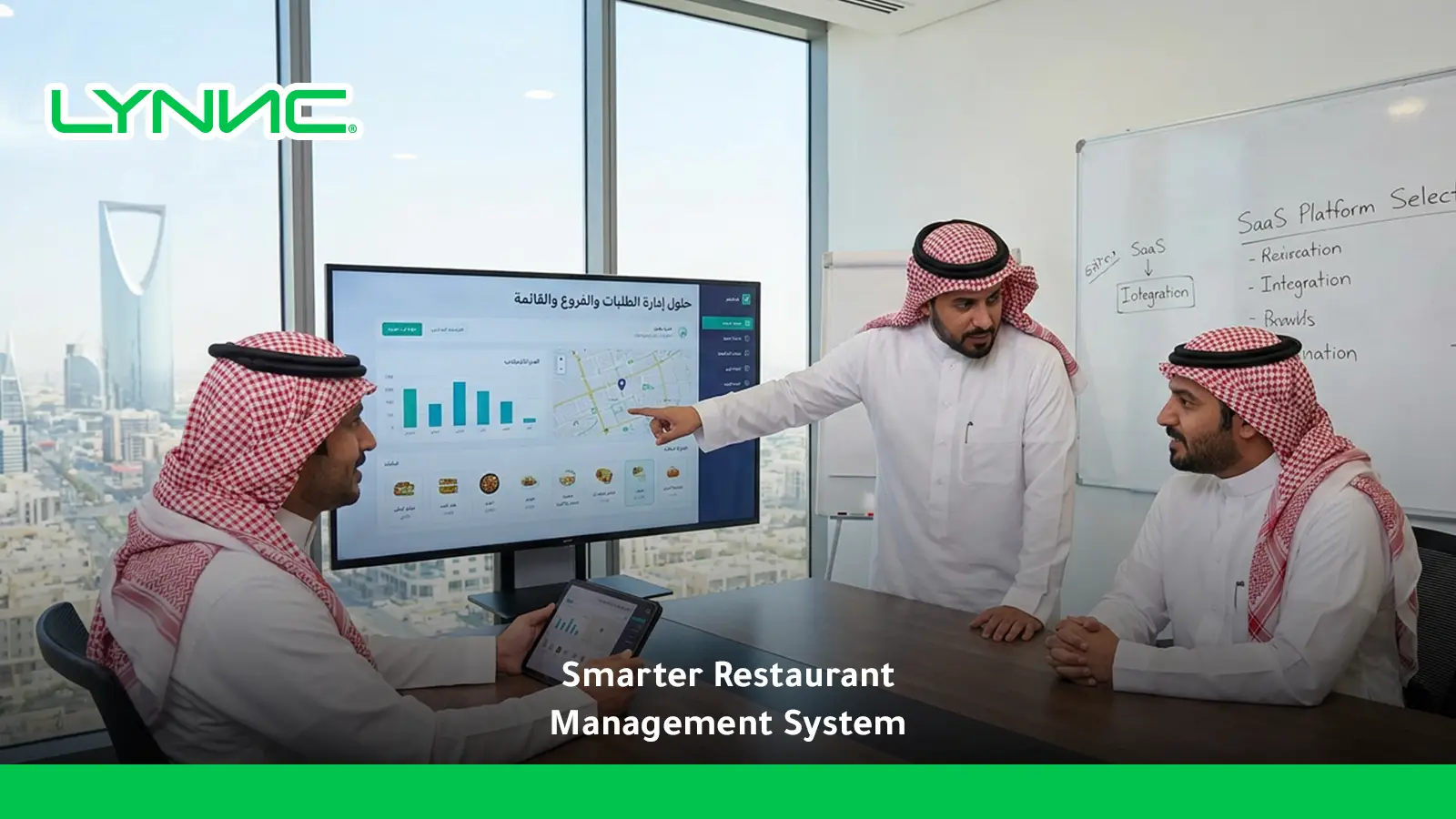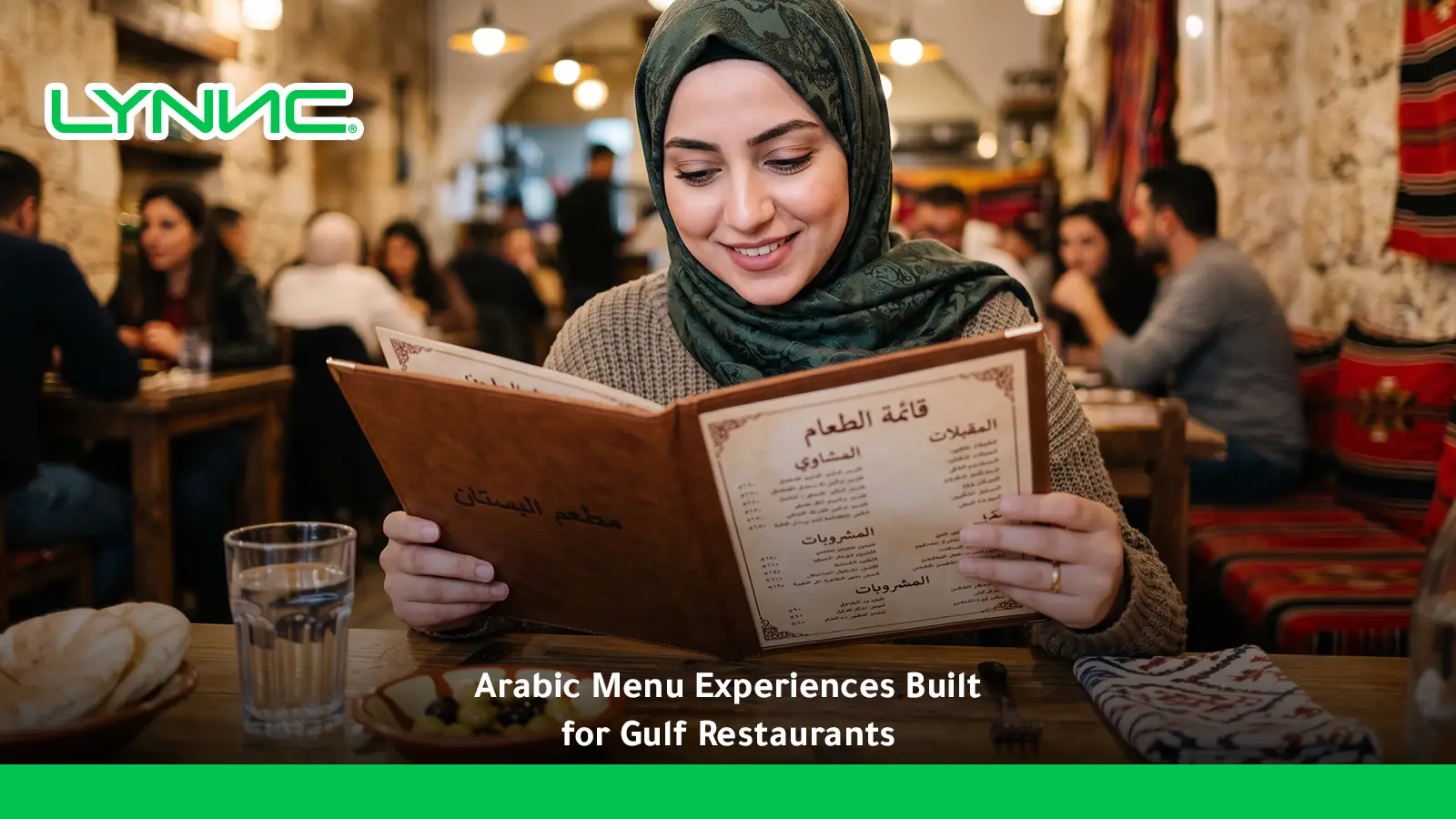
An Arabic restaurant menu should do more than translate dish names from English. A strong multilingual experience combines accurate terminology, proper right-to-left presentation, clear modifiers, consistent pricing, and menu data that stays connected across QR, web, and ordering channels.
LYNNC platform provides a unified environment for managing this workflow more consistently.
For Gulf restaurants, the goal is to create a digital restaurant menu that lets multilingual customers browse, understand, customize, and order comfortably without creating separate or inconsistent product catalogs.
Key Takeaways
- Menus require localization, not translation alone: Text direction, terminology, navigation, numbers, modifiers, and interface behavior all matter.
- Right-to-left scripts require specific UI adjustments: The digital interface must establish the correct RTL base direction and handle mixed text and numeric content correctly.
- Languages should remain connected to the same products: Different customer-facing language labels should not create duplicate operational items.
- QR menus can support language switching: One digital experience can allow customers to choose their preferred language seamlessly.
- Localization must include modifiers and descriptions: A correct product name alone is insufficient if sizes, extras, allergen information, or customization options remain unclear.
- Mobile usability is critical: Typography, mixed-direction content, product cards, prices, and checkout must be tested on actual phones.
- Multi-branch restaurants need translation governance: Shared products should use controlled wording while branch-specific pricing and availability remain separate.
- Language should not break the order flow: The customer may browse in a localized language while the restaurant still processes the same underlying product, modifier, price, and order data.
- Performance should be measured by language: Conversion, cart abandonment, product selection, and language switching reveal usability problems and customer preferences.
What Is an Arabic Restaurant Menu?
An Arabic restaurant menu is a customer-facing menu that presents products, categories, descriptions, prices, modifiers, and ordering information using appropriate terminology and correct right-to-left presentation.
A localized menu can take several forms:
- Single-Language Menu: Customer-facing content primarily presented in one localized language.
- Bilingual Menu: Combines two languages within the same interface.
- Multilingual Menu: Allows customers to choose from more than two languages.
- Translated Menu: Converts the original wording into another language directly.
- Localized Menu: Adapts language, terminology, layout, direction, and interaction to the target audience.
- Digital Restaurant Menu: A browser- or app-based menu featuring live products, images, prices, availability, and ordering functions.
The distinction between translation and localization is particularly important for Gulf restaurants. Best practices emphasize an RTL-first approach, ensuring the interface and navigation adapt alongside the actual text.
A menu management across channels provides the customer-facing layer where localized products, descriptions, prices, visuals, and availability can be presented dynamically within a connected restaurant environment.
What Must Change Beyond Translating the Menu?
1. Set the Correct Text Direction
RTL languages require right-to-left presentation. Establish the appropriate base direction with directional markup rather than relying on visual tricks or assuming the browser will infer direction correctly.
2. Adapt the Interface Direction
RTL localization affects text alignment and full layout mirroring. Review category navigation, product-card structure, back/forward controls, filters, search bars, cart placement, buttons, icons, and checkout flows.
3. Use Readable Typography
The font must support correct shaping, connected letters, clear punctuation, varying text weights, and mobile readability. The text should not look compressed simply because the original design was created for a different language.
4. Handle Mixed Content Correctly
Menus commonly contain mixed content, blending RTL text, LTR Latin text, and numbers. Bidirectional handling ensures elements flow logically without scrambling.
5. Review Prices and Currency Presentation
Prices must remain readable and unambiguous. Test how currency formats render inside the actual interface to prevent numbers from visually jumping to unexpected positions.
6. Localize Navigation Labels
Labels like "Add to Cart," "Customize," "Checkout," "Back," and "Sold Out" must be understandable as part of the localized journey, not left in the original language.
7. Make Language Switching Obvious
Customers should be able to switch easily between languages without losing cart contents, current product selections, modifiers, or ordering progress.
Translation vs. Localization: What Should Restaurants Use?
| Area | Direct Translation | Full Localization |
|---|---|---|
| Product Name | Literal language equivalent | Natural restaurant terminology |
| Description | Mirrors source sentence structure | Written naturally for local readers |
| Layout Direction | Original structure may remain | RTL-aware structure and mirroring |
| Navigation | LTR interface may remain | RTL-friendly navigation |
| Modifiers | Individual words translated | Options localized in ordering context |
| Dish Names | Everything translated literally | Translation or transliteration chosen appropriately |
| Numbers & Currency | Copied directly | Tested within the localized display |
| Mixed Text | May render unpredictably | Direction handled deliberately |
| Language Switching | May require separate menu versions | One connected customer experience |
| Operational Product Data | Can become duplicated | Languages remain connected to the same product |
Translation changes the language. Localization protects the meaning, usability, and ordering context. Build a bilingual digital ordering experience without maintaining unrelated menu files.
How Should Restaurants Build a Multilingual Digital Menu?
1. Create the Master Product Record
Start with one controlled operational product containing the Product ID, category, base price, availability, modifier groups, image, and branch rules.
2. Add the Primary Product Name
Assign the base product name in your primary operating language.
3. Add the Approved Localized Name
Assign the localized name. The translated label remains strictly linked to the same underlying item.
4. Localize the Description
Avoid blindly copying the original sentence structure. Naturally explain main ingredients, cooking methods, included sides, sauces, and portions.
5. Localize Categories
Ensure categories match the chosen language. Avoid displaying localized product names under unexplained original-language categories.
6. Review Every Modifier
Modifiers create significant ordering risk. Rigorously test terms denoting extras, removals, sizes, requirements, and optional choices to ensure absolute clarity.
7. Add Product Images
The same approved product image typically remains connected to the product across all languages.
8. Check Price Presentation
Confirm that pricing remains identical across languages, currency is readable, and numbers do not visually misalign.
9. Test RTL Display
Review category order, text, buttons, cards, modals, navigation, and the cart interface in RTL mode.
10. Test Mobile Screens
A menu that looks good on a desktop preview can fail on the smartphone the customer actually uses.
11. Test a Complete Order
Do not stop at visual QA. Test the full flow from product selection to modifiers, cart, checkout, and the final restaurant order. Ensure the localized selection produces the correct operational product in the kitchen.
How Should Dish Names, Descriptions, and Modifiers Be Localized?
Product Names
Some products have clear natural translations, while others are better preserved through transliteration. Forcing literal translations for globally recognized food names reduces clarity.
Descriptions
A strong localized description communicates exactly what the customer needs to decide. Include the main ingredient, preparation style, sauce, included side, flavor profile, and serving size.
Modifiers
Modifiers require careful review because they change the actual order. A modifier translated ambiguously can cause the customer to request something completely different from what the kitchen receives.
Sizes and Variants
Terms indicating size or portion must be consistent throughout the menu. Do not use one term for a drink size and an unrelated term for the same concept elsewhere.
Categories & Brand Names
Category localization needs the same consistency as product localization. Recognizable brand names and internationally established dish names are often better transliterated than translated.
Allergens, Dietary Labels, and Seasonal Language
Allergen terminology must be exact to prevent health risks. Seasonal menus require localization based on deep cultural context rather than direct translation.
How Should Localized Menus Work Inside a QR Menu and Online Ordering Journey?
1. The Customer Scans the QR Code
A well-designed multilingual QR menu does not require separate printed QR codes for different languages. One code serves everyone.
2. The Menu Opens on the Customer's Phone
The digital experience should load instantly without forcing unnecessary steps between scanning and browsing.
3. The Customer Chooses Their Language
The interface instantly applies the appropriate presentation and text alignment.
4. The Customer Browses Categories and Products
Product information displays the localized name, description, image, price, availability, and dietary info.
5. The Customer Opens a Product
The product screen remains strictly in the selected language.
6. The Customer Chooses Modifiers
Modifier groups and individual customization options appear fully localized.
7. The Cart Preserves the Language Experience
A common UX failure is browsing in one language but viewing the cart in another. The language journey must remain consistent.
8. Checkout Preserves Product Identity
Customer-facing language should not create a second operational SKU. A translated name and its original counterpart must represent the exact same restaurant product.
9. The Restaurant Receives the Correct Order
The customer interface and operational order workflow stay perfectly connected. A QR code ordering system extends the digital menu into mobile ordering while maintaining this strict menu-to-order relationship.
How Can Multilingual Menus Support Online Food Ordering?
- Maintain One Controlled Catalog: Different languages must not become unrelated catalogs.
- Translate Customer-Facing Fields: Localize product names, descriptions, categories, modifier labels, and customer instructions.
- Keep Pricing Rules Consistent: The same product should never show different prices simply because a customer changed the language.
- Preserve Modifier Mapping: Language changes must not detach toppings, sizes, or cooking preferences from the correct base product.
- Keep Availability Synchronized: If a product sells out, the status instantly reflects across all language views.
- Preserve the Cart: Switching languages should not unexpectedly empty the customer's selections.
- Localize Checkout: Translate order types, payment options, customer information fields, and delivery/pickup instructions accurately.
- Keep the Operational Order Consistent: An online ordering system for restaurants extends structured product data into direct digital ordering without requiring a separate, disconnected menu database for the website.
How Should Multi-Branch Restaurants Control Menu Languages?
1. Use One Master Product Structure
A shared menu item must have one controlled operational identity.
2. Reuse Approved Translations
If the same item exists in multiple branches, the restaurant should not manage unrelated localized versions for each location.
3. Separate Language From Branch Rules
Language dictates how the item is presented. Branch rules dictate whether the item is sold, its local price, and availability.
4. Allow Local Products
Products exclusive to specific cities or regions should have their translations controlled without disrupting shared network products.
5. Maintain Branch-Specific Pricing
Different branch pricing comes from controlled pricing rules, not different language versions.
6. Control Seasonal Content
Manage seasonal sections, bundles, and national events centrally.
7. Test Before Network-Wide Publishing
A translation mistake published at the master level spreads across all branches instantly.
8. Define Translation Governance
Clearly define who writes, reviews, approves, publishes, and owns updates to the localized text.
9. Maintain Version Control
When an original description changes, the restaurant needs a defined process to identify and update the corresponding localized version.
Where Do Multilingual Digital Menus Fail?
- Literal Machine Translation: Text is technically translated but highly unnatural for restaurant customers.
- Layout Mismatches: Words are RTL while the wider interface remains locked in LTR behavior.
- Broken Mixed-Direction Text: Words, numbers, or punctuation appear in a confusing, scrambled order.
- Duplicate Product Records: Translations become separate products rather than language representations of the same item.
- Different Prices by Language: Customers see conflicting prices for the exact same product.
- Modifier Translation Errors: Customers select an option with a different meaning than the kitchen receives.
- Missing Translations: Categories are localized, but important products remain completely unexplained in the original language.
- Outdated Content: The original menu is updated, but the translated version is ignored.
- Inconsistent Transliteration: The same dish appears under different spellings across different branches.
- Image and Description Mismatch: Customer-facing visuals do not represent the localized product description.
- Unsupported Mixed Numerals: Currency, quantities, or portion sizes become highly confusing in bidirectional contexts.
Which Metrics Show Whether a Multilingual Menu Is Working?
- Language Selection Rate: How frequently customers choose each available language.
- Menu-to-Cart Conversion Rate: How many menu sessions lead to cart creation.
- Order Conversion Rate: How many menu visitors complete a full order.
- Cart Abandonment Rate: Reveals friction later in the localized ordering journey.
- Language-Switch Rate: A high switch rate may indicate translation confusion, missing content, or poor usability.
- Time to First Product Selection: Shows whether customers can understand and navigate the menu quickly.
- Modifier Error Rate: Tracks problems related to incorrectly selected or interpreted customization options.
- Sold-Out Attempt Rate: Shows whether customers are reaching products marked unavailable in their selected language.
- Average Order Value by Language: Monitors spending, noting that differences may reflect customer segments rather than language localization directly.
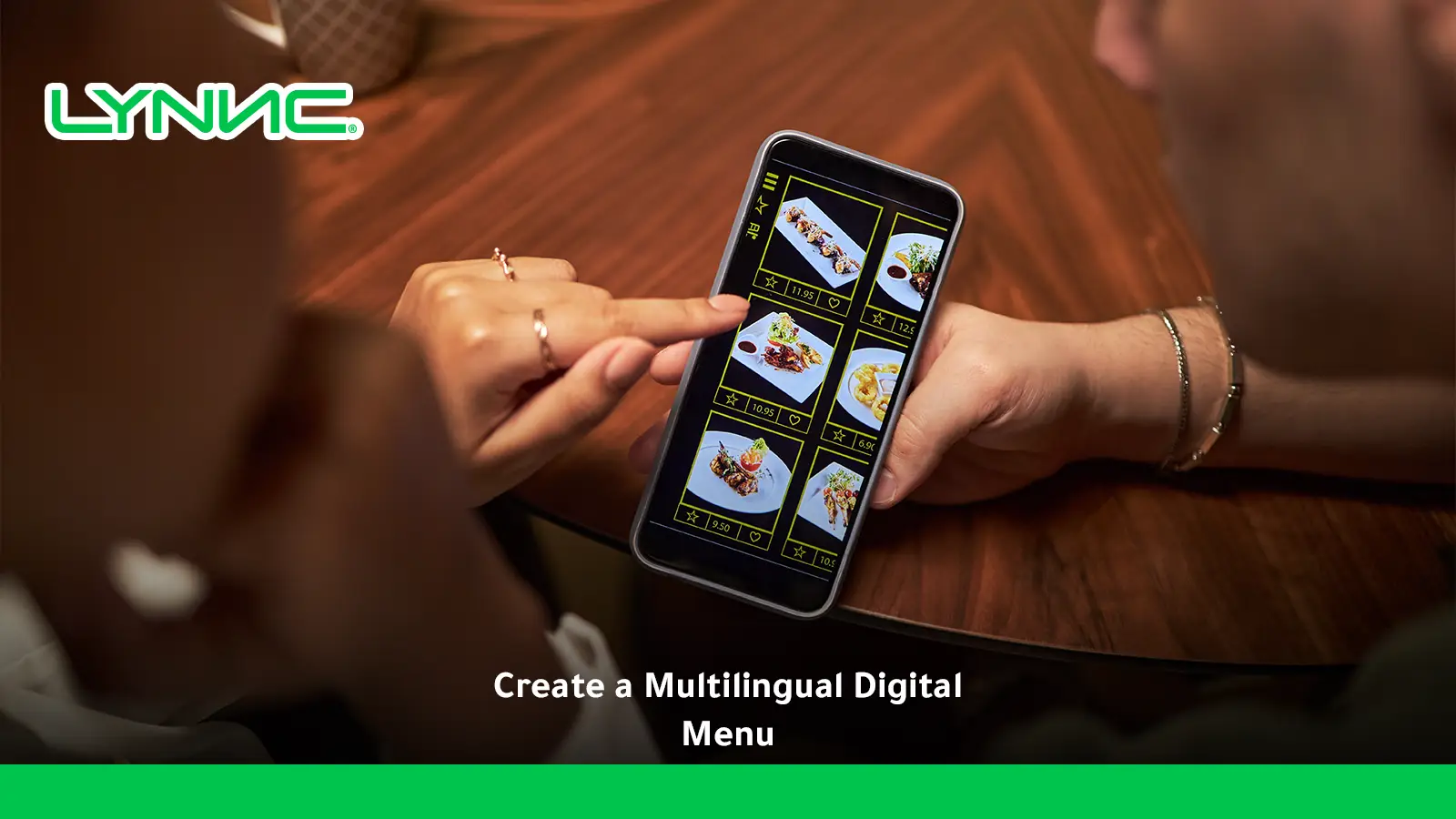
How LYNNC Can Support a Connected Multilingual Menu Experience
1. Keep Customer-Facing Menu Information Digital
A multilingual workflow becomes difficult when every language exists in a separate printed menu. LYNNC provides a customer-facing digital environment with real-time content updates.
2. Extend the Menu Into QR Ordering
A digital menu creates maximum value when customers transition naturally from browsing to ordering. LYNNC connects QR access directly with mobile ordering and POS workflows.
3. Keep Menu Data Under Central Control
LYNNC offers centralized control over products, names, descriptions, prices, modifiers, and availability, feeding digital, QR, POS, and delivery contexts simultaneously.
4. Keep Language Separate From Operational Identity
Customer-facing descriptions change by language without requiring the restaurant to recreate the operational product, eliminating duplicate items and pricing errors.
5. Extend the Same Catalog Into Online Ordering
LYNNC connects digital menus, QR ordering, order management, POS connectivity, and delivery channels in one cohesive SaaS environment.
6. Support Multilingual Customer Experiences
LYNNC ensures that customer-facing language adapts seamlessly while the restaurant maintains strict operational control over the underlying menu and order data.
Build a Multilingual Ordering Experience With LYNNC
A multilingual restaurant menu should do more than translate dish names. A strong experience needs natural terminology, correct interface presentation, understandable modifiers, consistent prices, reliable availability, and a customer journey that remains clear from browsing through checkout.
- Keep multiple languages connected to the exact same menu structure.
- Use proper presentation for all localized interfaces.
- Localize descriptions rather than relying on literal machine translation.
- Choose translation or transliteration based logically on the product.
- Keep modifiers crystal clear in every supported language.
- Preserve consistent pricing and synchronized product availability.
- Use one multilingual QR experience for all customers.
- Standardize translations across all restaurant branches.
- Test the full mobile ordering journey from selection to checkout.
Create a more connected multilingual restaurant ordering journey with LYNNC. Use contact LYNNC — request a demo to discuss how your digital menu, QR ordering, direct ordering, and customer experience can work perfectly together.
For more context, see Restaurant Inventory Management System: Connect Stock to Your Digital.
Frequently Asked Questions About Multilingual Restaurant Menus
What Is a Localized Restaurant Menu?
A localized restaurant menu presents products, categories, descriptions, pricing, modifiers, and ordering information with appropriate presentation and language-specific wording. Proper digital support must also consider navigation, mixed-direction content, and numbers rather than changing text alone.
Should a Restaurant Menu Use Direct Translation or Full Localization?
Full localization is generally stronger for the customer experience. Translation simply changes words, while localization considers natural terminology, layout, navigation, modifiers, dish naming, numbers, and cultural context.
What Is the Difference Between Translation and Localization for Restaurant Menus?
Translation converts text from one language to another. Localization adapts the entire experience, including terminology, writing direction, interface layout, product naming, modifiers, currency presentation, and customer instructions.
Does an RTL Digital Menu Need Specific Layout Adjustments?
Yes. Languages like Arabic or Hebrew use a right-to-left script, and digital content must establish an appropriate RTL base direction. Mixed content and numbers require specific bidirectional handling to display correctly.
Can One QR Menu Support Multiple Languages?
Yes. A single QR-based menu can open a digital interface that lets the customer choose their preferred language, eliminating the need for separate printed QR codes on the table.
Can a Digital Restaurant Menu Support More Than Two Languages?
Yes, if the menu platform supports multilingual fields and interfaces. The operational challenge simply becomes maintaining accurate translations and consistent product data as the number of languages increases.
Should Food Names Be Translated or Transliterated?
It depends on the dish. Common descriptive products can often be translated naturally, while internationally recognized names are much clearer when transliterated. The objective is customer understanding, not forcing a rigid translation rule.
How Should Prices and Numbers Appear in a Localized Menu?
They should use a consistent, readable format tested inside the actual interface. Special attention is required for mixed text, Latin currency codes, and numerals because these elements interact differently in bidirectional layouts.
How Should Modifiers Be Translated in a Multilingual Menu?
Translate modifiers in the context of the customer's ultimate choice rather than as isolated words. Terms like "Extra," "Without," or "Choose one" must communicate exactly what will change in the order for the kitchen.
Can Multilingual Menus Use the Same Product IDs?
Yes, and this is the cleanest operational model. The presentation can change dynamically while the underlying product identity, price, modifiers, and availability remain perfectly controlled centrally.
How Can Multi-Branch Restaurants Keep Menus Consistent?
Use approved master translations for shared products, separate language content from branch pricing and availability rules, define clear translation approval workflows, and review language changes strictly before publishing them across multiple locations.
Can a Localized Menu Be Used for Online Food Ordering?
Yes. Localization can carry through product browsing, modifiers, cart management, and checkout when the ordering system supports full multilingual experiences.
The key is maintaining the same operational order structure while adapting the customer-facing language seamlessly.