


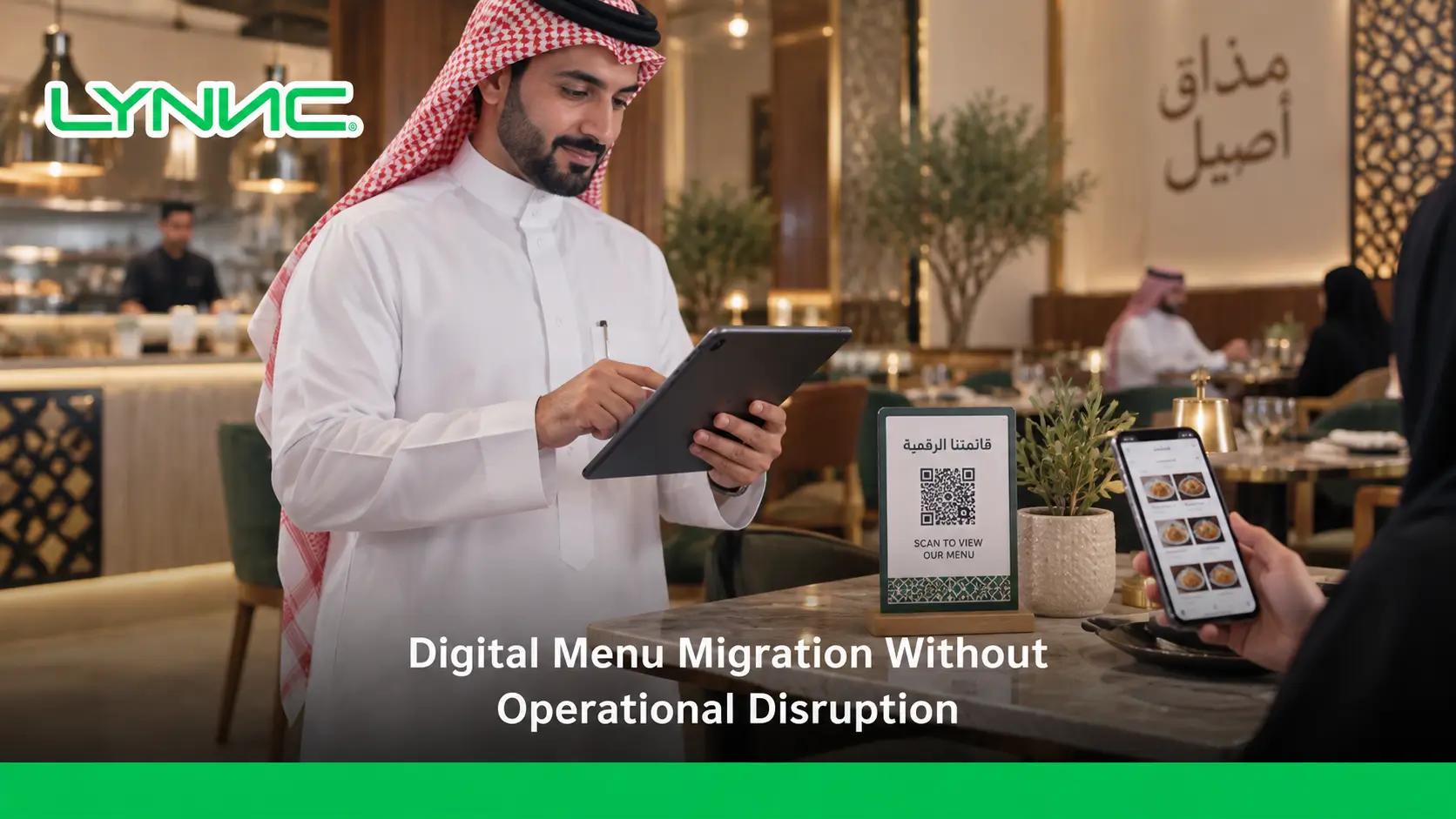
A digital menu is not just replacing paper with QR codes. It is a complete operational transformation that helps restaurants update menus faster, reduce errors, and create smoother customer journeys.
This transition requires careful planning to prevent disruptions and deliver unparalleled service. By adopting a smart QR menu, restaurants achieve peak efficiency, eliminate printing costs, and guarantee an elevated customer experience daily without halting their ongoing operations.
Understanding Digital Menu Migration and Its Role in Modern Restaurant Operations
Replacing physical lists with a digital restaurant menu connects customer choices directly to kitchen systems flawlessly. Here are the details of this operational role:
Core Operational Benefits
- Instant Content Updates: Modifying prices takes seconds, ensuring zero downtime and operational continuity.
- Seamless POS Integration: Routing orders directly via a QR menu eliminates human errors, protecting service quality.
- Multi-Branch Management: Controlling every digital menu centrally ensures a consistent customer experience across all locations.
Best Transition Practices
- Eliminating Static PDFs: An interactive interface adapts to mobile screens, enriching the overall customer experience.
- Reliable Infrastructure: Providing strong Wi-Fi ensures the system works perfectly, supporting a seamless dining journey.
- Behavior-Driven Analytics: Tracking clicks helps engineer layouts that maximize revenue and the customer experience.
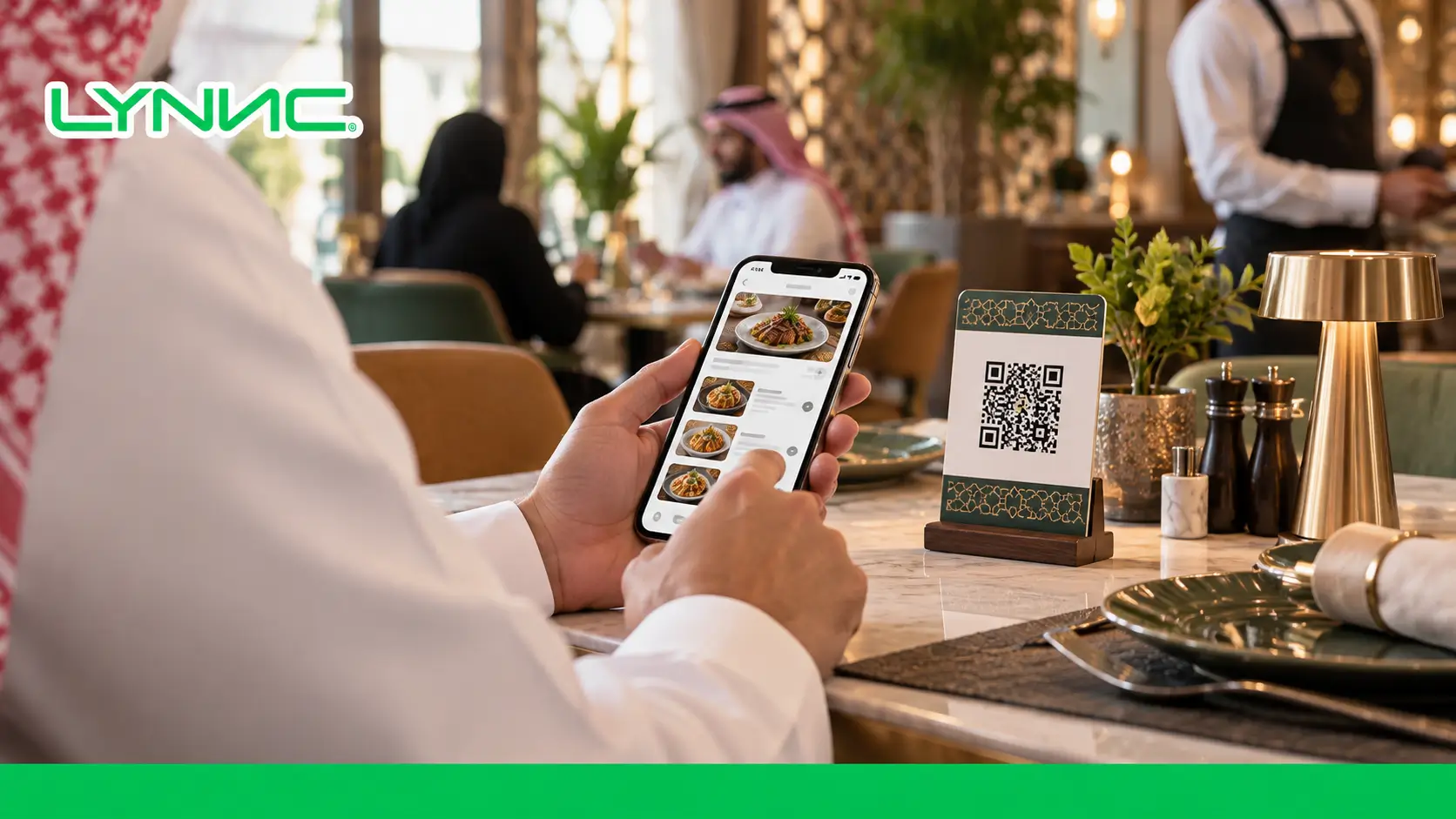
Why Restaurants Are Moving Beyond Traditional Paper Menus
Replacing paper with digital solutions eliminates printing expenses while introducing dynamic capabilities to enhance dining. Here are the details of this transition:
Financial and Efficiency Advantages
- Eliminating Print Expenses: Ending printing costs allows reinvestment into the business with zero downtime.
- Real-Time Price Flexibility: Adjusting prices protects margins and delivers a transparent customer experience.
- Smart Inventory Sync: A QR menu instantly conceals unavailable dishes, safeguarding satisfaction smoothly.
Elevating Service Standards
- Maximizing Average Checks: Automated cross-selling on the digital menu increases revenue and elevates sales.
- Reducing Labor Errors: Sending orders straight to the chef guarantees an accurate customer experience.
- Safe Contactless Ordering: A hygienic setup provides a secure environment, building trust for a comforting visit.
A Step-by-Step Approach to Migrating From Paper Menus to Digital Solutions
Following a strict integration methodology prevents conflicts and ensures your launch proceeds smoothly. Here are the practical steps to follow:
Step 1: Analyze Your Current Menu Structure
Deciding if the POS or the platform controls data prevents conflicts and protects operations.
Step 2: Prepare Digital Menu Content
Consistent IDs and high-quality images across the digital restaurant menu guarantee an accurate customer experience.
Step 3: Connect With Existing Restaurant Systems
Direct API links power the system to ensure smooth data flow and zero downtime during heavy traffic.
Step 4: Test Before Launch
Rigorous stress testing guarantees operational stability and readiness before guests arrive.
Step 5: Go Live Gradually
Implementing the system section by section minimizes risk and stabilizes the transition seamlessly.
How to Achieve Zero Downtime During Your Digital Menu Transition
Implementing parallel systems and backup networks is critical to achieving uninterrupted service and protecting satisfaction. Here are the details of this strategy:
Parallel Run Techniques
- Temporary Paper Retention: Keeping paper alongside the QR menu initially eases the shift and provides a fallback.
- Phased Department Rollout: Testing the software in one section limits risk and stabilizes the customer experience.
- Off-Peak Deployment: Launching during quiet hours ensures zero downtime and a smooth integration.
Network and Training Reliability
- Dual-WAN Redundancy: Backup internet keeps the digital menu online, guaranteeing continuous service for guests.
- Activating Offline Mode: Local caching keeps the system running, rescuing the customer experience during outages.
- Shadow Testing Protocol: Staff testing internally guarantees zero downtime and a flawless execution at launch.
What Saudi Restaurants Need From a Digital Menu Solution
The local market demands specific features to ensure operational success and compliance. Here is what modern regional businesses require:
- Arabic & English Menus: Bilingual interfaces break language barriers, elevating the customer experience for everyone.
- Multi-Branch Management: Centralized control helps chains manage locations seamlessly with zero downtime.
- Real-Time Updates: Instant synchronization keeps pricing and inventory accurate across all platforms.
- Payment Integrations: Supporting local payment gateways within the QR menu ensures secure and rapid checkouts.
- Compliance with Local Requirements: Adhering to regional tax and data laws guarantees a safe and legal customer experience.
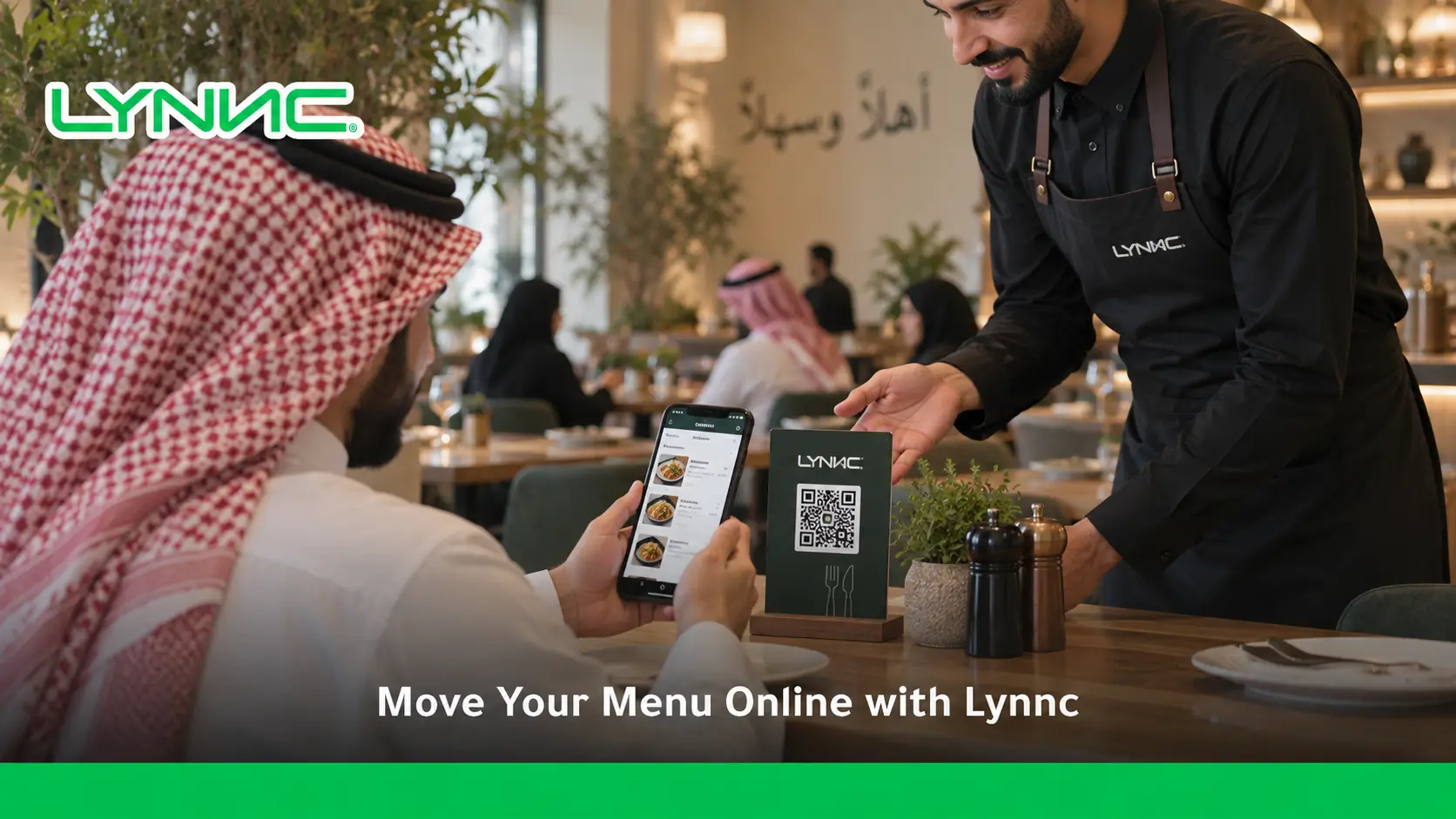
How QR Menu Technology Creates a Better Dining Experience
Interactive ordering eradicates waiting times, offering rich visual information and empowering diners. Here are the details of this impact:
Eradicating Wait Times and Friction
- Instant Access: A QR menu offers immediate browsing, ensuring a premium customer experience.
- Seamless Mobile Payments: Paying through the digital restaurant menu eliminates waiting for checks.
- Pressure-Free Ordering: Browsing without waiter pressure ensures a joyful and relaxing visit.
Rich Information and Customization
- High-Definition Visuals: Lush photos drive cravings and elevate the customer experience.
- Allergen Filters: A smart interface filters safely, providing a secure environment with zero downtime.
- Ultimate Order Customization: Private modifications create a highly tailored and accurate customer experience.
Why LYNNC Is the Right Partner for Digital Menu Transformation
Selecting a robust platform like LYNNC guarantees a seamless setup, comprehensive integration, and elite service. Here is why LYNNC stands out:
- Interactive Digital Menu: LYNNC provides a fast interface requiring no app downloads, enriching the customer experience.
- QR Ordering: Scan and order features eradicate wait times and streamline table turnover effortlessly.
- POS Integration: LYNNC syncs your digital menu management directly with major POS systems for flawless operations.
- Centralized Management: Unifying branches and delivery apps effortlessly manages the external customer experience.
- Real-Time Updates: Auto-hiding depleted stock and updating prices protects satisfaction with zero downtime.
Ready to Replace Your Paper Menu With a Smarter Digital Experience? Upgrading your hospitality business requires the best LYNNC restaurant technology platform to ensure operational success. Explore LYNNC today to deploy a powerful Digital Menu.
[Book Your LYNNC Demo Today]
guide to restaurant Digital Menu for Dine-In and Delivery Ordering
Frequently Asked Questions About Digital Menu Migration
How do I transition my physical menu to digital without halting daily operations?
Use a phased rollout and a dual-network setup to guarantee zero downtime. Run paper alongside your digital restaurant menu temporarily to protect service flow.
What is a digital menu and how does it work?
A digital menu is a cloud-based interface linking guests to the kitchen. It uses a QR menu to automate ordering and elevate satisfaction.
How does a QR menu improve the restaurant customer experience?
A QR menu eradicates waiting times and offers vivid visuals. It provides instant payment options, speeding up service seamlessly.
Can restaurants update their digital menu without printing new menus?
Yes, updates happen instantly from a central dashboard. This eliminates print costs, ensuring zero downtime and seamless accuracy.
How long does it take to migrate from a paper menu to a digital restaurant menu?
With expert platforms, deploying takes just one to two weeks. This rapid onboarding ensures a quick and effective customer experience upgrade.
Can a digital menu support multiple restaurant branches?
Yes, a central system manages endless locations effortlessly. It customizes prices per region to ensure localized accuracy and control.
How much does it cost to implement a digital menu?
Costs vary based on features and integrations, but the ROI from upselling and saved print costs quickly offsets the initial investment.
Can LYNNC integrate with existing restaurant systems?
Yes, LYNNC offers robust API connections to integrate seamlessly with major POS and inventory systems without causing operational disruption.

