


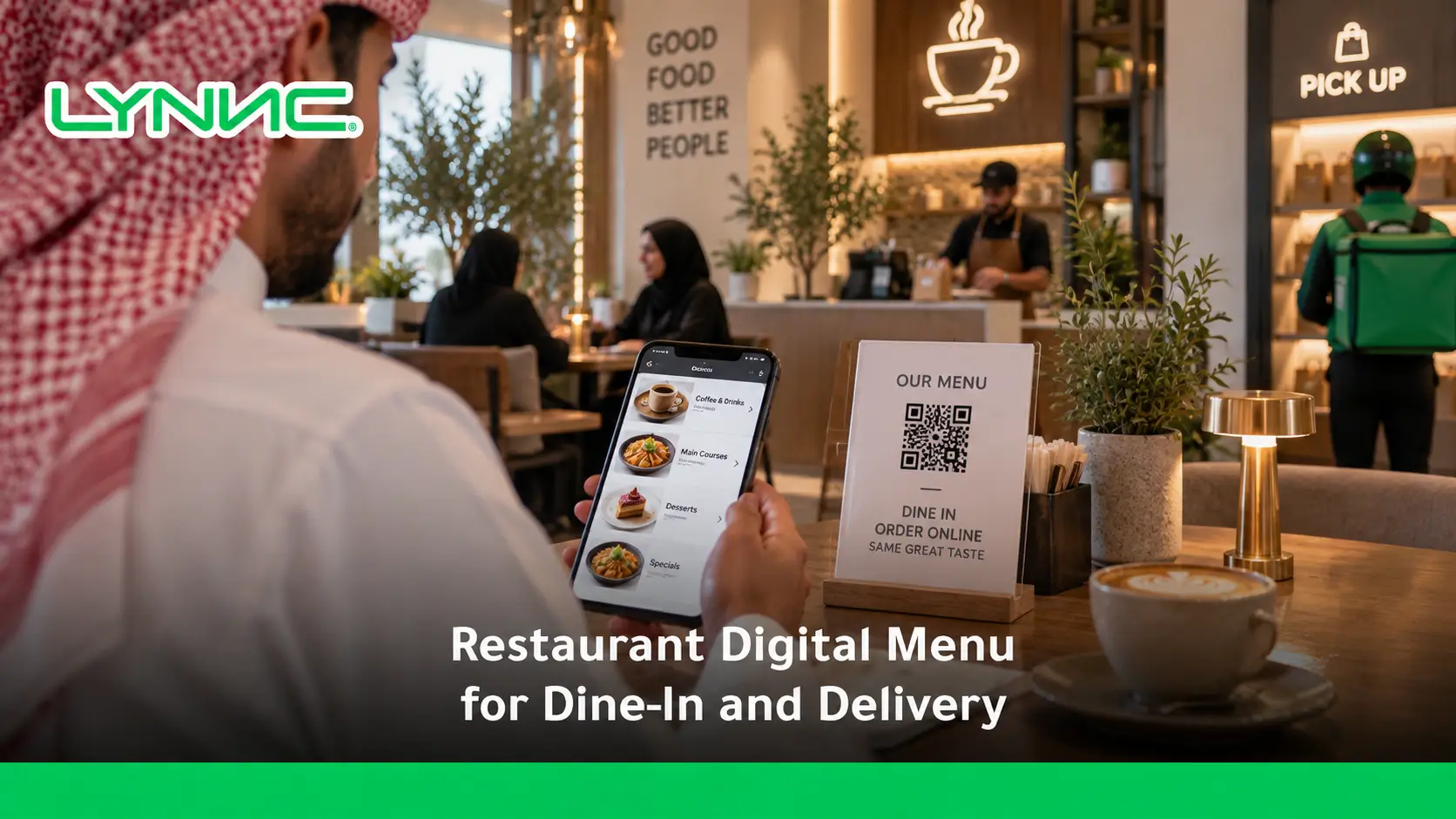
A LYNNC keeps items, prices, modifiers, images, and availability consistent across customer touchpoints. When connected with POS, QR ordering, online food ordering, and delivery channels, one menu reduces duplicate updates and unavailable-item errors while supporting channel-specific pricing. One of the strongest operational benefits is improving order accuracy with digital menus by reducing manual entry and keeping modifiers consistent.
Restaurants also gain clearer performance data, faster menu changes, smoother ordering journeys, and stronger control over customer experience from browsing and payment to kitchen fulfilment and delivery.
What Is a Unified Restaurant Digital Menu?
1. Technical Definition: One Connected Menu Source
A restaurant digital menu for dine-in and delivery is a central digital catalogue that can synchronise item names, descriptions, prices, modifiers, images, and availability across connected ordering channels. When integrated with POS and ordering systems, updates can flow from one menu source instead of being recreated manually for every channel.
2. Operational Definition: One Menu Control Point
Operationally, a unified digital menu gives restaurant teams one place to edit items, change availability, manage channel visibility, and maintain ordering information. Modern restaurant platforms can distribute those changes across POS, online ordering, kiosks, QR ordering, and supported delivery channels.
3. Commercial Definition: One Framework for Pricing and Sales
Commercially, the menu becomes a control layer for channel-specific pricing, promotions, item performance, and availability rather than a static list of dishes. This helps restaurants manage margins and reduce situations where customers see outdated prices or order products that are no longer available.
Dine-In Digital Menu vs Delivery Menu
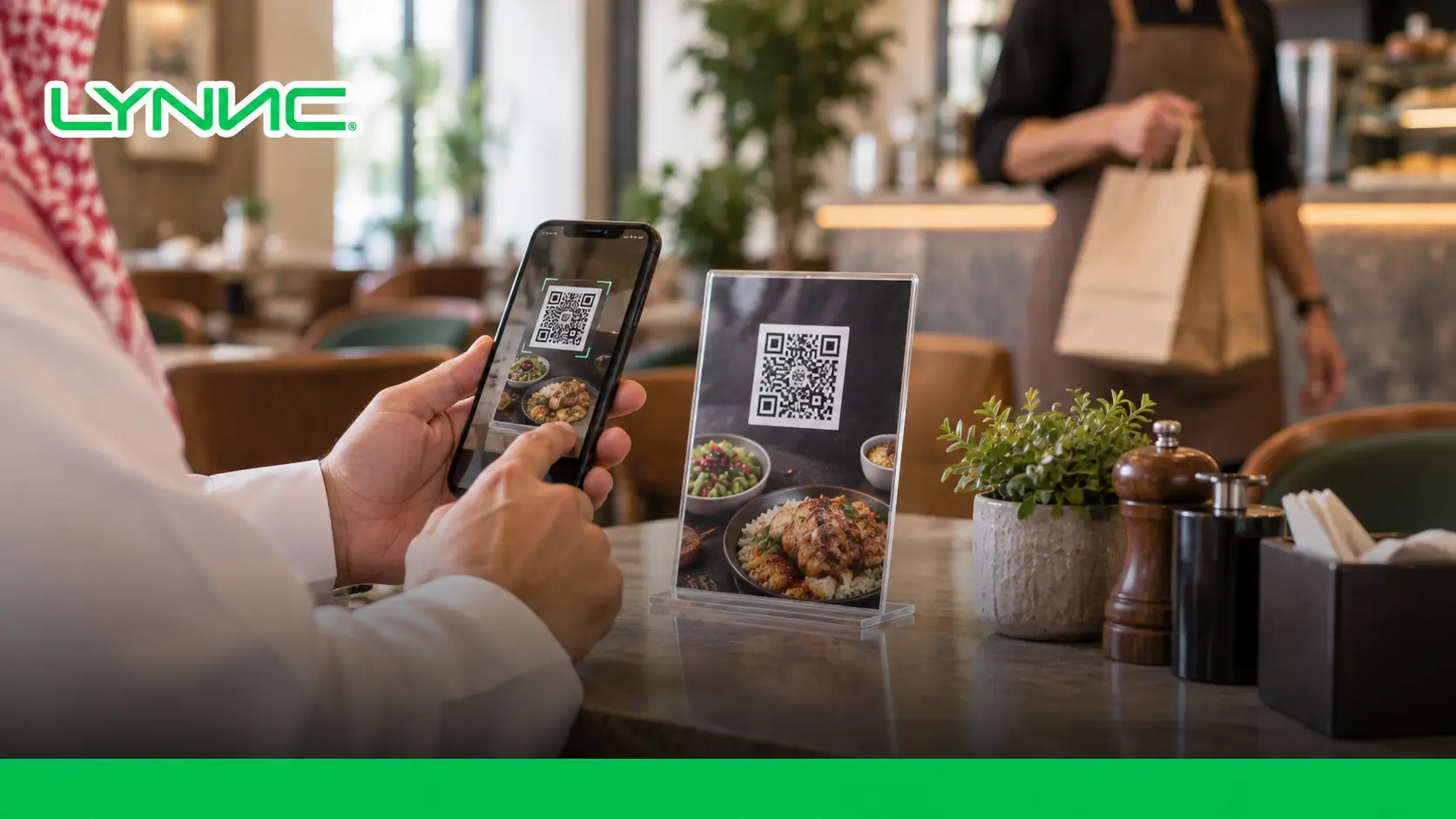
A dine-in menu may also support QR ordering and digital payments, depending on the chosen ordering and payment workflow.
The exact setup varies by restaurant technology and channel rather than following one universal configuration.
Why Restaurants Should Use One Menu Across Channels
1. Operational Efficiency and Lower Staff Workload
- Single Data Entry Point: A restaurant digital menu for dine-in and delivery reduces the need to re-enter the same product information separately across multiple connected channels.
- Fewer Manual Updates: Central editing lowers the risk of one channel displaying an old price, description, or modifier after another has already been updated.
- Faster Item Deactivation: Staff can hide an unavailable item without rebuilding the entire menu. Platforms such as DoorDash and LYNNC support direct item availability controls.
- Simpler Multi-Location Control: Shared menus can make recurring updates easier where several branches use the same core catalogue.
2. A More Consistent Customer Experience
- Consistent Product Names: Customers are less likely to encounter different versions of the same dish across channels.
- Accurate Information: Descriptions, images, modifiers, and availability can be kept closer to the current restaurant offer.
- Clear Pricing Logic: Deliberate channel pricing is easier to manage than unexplained differences created by inconsistent updates.
- Current Ingredient Information: Restaurants can update product descriptions when ingredients or preparation details change.
The result is a more predictable customer experience, whether a guest scans a QR code or orders remotely.
3. Better Financial and Performance Control
- Cleaner Sales Reporting: Connected ordering and POS systems make it easier to compare product and channel performance.
- Controlled Channel Pricing: Restaurants can apply different pricing rules where the operating model requires them instead of manually editing every item.
- Faster Product Testing: New dishes can be introduced to selected channels and measured against actual demand.
- Menu Performance Visibility: Item-level data can show which products generate orders and which may need different positioning.
Managing Prices and Availability Across Channels
Price and availability management determine whether customers see an offer the restaurant can actually fulfil at a commercially sensible price. A unified system separates the two decisions while controlling both from a shared operating structure.
The process works through two main controls:
1. Price Management Across Channels
- Base Pricing: Establish a core item price that acts as the reference point for the menu.
- Channel-Specific Pricing: A restaurant digital menu for dine-in and delivery can support different pricing logic for direct and third-party channels where the system and commercial agreements allow it.
- Scheduled Rules: Prices or offers can be adjusted around defined periods such as lunch promotions or off-peak campaigns.
- Modifier Pricing: Extras, upgrades, sizes, and other options can carry their own prices without being recreated as separate products.
- Tax and Fee Logic: Restaurants should configure tax, packaging, service, and other applicable charges according to local requirements and the relevant ordering channel.
DoorDash, for example, allows merchants to maintain different pickup and delivery prices for individual products and modifiers. LYNNC also offers dynamic pricing tools designed to adjust pricing according to demand and operating conditions.
2. Availability Management Across Channels
- Immediate Item Status Changes: An unavailable product should be hidden or deactivated before another customer attempts to order it.
- Modifier Availability: If one add-on or ingredient becomes unavailable, the related modifier can be disabled without necessarily removing the entire dish.
- Time-Based Availability: Breakfast, lunch, late-night, or labour-intensive dishes can appear only during suitable service periods.
- Inventory-Based Rules: Where inventory systems are connected, ingredient availability can inform which menu items remain sellable.
- Channel Visibility: Restaurants may deliberately sell certain items in-store while hiding them from delivery because they do not travel or package well.
Accurate availability is a critical part of a restaurant digital menu for dine-in and delivery because a menu should reflect what the kitchen can sell now, not what was available when the menu was first published.
Connecting Digital Menus With Online Food Ordering
A digital menu becomes more useful when browsing, ordering, payment, POS, and kitchen workflows connect instead of operating as separate systems. Online food ordering then becomes an extension of menu management rather than another catalogue staff must maintain.
The connection usually involves three layers:
1. One Menu Across Different Ordering Paths
- QR Ordering: Dine-in customers can scan a code, open the menu, customise products, and place orders from their phones.
- Direct Web Ordering: Customers outside the restaurant can browse the same core catalogue through the restaurant's ordering website.
- Pickup Orders: The system can reuse menu data while applying the correct fulfilment option.
- Delivery Orders: A restaurant digital menu for dine-in and delivery can publish selected items to supported delivery channels.
This is where connected restaurant software becomes useful: the objective is not merely to digitise the menu, but to connect that menu to the actual order flow.
2. POS and Kitchen Integration
- Automatic Order Routing: Digital orders can enter the restaurant system without staff retyping each ticket.
- Modifier Accuracy: Customer selections can travel with the order to the appropriate kitchen workflow.
- Order Source Visibility: Staff can identify whether an order originated from dine-in, pickup, direct web ordering, or delivery.
- Status Management: Connected systems can follow an order from acceptance through preparation and completion.
Toast describes digital menus as interfaces that can connect ordering to POS and kitchen workflows, while LYNNC's QR ordering product states that orders and payments can integrate with the POS.
3. Delivery Platform Connectivity
- Central Order Intake: Integrated systems can bring orders from several delivery services into one operating view.
- Menu Synchronisation: Product edits can be distributed to supported delivery channels without repeating the same task manually.
- Availability Control: Staff can hide products that cannot currently be fulfilled.
- Performance Data: Centralisation makes channel and item comparisons easier.
LYNNC states that its online ordering integrations consolidate orders from multiple delivery platforms for real-time management, tracking, and fulfilment.
Digital Menu Customer Experience Best Practices
- Fast Browser Access: A restaurant digital menu for dine-in and delivery should load quickly and avoid unnecessary barriers such as forcing a dine-in guest to install an app simply to view the menu.
- Clear Food Photography: Use accurate images that represent the actual dish. Strong, consistent menu photography can improve customer confidence and menu engagement.
- Logical Categories: Organise starters, mains, beverages, desserts, and other relevant groups so customers can find items without excessive scrolling.
- Useful Descriptions: State the information needed to understand the dish rather than filling the interface with promotional copy.
- Straightforward Modifiers: Sizes, toppings, cooking options, sides, and dietary choices should be presented in a sequence customers can understand.
- Visible Availability: Customers should not spend time configuring a dish only to discover later that it cannot be ordered.
- Simple Checkout: Reduce unnecessary steps between the basket and payment, particularly for mobile online food ordering.
- Relevant Upselling: Suggest additions that genuinely complement the selected product, such as a side, drink, dessert, or size upgrade.
- Channel-Appropriate Menus: Dine-in and delivery customers do not always need exactly the same assortment, modifiers, or presentation.
- Consistent Branding: Images, language, item names, and descriptions should still feel like the same restaurant across every channel.
Toast similarly recommends clear categories, useful descriptions, visible pricing, and ongoing menu maintenance across digital formats.
Digital Menu KPIs
A digital menu should be measured by what customers do after opening it, not simply by whether the technology works. For a restaurant digital menu for dine-in and delivery, three basic KPIs provide a useful starting point:
Menu Views
- Definition: Menu Views measure how many times customers open or view the digital menu during a selected period.
- Why It Matters: The metric helps distinguish an access problem from an ordering problem. Low views may indicate weak QR placement, limited traffic, or poor visibility of the online menu.
- What to Compare: Analyse views by channel, location, campaign, device, or time period where the analytics system supports those dimensions.
Conversion Rate
- Definition: Conversion Rate measures the percentage of menu visitors who complete an order.
- Formula:
Conversion Rate = (Total Orders ÷ Total Menu Views) × 100 - Why It Matters: A restaurant digital menu for dine-in and delivery can attract substantial traffic but still underperform if customers abandon the journey before ordering.
- What to Investigate: Compare pricing, product availability, checkout friction, images, descriptions, delivery conditions, and menu organisation when conversion declines.
There is no useful universal conversion benchmark for every restaurant, because dine-in QR traffic, direct web ordering, pickup, and delivery marketplace traffic have different intent and behaviour.
Average Order Value
- Definition: Average Order Value (AOV) measures the average amount spent per completed transaction.
- Formula:
Average Order Value = Total Revenue ÷ Total Orders - Why It Matters: AOV shows whether the menu encourages customers to build a complete order rather than purchase only the primary product.
- What Influences It: Bundles, modifiers, sides, beverages, desserts, premium sizes, and relevant cross-selling can all affect the result.
- What to Avoid: Raising AOV should not depend on irrelevant pop-ups or confusing add-ons that damage the customer experience.
DoorDash's merchant guidance specifically identifies modifiers as opportunities to add sides, drinks, toppings, upgrades, and other additions that can increase ticket size.
How LYNNC Centralizes Restaurant Menu Management
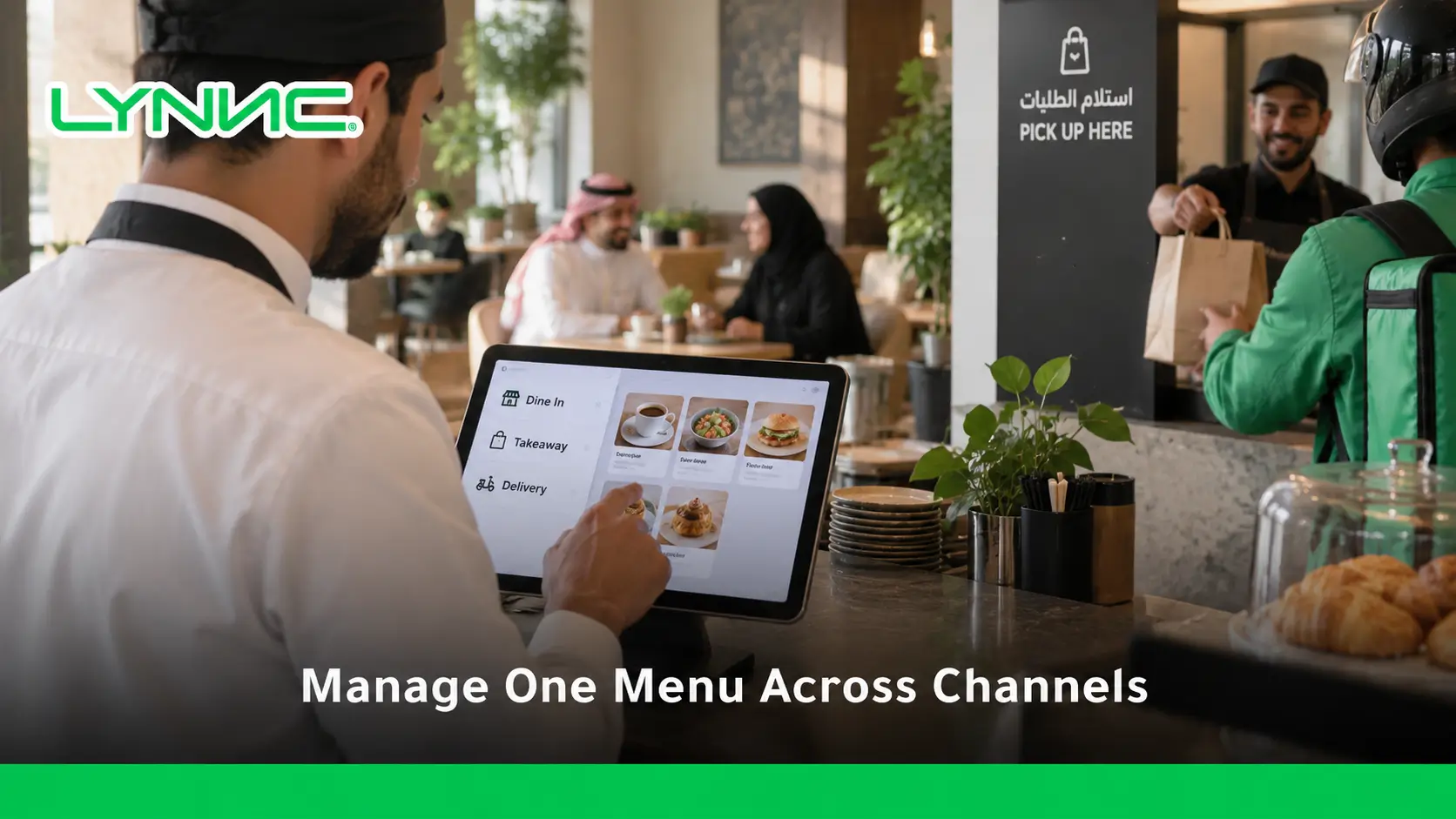
LYNNC is an AI-powered SaaS platform for F&B and retail businesses in the MENA region. Its current services include digital menus, QR ordering, order management, online ordering integrations, AI dynamic pricing, subscriptions, and delivery operations.
For restaurants building a connected menu operation, its relevant capabilities fall into four areas:
1. Central Menu and Item Control
- Instant Item Editing: LYNNC allows restaurants to add, edit, or hide menu items from its dashboard.
- Menu Information: Descriptions, images, and prices can be controlled digitally rather than through repeated printed-menu updates.
- Delivery Synchronisation: Its Order Management service states that item changes can update across connected delivery apps.
- Live Menu Updates: Itsrestaurant digital menusservice is designed to update pricing, availability, and content in real time.
That supports the central principle of a restaurant digital menu for dine-in and delivery: one controlled source should reduce contradictory menu information between channels.
2. Order and Delivery Channel Management
- Centralised Orders: Delivery-app orders can be brought into one management environment.
- Automatic Acceptance: LYNNC lists automatic order acceptance as part of its order-management functionality.
- Real-Time Tracking: Orders can be monitored from receipt through fulfilment.
- Platform Integration: LYNNC states that it integrates with delivery apps and POS systems, depending on the restaurant's technical setup.
3. QR Ordering for Dine-In Customers
- Instant Menu Access: Guests can open the menu by scanning a QR code.
- Mobile Ordering: Customers can select products and modifiers from their own devices.
- Digital Payment: LYNNC's QR ordering workflow supports direct ordering and payment through mobile devices.
- POS Connection: The service is designed to synchronise QR orders with restaurant POS operations.
This creates a direct dine-in journey while keeping menu management connected with the wider restaurant operation.
4. Pricing and Performance Control
- Dynamic Pricing: LYNNC offers AI-based tools that use operational and market signals to support pricing adjustments.
- Channel Rules: The platform describes different pricing approaches for direct and delivery channels where restaurants need to account for channel economics.
- Performance Insights: LYNNC's menu and order tools include item-performance and reporting capabilities.
- Central Visibility: Multiple branches and connected operations can be monitored through a central dashboard according to LYNNC's current platform information.
View LYNNC's official Digital Menu service
For more context, see Price Alignment Across Restaurant Ordering Channels: Why Updates Matter.
Restaurant Digital Menu for Dine-In and Delivery FAQs
How does the digital menu interface adapt between a dine-in and a delivery user?
A dine-in interface can prioritise QR access, table context, detailed modifiers, immediate ordering, and on-site payment options. A delivery interface should prioritise transport-suitable items, delivery pricing, clear fulfilment information, remote checkout, and simple choices that reduce packing errors. Both can still use the same underlying restaurant digital menu for dine-in and delivery.
Can a restaurant use different prices for dine-in and delivery?
Yes, where the ordering technology, platform rules, agreements, and local requirements permit it. A restaurant can maintain a core price structure while applying deliberate channel-specific pricing instead of manually changing every menu separately.
What happens when a menu item sells out?
The restaurant should mark the item unavailable as soon as possible. Integrated menu systems can then remove or deactivate the item across supported ordering channels, reducing the chance of customers placing orders the kitchen cannot fulfil.
Does a digital menu require customers to download an app?
Not necessarily. QR and web-based menus can open directly in a mobile browser. LYNNC's QR ordering, for example, provides QR-based menu access and ordering from customers' mobile devices.
What should restaurants measure after launching a digital menu?
Start with Menu Views, Conversion Rate, and Average Order Value, then add metrics such as item performance, abandonment, modifier usage, unavailable-item frequency, and performance by channel.
These measures show whether the menu is attracting traffic, converting that traffic, and producing commercially useful orders.

