


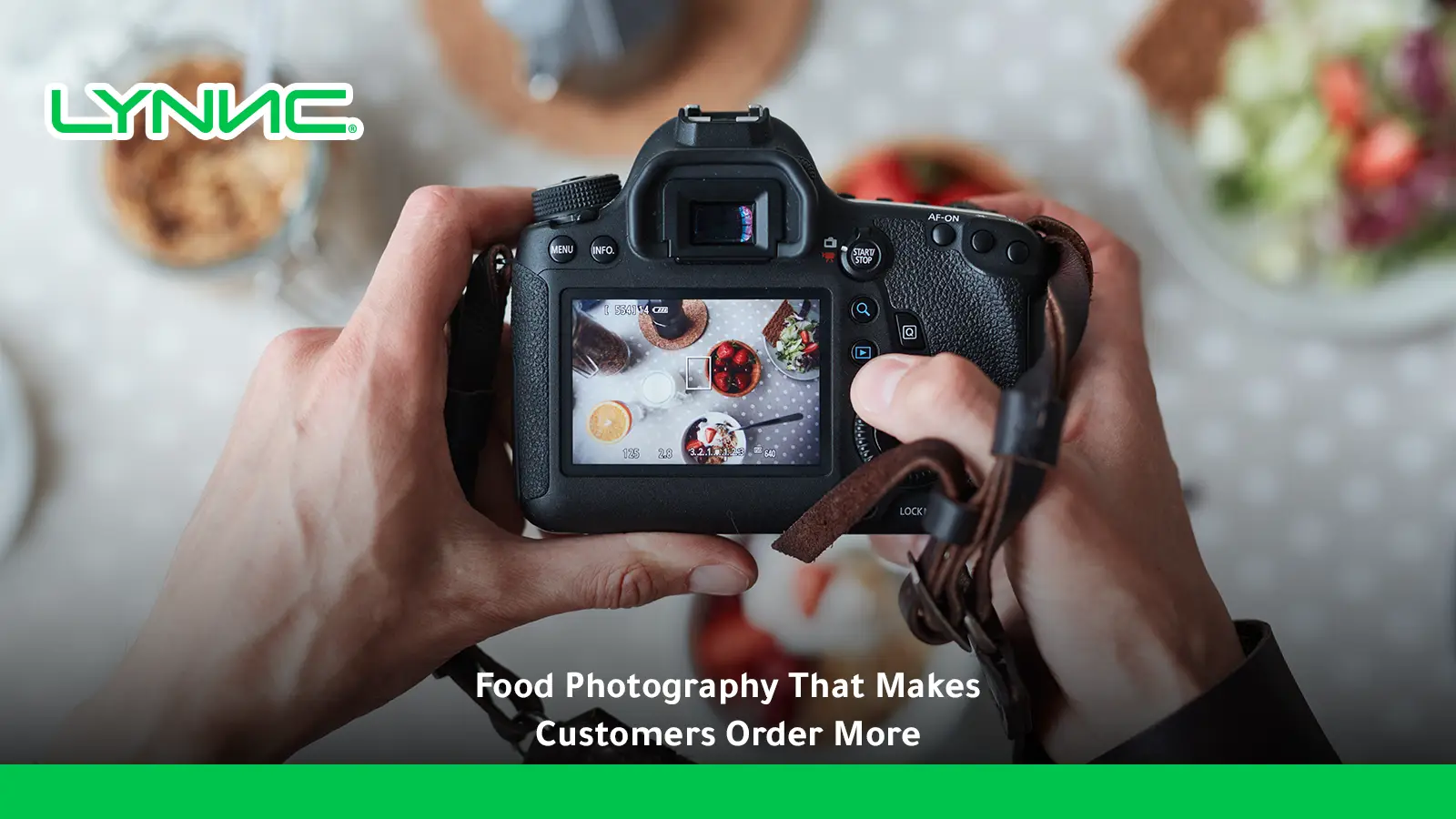
Food photography for restaurants turns menu items into powerful visual selling tools across digital menus, delivery apps, websites, and online ordering channels. High-quality images help customers understand dishes, discover products faster, and compare sides, drinks, desserts, and premium options before checkout. Beyond appearance, strong menu photography can support conversion rates, product discovery, average order value, and customer experience, while platform data links item photos with significantly higher overall monthly sales.
centralized menu management helps restaurants manage this workflow through a more connected, centralized process.
LYNNC restaurant operations platform provides a unified environment for managing this workflow more consistently.
What Is Food Photography for Restaurants?
Food photography for restaurants is the process of creating accurate, visually appealing images of menu items for use across customer-facing digital channels. Its purpose in a menu environment differs from general lifestyle or social-media photography: a menu image must help the customer understand the specific product they can actually order.
Restaurant food photography includes:
- Menu Item Photography: Individual images representing specific products available for purchase.
- Digital Menu Photography: Images optimized for mobile browsing, QR menus, and online ordering interfaces.
- Delivery App Photography: Product images prepared according to marketplace requirements.
- Website Photography: Images used to support direct online ordering and restaurant discovery.
- Modifier Photography: Visuals showing premium toppings, sides, sizes, or paid upgrades.
- Promotional Photography: Images created for featured dishes, seasonal products, bundles, and limited-time offers.
- Brand Photography: Wider visual content showing the restaurant's style, atmosphere, ingredients, or food preparation.
For ordering purposes, accuracy is essential. The image must represent the actual portion, ingredients, preparation, and presentation customers can reasonably expect to receive.
How Do Menu Images Change Customer Ordering Decisions?
- Reduce Product Uncertainty: Accurate images communicate portion size, shape, ingredients, texture, presentation, and included components, which is critical for unfamiliar dishes.
- Increase Product Visibility: A strong image creates a visual stopping point, making a specific dish stand out inside a long digital menu.
- Help Customers Compare Products: Images clarify the differences between standard and premium products, regular and large portions, or competing beverage choices.
- Support Faster Decisions: A clear image paired with an accurate description reduces hesitation before adding an item to the cart.
- Improve Product Discovery: Visuals draw attention to items customers were not initially planning to buy, such as appetizers, sides, desserts, or specialty drinks.
- Create Additional Basket Opportunities: Discovering visually appealing supplementary products increases the basket size and raises the average order value.
Restaurants can use a digital menu for restaurants to combine images with menu items, pricing, descriptions, and other customer-facing information within one seamless ordering experience.
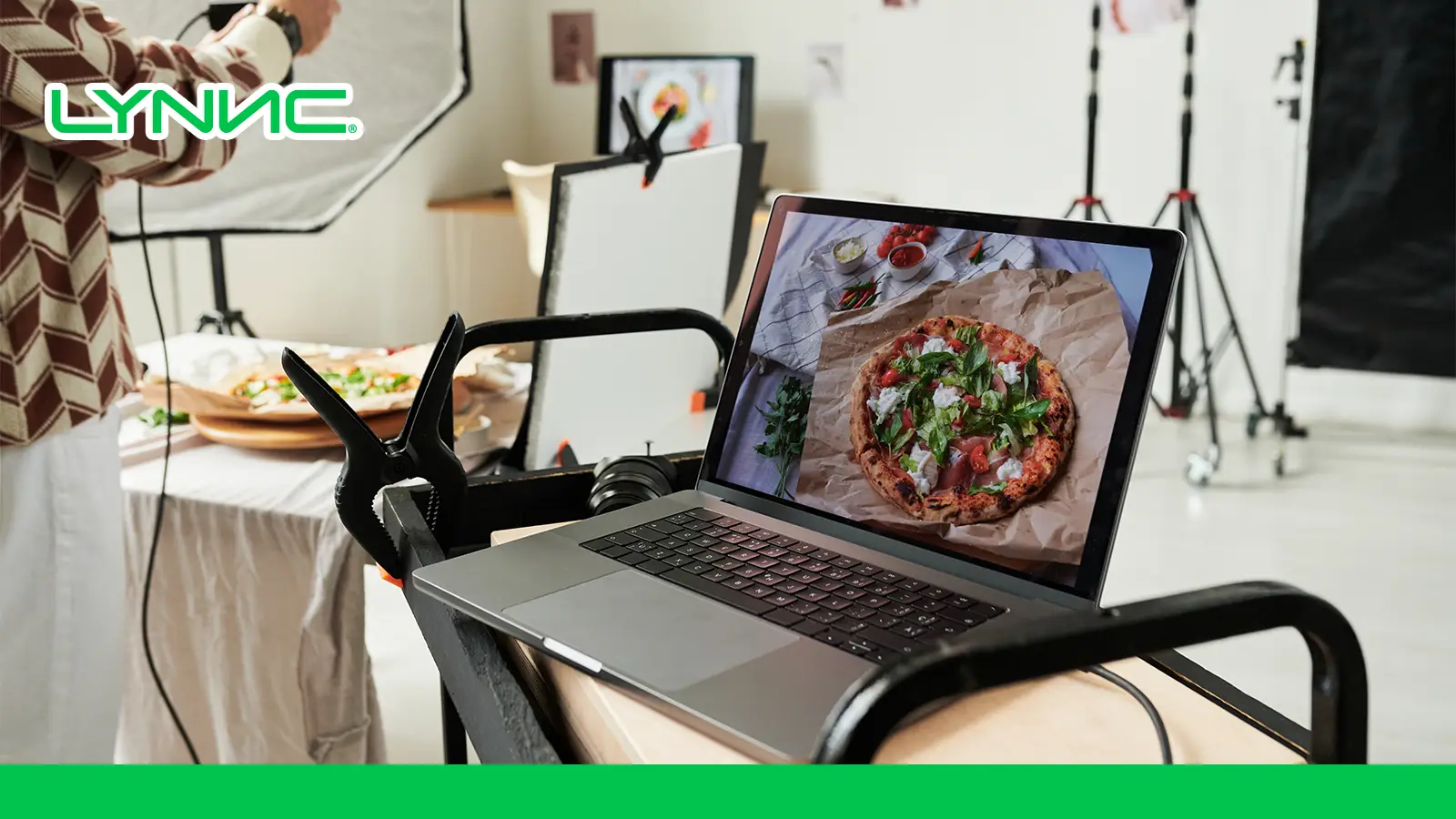
Which Menu Items Deserve Photography First?
The photography plan should prioritize commercial importance, rather than simply moving through the menu alphabetically.
- High-Profit, High-Popularity Items: Products combining strong demand with strong contribution margins are natural priorities.
- High-Profit Items With Lower Popularity: Profitable items that sell less frequently often suffer from a visibility problem and benefit greatly from stronger photography.
- Signature Dishes: Products defining the restaurant's identity, such as specialty coffees or house desserts, deserve strong visual representation.
- Unfamiliar Products: A photo adds immediate value when a product's name alone does not fully explain its ingredients or serving format.
- Premium Products: Higher-priced items require stronger communication of perceived value through visuals of premium ingredients or larger portions.
- Desserts & Specialty Drinks: These highly visual products easily become incremental purchases when presented attractively.
- Bundles and Combos: Bundle photos clearly communicate exactly what customers receive in a package deal.
- Add-Ons and Premium Modifiers: Visually presenting upgrades like extra protein or premium sides supports higher-value orders.
How Should Restaurants Photograph Food for Digital Ordering?
- Use Clean, Controlled Lighting: Soft natural light produces a realistic image. Avoid harsh shadows, blown-out highlights, strong color casts, and direct flash.
- Choose an Angle That Matches the Product: Top-down works well for pizzas and bowls; a 45-degree angle suits plated dishes and burgers; straight-on is best for tall items like layered desserts or drinks.
- Keep the Food as the Main Subject: Props should support the dish, not compete with it. Avoid crowded tables and distracting backgrounds.
- Show the Real Portion: Photography must accurately represent the quantity, side dishes, toppings, and packaging customers will actually receive.
- Photograph the Food Fresh: Food changes quickly—ice melts, sauces dry, fried food loses texture, and herbs wilt. Shoot shortly after preparation.
- Maintain Consistent Styling: Standardize backgrounds, plate styles, lighting direction, and image temperature to maintain a unified brand identity.
- Edit Without Misrepresenting: Use post-production to improve exposure and white balance, but never alter the real appearance, portion, or color of the product.
How Should Food Photos Be Structured Inside a Digital Menu?
- Keep the Main Product Clearly Visible: The core item must remain visible even if the platform crops the image.
- Use Consistent Image Ratios: A consistent workflow makes it easier to adapt assets across mobile menus, direct ordering, delivery apps, and websites.
- Avoid Text Inside Item Photos: Product names, prices, and offers should be managed as menu data. Embedded text breaks when prices change, menus are translated, or platforms crop images.
- Use Simple Backgrounds: Clean surfaces maintain contrast, clarity, and consistent branding.
- Optimize File Size: High-resolution photographs must be optimized to prevent slow loading times on cellular networks.
- Check the Mobile Version: Always review the finished menu on a real phone to verify cropping, readability, and the position of the "Add to Cart" button.
How Can Menu Images Raise Average Order Value?
- Increase Visibility of Additional Items: Main-course customers are more likely to notice and add a starter, side, or dessert when presented visually.
- Make Premium Choices Easier to Compare: Visualizing the difference between a standard and premium option simplifies the upgrade decision.
- Support Cross-Selling: Photos reinforce natural combinations (burger alongside fries and a drink).
- Support Upselling: Images help customers evaluate upgrades such as larger portions, premium ingredients, and deluxe versions.
- Give Bundles Stronger Visual Context: A bundle image shows the complete value proposition instantly.
- Improve Modifier Selection: Visuals help customers understand exactly what they receive from a premium modifier or side.
When Can Food Photos Reduce Conversion Rate and Customer Trust?
Strong photography should improve the customer experience by increasing clarity and confidence. It backfires when it creates distrust through:
- Misleading Portion Sizes: The image makes the product appear much larger than reality.
- Unincluded Products: Fries or drinks appear in the image but are not part of the actual order.
- Excessive Editing: Colors or textures look materially different from the real food.
- Old Images: The recipe or presentation changed, but the photo was never updated.
- Inconsistent Photography: Differing backgrounds and lighting make the menu look unmanaged.
- Visual Overload: Too many dominant images reduce hierarchy and make browsing difficult.
- Sold-Out Products: Customers repeatedly see appealing images for products they cannot order.
How Should Restaurants Measure the Revenue Impact of Menu Photography?
| Metric | What It Measures | Why It Matters |
|---|---|---|
| Item Conversion Rate | Product views that become additions or orders | Shows whether an image helps convert interest into selection |
| Average Order Value | Average value of completed orders | Measures overall basket-value impact |
| Featured Item Sales | Sales of visually prioritized dishes | Tests whether photos improve discovery |
| Attach Rate | Orders containing a relevant side, drink, or dessert | Measures cross-selling impact |
| Upsell Conversion Rate | Customers accepting a premium option | Tests upgrade effectiveness |
| Menu-to-Cart Rate | Menu sessions that create a basket | Indicates purchase intent |
| Checkout Conversion Rate | Created baskets that become completed orders | Protects against friction later in the journey |
| Revenue per Menu Visitor | Revenue generated relative to menu traffic | Combines spending and conversion |
| Cart Abandonment Rate | Started orders that are not completed | Identifies possible customer-experience problems |
To measure accurately: Record baseline metrics before changing photos, change one major variable at a time, compare similar operating periods, and evaluate performance at the individual product level.
How Can Multi-Branch Restaurants Keep Menu Photography Consistent?
- Create a Photography Standard: Define lighting, framing, angles, backgrounds, and resolution rules.
- Build a Master Image Library: Connect each approved image with the correct Product ID, name, and category to prevent branches from using unrelated images.
- Separate Shared Products From Local Products: Use one approved image for national signature items, but require specific photography for branch-exclusive products.
- Control Image Distribution: Ensure the same approved asset reaches digital menus, web ordering, and delivery channels seamlessly.
- Keep Images Connected With Ordering Data: Photography performs best when integrated into the wider menu system rather than sitting in a separate marketing folder.
An online ordering system for restaurants can combine the visual product presentation with descriptions, pricing, modifiers, availability, and checkout in the same customer journey.
Turn Menu Photography Into a Measurable Sales Asset With LYNNC
Food photography should do more than make a restaurant menu attractive. Its business value comes from showing the right products accurately, placing those images strategically, connecting them with reliable menu information, and measuring how customer behavior changes after the visual experience improves.
- Present products using clear, accurate visual assets.
- Prioritize high-value and high-potential menu items.
- Keep images connected with the correct product records.
- Use visuals to improve product discovery, upselling, and cross-selling.
- Maintain consistent customer-facing presentation across branches.
- Measure conversion rates and average order value after menu changes.
LYNNC brings together Digital Menus, menu management, online ordering, restaurant operations, and analytics within a connected SaaS environment.
Use contact LYNNC — request a demo to explore how your menu images, products, prices, and digital ordering journey can work together to create a stronger customer experience and higher-value orders.
Frequently Asked Questions About Food Photography for Restaurants
How much do high-quality food photos realistically increase average order value?
There is no universal percentage. Platform data shows strong associations between menu photography and higher restaurant sales, but the actual AOV effect depends on which products are photographed, pricing, menu placement, modifier options, and cross-sell opportunities. Restaurants should measure their own AOV before and after controlled photography changes.
Does food photography really increase restaurant sales?
Strong platform evidence suggests that food photography supports higher sales and ordering activity. The magnitude varies by menu coverage, image quality, and customer mix, so operators should rely on their own sales and conversion data to measure the exact effect.
Which restaurant menu items should be photographed first?
Start with high-profit and high-popularity items, profitable products with weak visibility, signature dishes, premium items, desserts, specialty drinks, bundles, and products that customers may struggle to understand from the name alone.
Do all digital menu items need photos?
Not necessarily. Priority should go to items where photography improves product understanding, discovery, or commercial performance. Consistency and quality matter more than adding weak images simply to achieve full coverage.
Can food photos increase conversion rate?
Yes. They support conversion by reducing uncertainty, improving product understanding, and making products easier to discover. The actual conversion effect should be measured at the menu or product level.
How do menu photos influence average order value?
Photos expose customers to additional sides, drinks, desserts, bundles, premium versions, and modifiers. When these visual discoveries result in extra items or upgrades, the average order value rises.
What is the best angle for restaurant food photography?
It depends entirely on the dish. Top-down photography works well for pizzas and bowls, while 45-degree or straight-on angles better communicate the height and layers of burgers, drinks, and stacked products.
Should restaurant food photos show sides and extras?
Only when those items are genuinely included in the purchase, or the image clearly communicates what is included. Showing extras that customers will not receive creates misleading expectations and damages trust.
Can smartphones be used for restaurant menu photography?
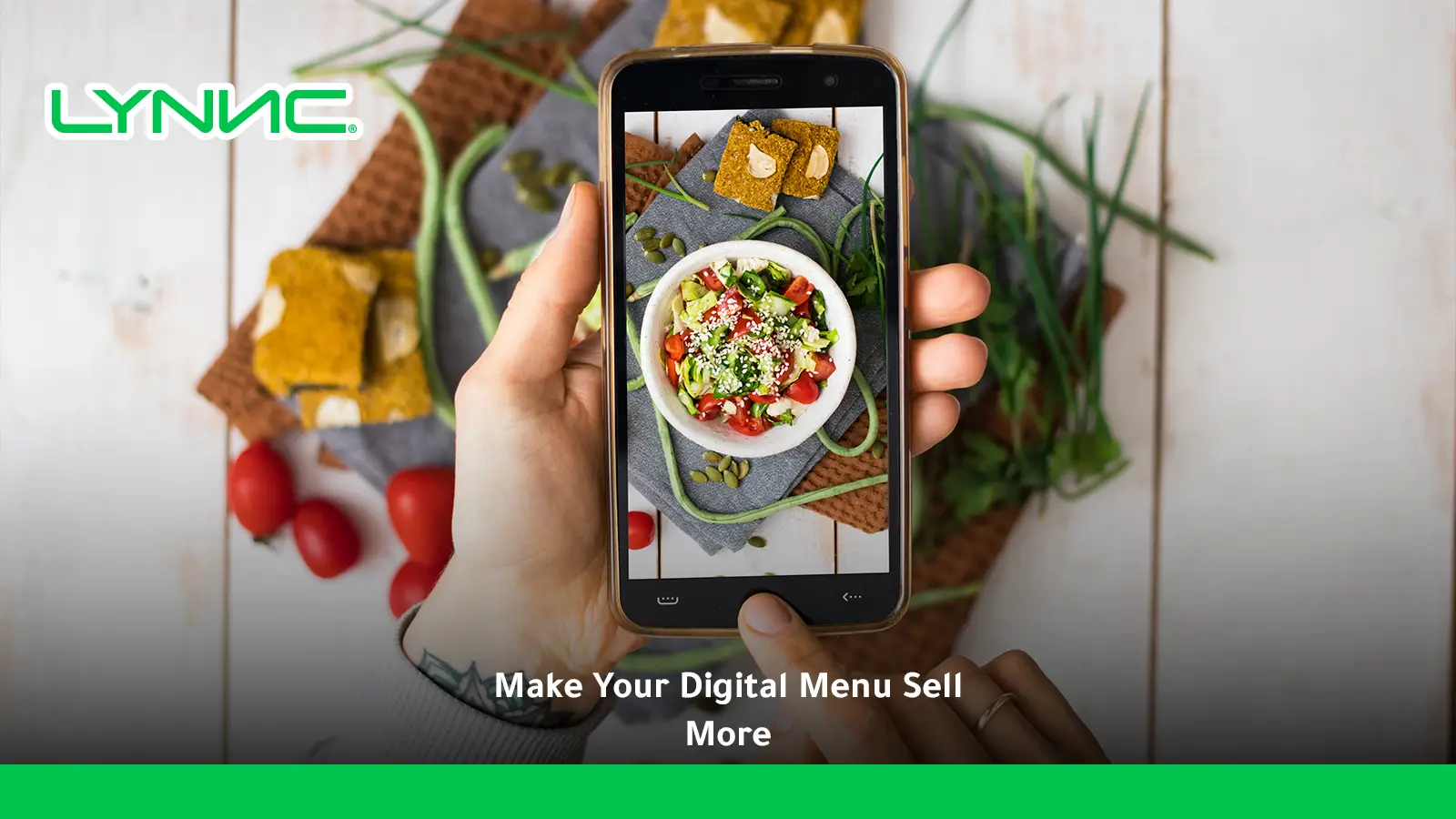
Yes. Modern smartphones produce strong menu images when paired with good lighting, stable framing, clean presentation, and light editing.
How often should restaurants update food photos?
Review images whenever the recipe, portion, plating, packaging, or included sides change. Multi-branch operators should periodically audit whether each location is using the correctly approved product images.
learn more about digital Menu Migration: Move From Paper Menus to Digital

