


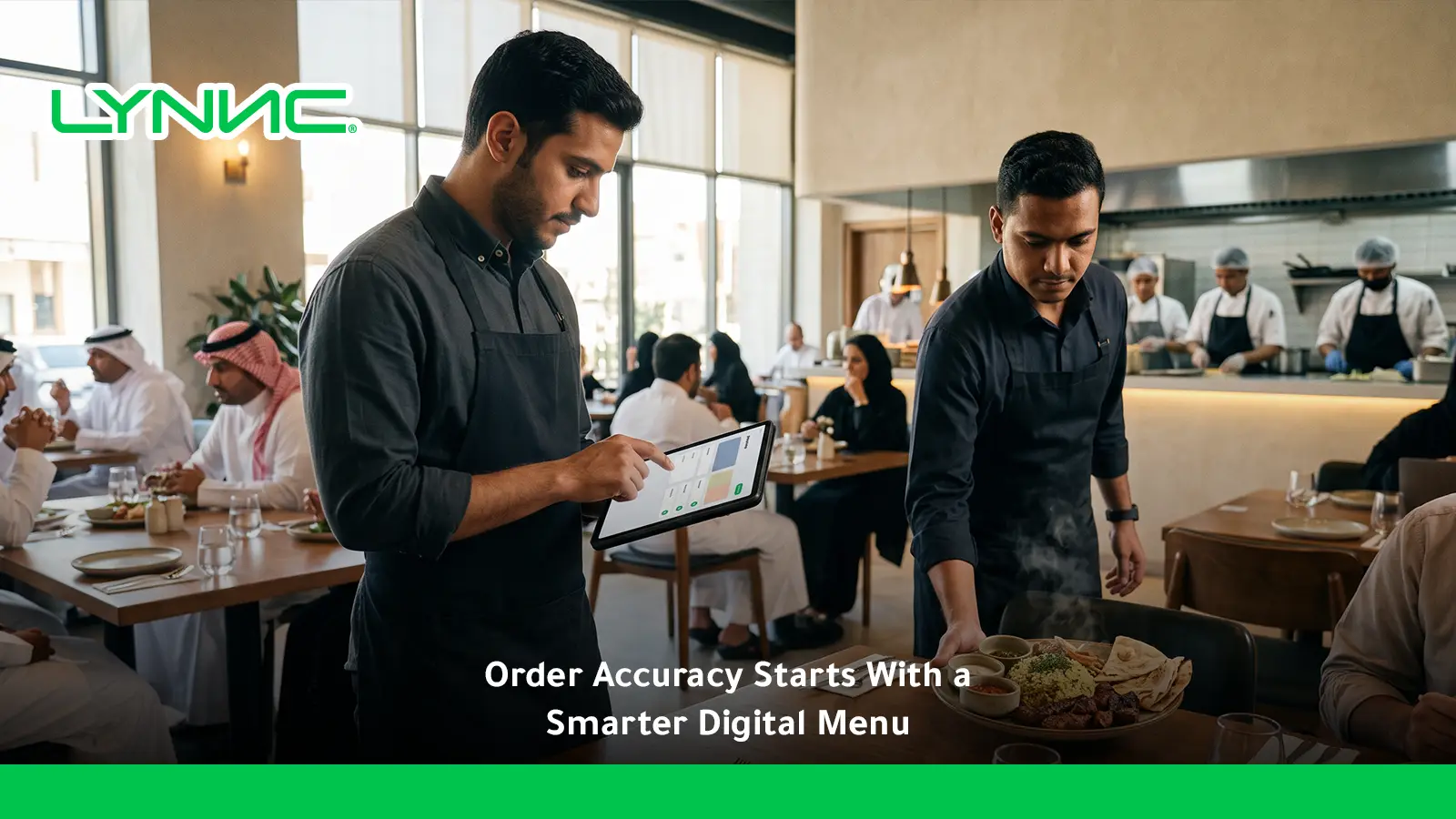
Order accuracy with digital menus reduces restaurant errors by replacing manual entry with structured customer selections, real-time availability, connected POS workflows, and kitchen display systems. Accurate digital ordering improves modifier handling, lowers remakes and refunds, supports faster order processing, and creates a smoother customer experience. This guide explains common error sources, digital menu benefits, POS and KDS integration, essential accuracy KPIs, frequent digital ordering mistakes, and LYNNC’s connected order flow.
What Is Restaurant Order Accuracy?
Restaurant order accuracy measures how closely the meal prepared and delivered matches what the customer actually requested, including items, quantities, modifiers, and special instructions.
The meaning becomes clearer when viewed from several operational perspectives:
Operational Accuracy
From an operations perspective, order accuracy with digital menus means transferring the customer’s selections into preparation without losing or changing important details.
This includes the correct products, quantities, modifiers, sides, and other instructions required to fulfil the order as intended.
Cost Efficiency
From a financial perspective, accurate orders reduce waste caused by remakes, unnecessary ingredients, refunds, and compensation.
Improving order processing therefore protects more than service quality; it also reduces avoidable operational costs.
Customer Experience
From a service perspective, order accuracy with digital menus helps customers receive what they expected without needing corrections after preparation or delivery.
Reliable fulfilment supports a stronger customer experience, particularly for delivery and takeaway orders where mistakes are harder to correct immediately.
Dietary and Safety Requirements
Order accuracy becomes especially important when customers provide dietary or allergen-related instructions.
Digital modifiers and clear KDS displays can make special requests more visible, but technology should support rather than replace a restaurant’s established allergen and food-safety procedures. Toast KDS, for example, can highlight allergens and special preparation instructions for kitchen teams.
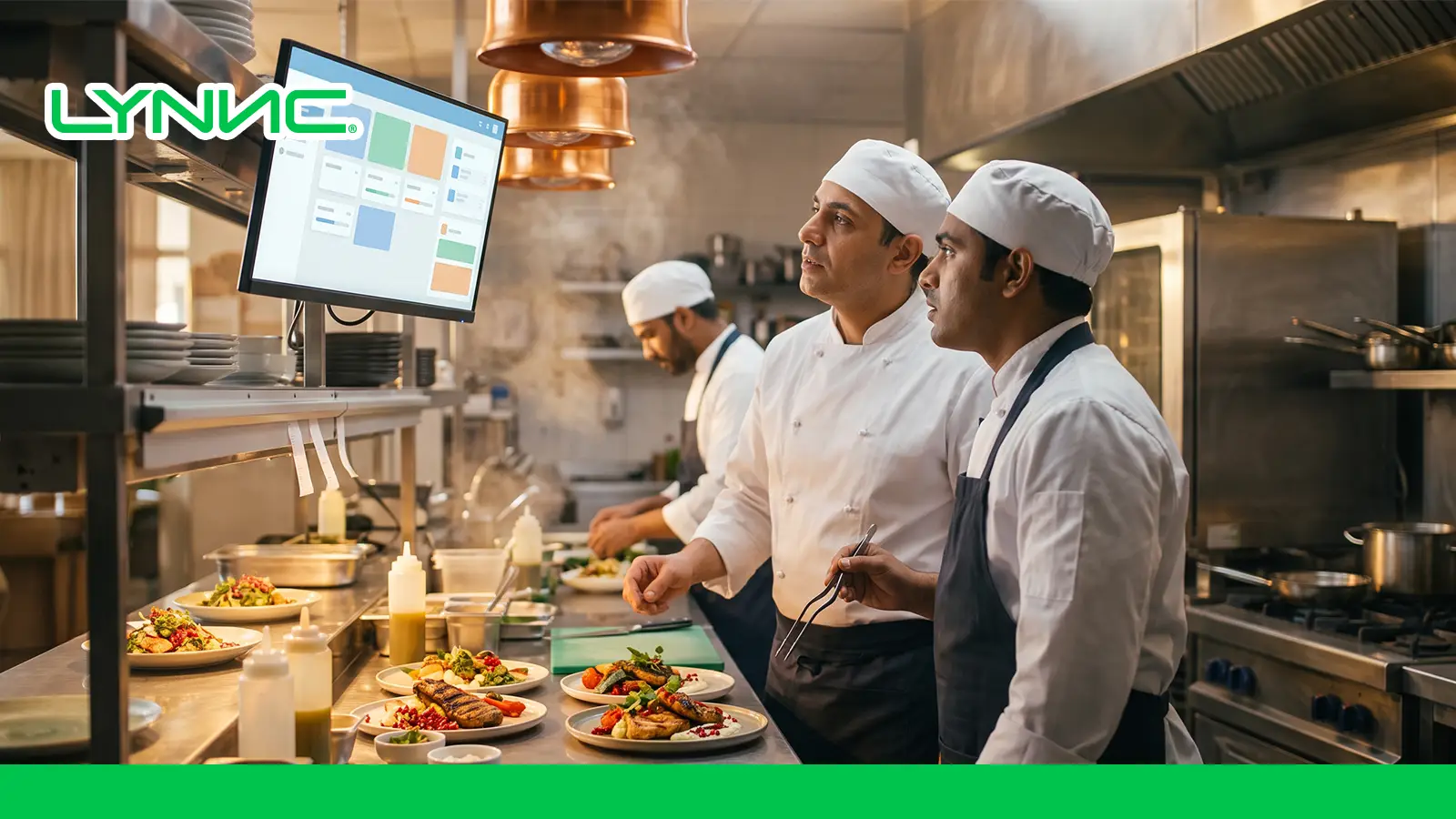
Where Restaurant Ordering Errors Come From
Most order mistakes occur when information changes, disappears, or is misunderstood between the customer, front-of-house team, POS, and kitchen.
The most common causes include:
Manual Order Entry
Manual re-entry creates additional opportunities for errors before preparation even begins.
- Repeated Data Entry: Staff may receive a digital or verbal order and then type it again into another system.
- Peak-Hour Pressure: High order volume increases the chance of selecting the wrong item, quantity, or table.
- Human Fatigue: Long or busy shifts can reduce concentration during manual entry.
- Duplicate Work: Re-entering information slows order processing while adding no value to the customer.
Connected ordering systems reduce this risk by moving order data directly into restaurant operations instead of requiring another manual step. LYNNC describes this as one of the benefits of connecting ordering channels with POS workflows.
Staff Miscommunication
Verbal and handwritten workflows depend heavily on people interpreting information correctly.
- Misheard Instructions: Noisy environments can cause employees to miss verbal details.
- Unclear Writing: Handwritten tickets may be difficult for kitchen staff to interpret.
- Lost Tickets: Paper slips can be misplaced or sent to the wrong preparation area.
- Incomplete Handoffs: Important modifications may disappear as an order moves between employees.
A kitchen display system can replace fragmented paper tickets with a consistent digital view of incoming orders. Lightspeed positions its KDS as one digital source for onsite and online orders.
Incorrect Menu Availability
Errors can begin before the customer confirms the order if menu information is outdated.
- Unavailable Items: Customers may order products the kitchen can no longer prepare.
- Late Substitutions: Staff then need to contact customers and manually change the order.
- Wrong Daypart Items: Breakfast or limited-time products may remain visible outside their intended period.
- Channel Mismatch: One ordering channel may show different availability from another.
A connected digital menu can reduce these problems when availability is synchronized with backend restaurant systems. LYNNC states that its digital menus support real-time availability and content updates. For the wider menu workflow, see restaurant digital menu for dine-in and delivery.
Modifier Errors
Modifiers are a frequent source of complexity because a single product may contain several required choices.
- Missed Requests: “No onion,” “extra cheese,” or preparation preferences can be overlooked.
- Unclear Choices: Poorly structured menus may make customization confusing.
- Incomplete Selections: Customers may proceed without choosing an option required by the kitchen.
- Kitchen Visibility: Correct modifiers still need to appear clearly during preparation.
Square allows required modifier sets to be presented during order entry and can organize modifiers separately for kitchen displays so preparation teams see them in a useful sequence.
How Digital Menus Improve Order Accuracy
Order accuracy with digital menus improves when customers make structured selections themselves and those selections continue through the restaurant workflow without unnecessary rewriting.
The strongest improvements come from these mechanisms:
- Direct Customer Entry: Customers select their own products and options, reducing errors caused by staff mishearing or rewriting an order.
- Structured Modifiers: Required selections can prevent an order from progressing until key choices are completed.
- Visual Order Review: Customers can review products, quantities, modifiers, and pricing before confirmation. Square’s customer-facing order confirmation tools are designed specifically to let customers verify items and modifiers in real time.
- Current Availability: A connected digital menu can hide unavailable products rather than accepting orders the kitchen cannot fulfil.
- Consistent Menu Data: Names, prices, descriptions, modifiers, and availability can remain synchronized across customer-facing channels.
- Direct System Routing: Orders can move into POS and kitchen workflows without employees manually recreating them.
- Clearer Preparation Instructions: Digital tickets make detailed modifications easier for kitchen staff to identify.
These benefits explain why Digital Menu functionality becomes more valuable when it is part of connected restaurant technologies rather than simply replacing a printed menu.
Paper and Verbal Ordering vs Digital Menu Ordering
The main difference is not that every digital order is automatically correct. Digital ordering removes several manual handoffs, while paper and verbal ordering depend more heavily on accurate communication at each stage.
Digital systems reduce avoidable handoffs, but accurate configuration remains essential. An incorrect modifier setup, routing rule, or product mapping can still create mistakes.
How Digital Menus Connect With Kitchen Display Systems
A digital menu becomes much more useful for order accuracy when the customer’s selections reach the kitchen without being reinterpreted several times.
A connected workflow usually operates as follows:
- Order Submission: The customer confirms items and modifiers through the digital ordering interface.
- POS Processing: The order enters the POS or order-management environment for transaction and operational processing.
- Kitchen Routing: Products are sent to the relevant kitchen display system or preparation station.
- Station Assignment: Drinks, starters, grill items, or other categories can be routed to different preparation areas.
- Modifier Visibility: Special requests can be displayed prominently for kitchen staff.
- Status Updates: Kitchen teams can update preparation status as work progresses.
- Fulfilment Coordination: Completed items can move to packing, pickup, table service, or delivery.
Toast confirms that KDS orders can flow from POS to kitchen in real time and can be organized by station and service model.
Correct routing remains important. Toast’s support documentation notes that wrong preparation-station settings can cause orders to appear on the wrong screen or fail to appear where expected. A connected restaurant kitchen display system helps keep digital order details visible through preparation.
How POS and Order Management Integration Reduces Errors
Connected POS and order-management systems support order accuracy with digital menus by keeping the same order data moving through the restaurant instead of rebuilding it at every stage.
Key benefits include:
- Less Manual Re-Entry: Digital orders can enter the restaurant workflow without being typed again by staff.
- Consistent Modifier Data: Customer selections can stay attached to the correct product through preparation.
- Centralized Order Processing: Orders from direct web, QR, dine-in, and delivery channels can be managed through fewer disconnected interfaces.
- Availability Synchronization: Restaurants can remove unavailable products before customers order them.
- Automated Kitchen Routing: Each product can be sent to the correct preparation station based on configured rules.
- Clear Order Sources: Teams can identify whether an order came from dine-in, web ordering, pickup, or a delivery platform.
- Cleaner Fulfilment: Customer and order information can remain connected through preparation and handoff.
LYNNC’s Foodics integration describes this workflow as customer order → ordering platform → POS → kitchen, reducing the need for cashier intervention. For the integration layer behind this flow, review integrated POS system for restaurant ordering.
Order Accuracy KPIs Restaurants Should Track
Measuring order accuracy with digital menus requires more than assuming that a new system has reduced mistakes.
Restaurants should track several indicators to understand where errors remain:
Incorrect Order Rate
This KPI measures the percentage of completed orders containing an accuracy problem.
- What It Includes: Missing items, incorrect products, wrong quantities, or missed modifiers.
- Basic Formula: Incorrect orders ÷ total completed orders × 100.
- Best Use: Track changes over time by channel, branch, shift, or order type.
- Action: Investigate the workflow stage where repeated errors originate.
There is no universal percentage that defines an acceptable rate for every restaurant, so internal trends are more useful than applying an unsupported benchmark.
Remake Rate
The remake rate tracks meals that need to be prepared again because something was incorrect.
- Operational Impact: Remakes consume kitchen capacity.
- Food Cost: Ingredients used in the first preparation may be wasted.
- Service Impact: Replacement meals increase wait times.
- Diagnostic Value: Frequent remakes may identify training, modifier, routing, or preparation problems.
Refund Rate
Refunds show when order problems become significant enough to create a financial adjustment.
- Direct Cost: The restaurant may lose part or all of the sale.
- Indirect Cost: Food, labor, packaging, or delivery costs may already have been incurred.
- Channel Analysis: Compare refunds from dine-in, direct digital orders, and delivery platforms.
- Root Cause: Separate accuracy-related refunds from other reasons such as delays or quality complaints.
Customer Complaints
Complaint data helps explain problems that transaction metrics alone may miss.
- Classification: Separate missing items, wrong modifiers, incorrect products, cold food, and other issues.
- Channel: Identify where the complaint originated.
- Frequency: Look for repeated patterns rather than isolated cases.
- Customer Experience: Recurring accuracy complaints can indicate a systemic workflow problem.
Together, these KPIs turn order accuracy into an operational measurement rather than a vague quality goal.
Common Digital Ordering Mistakes
Digital ordering removes some manual problems, but poor setup can create a different set of errors.
Restaurants should watch for:
- Incorrect Product Mapping: A digital product connected to the wrong POS item can send incorrect information to the kitchen.
- Outdated Availability: A menu that is digital but not synchronized can still show unavailable items.
- Missing Required Modifiers: Customers may submit incomplete orders if essential choices are optional.
- Overcomplicated Modifier Trees: Too many unclear options make ordering harder and increase incorrect selections.
- Wrong KDS Routing: Items may appear at the wrong station or fail to appear on the expected screen.
- Duplicate Tickets: Incorrect routing or station configuration can cause the same order to appear more than once. Toast documents duplicate kitchen tickets as a possible result of an item being assigned to multiple preparation stations.
- Inconsistent Channel Menus: Products and modifiers may differ between POS, online ordering, and delivery channels if each system is maintained separately.
- Poor Testing: Restaurants may publish menu changes without checking the full customer-to-kitchen journey.
- Ignoring Edge Cases: Combos, substitutions, special instructions, and complex modifiers should be tested before launch.
- No Error Monitoring: Automation can reduce mistakes, but integrations still require monitoring and maintenance.
Square’s restaurant tools illustrate why channel visibility and modifier configuration matter: modifier sets can have separate channel settings, and incorrect configuration can affect what customers or kitchen teams see.
How LYNNC Creates a More Accurate Order Flow
LYNNC’s current platform combines several tools relevant to order accuracy with digital menus, including Digital Menu, QR Ordering, Order Management, Web Ordering, and POS integrations.
Its connected workflow supports accuracy in several ways:
- Centralized Order Management: Orders can be consolidated instead of being monitored across multiple disconnected interfaces.
- Digital Menu Control: Restaurants can update menu content, pricing, and availability digitally.
- QR Ordering: Customers can browse, order, and pay from their own devices, reducing unnecessary order handoffs.
- POS Integration: Digital orders can move directly into restaurant operations instead of being manually recreated.
- Kitchen Connectivity: Connected orders can move from POS into kitchen display workflows.
- Modifier Continuity: Customer selections can stay connected to the order as it progresses toward preparation.
- Multi-Channel Menu Management: LYNNC describes centralized control of products, pricing, modifiers, and availability across connected ordering paths.
- Availability Accuracy: Connected inventory and menu information can prevent customers from selecting products the restaurant cannot fulfil.
For restaurants managing dine-in, QR, direct web, and delivery orders, the goal is not simply to digitize the menu. The larger benefit comes from keeping menu information and order processing connected from customer selection through kitchen preparation.
Restaurants can explore LYNNC’s Digital Menu, QR Ordering, and Order Management solutions to build a more consistent and measurable ordering workflow.
Reduce Ordering Errors with LYNNC
Frequently Asked Questions About Order Accuracy With Digital Menus
How does direct customer input via digital menu eliminate order remakes?
Direct customer input does not eliminate every possible remake, but it removes a major source of preventable error: staff reinterpreting or retyping the customer’s choices. When products, quantities, modifiers, and special instructions are captured directly and move into POS and kitchen workflows without manual re-entry, restaurants can reduce miscommunication, incorrect modifiers, and avoidable remakes.
What Does Restaurant Order Accuracy Mean?
Order accuracy measures whether customers receive the items, quantities, modifiers, and special instructions they originally requested.
It can be monitored through incorrect-order rates, remakes, refunds, and accuracy-related complaints.
Can Digital Menus Eliminate All Restaurant Order Errors?
No.
They can reduce errors related to manual entry, unclear handwriting, unavailable items, and missing selections, but poor system configuration or kitchen execution can still create mistakes.
How Do Digital Menus Reduce Manual Entry?
Customers select their products and modifiers directly through the ordering interface.
When the system connects to POS and kitchen workflows, the same information can move forward without staff retyping it.
Why Are Modifiers Important for Order Accuracy?
Modifiers define choices such as size, toppings, cooking preference, sauces, and exclusions.
Structured modifiers make these selections easier to capture and display accurately throughout the order workflow.
How Does a Kitchen Display System Improve Accuracy?
A kitchen display system presents digital tickets directly to kitchen teams and can organize orders by station.
It also makes modifiers and preparation instructions easier to see than fragmented verbal or handwritten communication.
What KPIs Should Restaurants Use to Monitor Accuracy?
Useful indicators include incorrect order rate, remake rate, refund rate, accuracy-related complaints, and channel-specific error patterns.
Tracking these metrics over time helps identify whether improvements are actually working.
Is a Digital Menu Useful Without POS Integration?
Yes, but the accuracy benefits may be more limited.
A connected digital menu becomes more powerful when products, modifiers, availability, POS, and kitchen workflows share consistent information.
Can Digital Ordering Improve Customer Experience?
Yes, when it simplifies selection and accurately carries the customer’s choices through fulfilment.
A confusing digital interface or incorrect backend setup can have the opposite effect, so usability and integration both matter.
Order accuracy with digital menus improves when restaurants remove unnecessary manual handoffs and keep menu, modifier, POS, and kitchen information connected.
The best results come from combining a clear digital menu, reliable order processing, an integrated kitchen display system, accurate availability data, and measurable KPIs. This approach can reduce avoidable mistakes while creating a faster and more consistent customer experience.

