


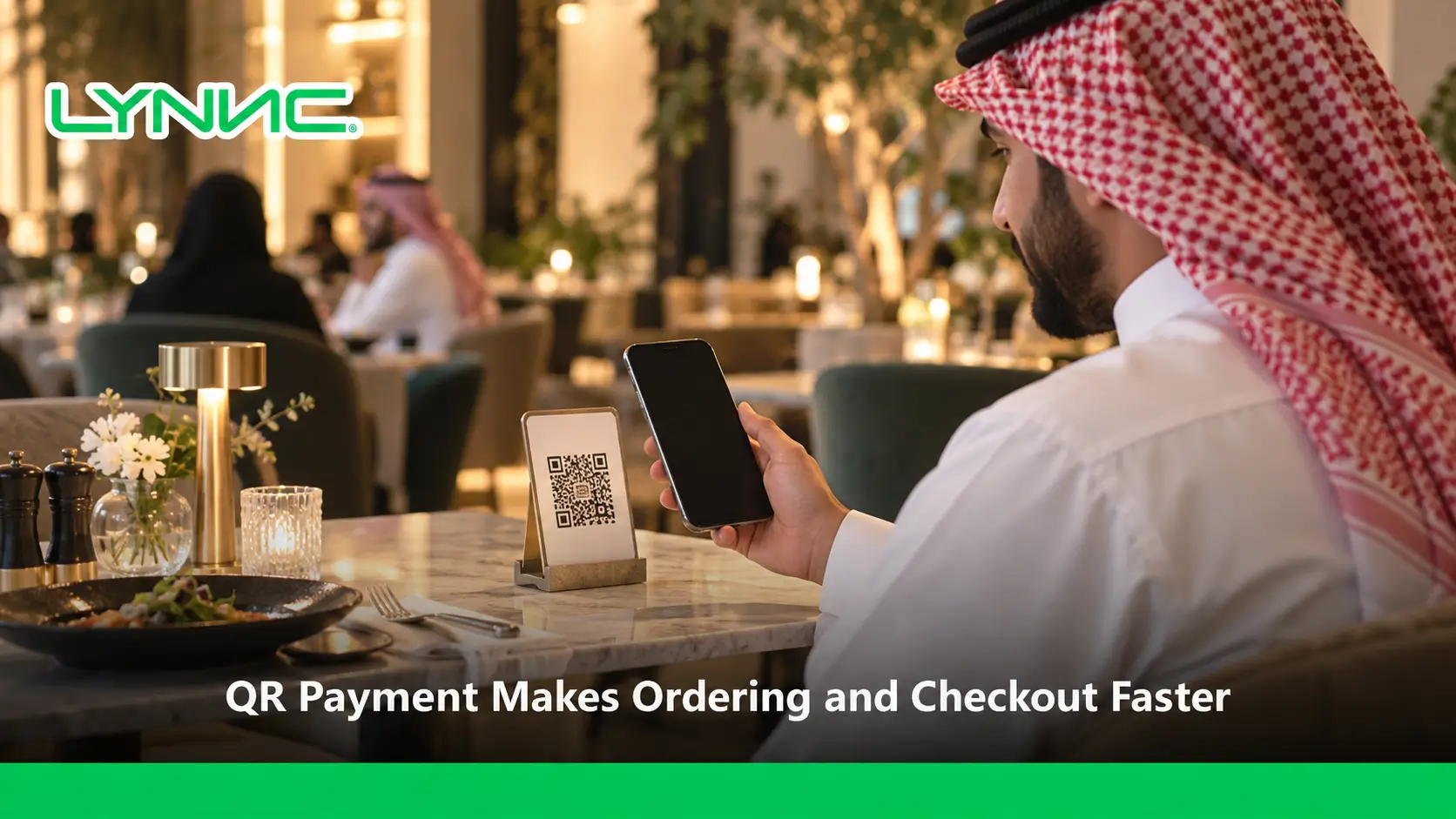
QR payment for restaurants can connect a table QR code to a mobile menu, order submission and an eligible checkout flow. A guest scans the code, chooses menu items, confirms the order and pays when a supported gateway is enabled. QR ordering and scan-to-pay are not interchangeable: some QR codes show only a menu, while others support ordering or payment. For breakfast, lunch and dinner service, test the complete journey before assuming every POS or payment method is connected.
QR Ordering vs QR Payment vs Scan-to-Pay
| Experience | Main function | Does it submit an order? | Does it take payment? |
|---|---|---|---|
| QR digital menu | Shows items and prices | Not by itself | Not by itself |
| QR ordering | Lets guests build and send an order | When enabled | Only with supported checkout |
| Scan-to-pay | Starts a payment for an eligible bill | Not necessarily | Through the payment provider |
Restaurant QR Payment Setup Checklist
- Confirm the menu URL, table identification and mobile experience.
- Test order submission and menu modifiers before enabling payment.
- Verify the payment provider, checkout mode, available methods such as Mada or Apple Pay, and the receipt workflow.
- Test order handoff to supported POS and kitchen systems, including declined and repeated payments.
- Compare scans, submitted orders and successful checkouts using available analytics.
Restaurant teams can explore LYNNC QR Ordering, web ordering and supported integrations. Payment options and order synchronization depend on the chosen providers and configured capabilities.
How QR Payment Works Inside Modern Restaurant Operations
A modern dining experience no longer ends with waiting for a paper bill. In today's fast-paced hospitality environment, contactless financial transactions happen seamlessly at the table, driven by secure digital processing.
The customer journey is straightforward and entirely self-driven:
- Scan: Diners scan a secure barcode placed directly on their table using their smartphone camera.
- Browse: The system instantly redirects them to an interactive QR menu where they can view high-quality images and read detailed dish descriptions.
- Order: Customers select their preferred meals, customize add-ons, and submit their requests directly to the kitchen through QR Ordering.
- Pay: Finally, the system prompts them to settle the bill instantly using digital wallets or credit cards, supported by a robust payment gateway integration.
The relationship between the QR menu, ordering system, and the checkout process is completely interconnected. The barcode acts as the entry point, the menu acts as the catalog, and the integrated payment system acts as the financial engine that seamlessly closes the loop, where the supported checkout flow does not require a physical card machine.
Why Restaurants Are Replacing Traditional Checkout Processes With QR Payments
The traditional dining checkout process is often the most frustrating part of the customer experience. Upgrading to a digital checkout process solves several operational bottlenecks:
- Waiting for the Bill: The traditional method requires customers to catch a server’s attention, ask for the check, and wait for it to be printed. Digital checkout eliminates this entirely, giving control back to the diner.
- Staff Pressure: Waiters waste valuable time running back and forth between the table and the POS station to process cards. Automating this frees up your staff to focus on hospitality and food quality.
- Payment Delays: Faulty traditional card machines, missing receipt paper, or poor portable Wi-Fi signals cause unnecessary friction. A cloud-based payment gateway bypasses physical hardware issues.
- Improving Service Speed: By removing the checkout bottleneck, restaurants can process transactions in seconds rather than minutes, drastically enhancing the overall speed of service and customer satisfaction.
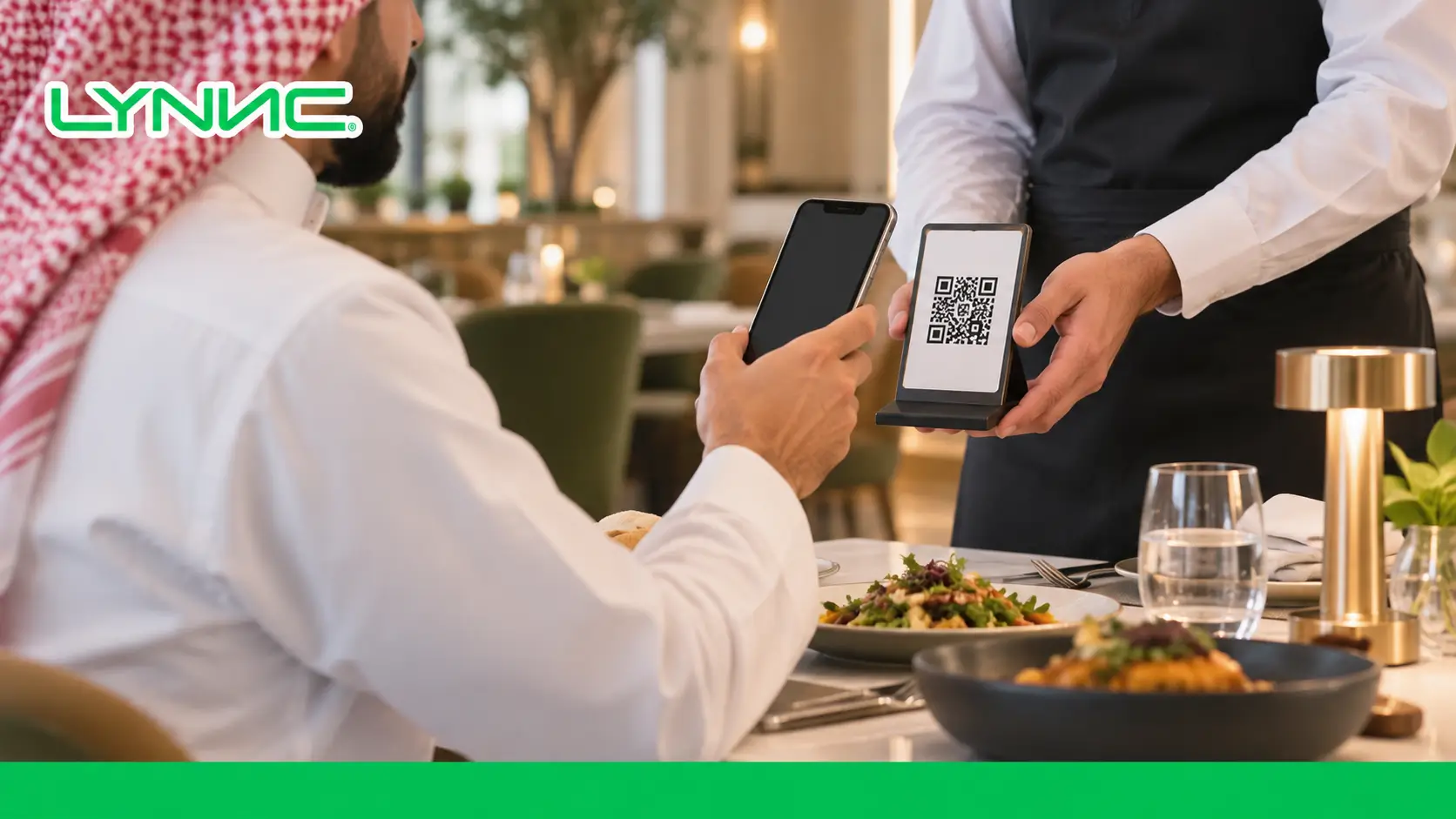
Essential Requirements Before Launching QR Ordering and Payment
Before launching this technology, restaurants must ensure their infrastructure is ready. These technical prerequisites are critical for a smooth operational flow:
- QR Menu: You need a high-quality, mobile-optimized digital menu that is easy to navigate on any smartphone screen.
- Payment Gateway Integration: This is the most crucial requirement. This setup acts as the bridge between your customer's bank and your merchant account, securely authorizing funds in real time.
- POS Integration: Your digital setup must synchronize flawlessly with your existing Point of Sale system so that digital sales are recorded instantly without manual entry.
- Internet Reliability: A strong, stable Wi-Fi connection (for both your internal systems and your guests) ensures that menus load quickly and the digital checkout processes transactions without timeouts.
- Security: Restaurants should select payment solutions that follow recognized security standards, such as end-to-end encryption and PCI-DSS compliance, to protect transaction data.
A Practical Guide to Setting Up QR Ordering and Payment Step by Step
Implementing this technology is a straightforward process when following the correct technical steps. Here is how to launch successfully:
Step 1: Prepare Your Digital Menu Begin by uploading your entire food and beverage catalog to your software dashboard. Ensure you include appetizing photos, accurate descriptions, allergen information, and updated pricing to create an engaging visual experience.
Step 2: Connect Payment Gateway Integration Configure your secure payment provider. This step connects your restaurant’s bank account to the digital platform. Choosing a reliable integration ensures that all transactions are routed safely, quickly, and compliantly.
Step 3: Activate Apple Pay and Mada Within your payment settings, toggle on essential local and international digital wallets. Ensuring Apple Pay and Mada are active is critical for capturing mobile-first consumers who expect rapid checkouts.
Step 4: Link Orders With Your Restaurant System Sync your digital ordering platform directly with your kitchen display screens and central POS. Confirm whether your POS or kitchen display integration sends eligible paid orders to the kitchen, and test how successful or failed payments change the order status.
Step 5: Test and Launch Before going live, perform a complete test transaction. Scan the code, place a dummy order, and verify that the system processes the funds correctly and the receipt prints at the appropriate station.
The Business Impact of QR Payment on Restaurant Performance
Deploying a self-service checkout system fundamentally upgrades how a restaurant operates financially and operationally:
- Reduced Wait Times: Customers no longer sit idle at dirty tables waiting for card machines, resulting in a much happier dining base.
- Increased Table Turnover: Faster checkout can help restaurants improve table availability during busy periods, allowing you to serve significantly more guests.
- Reduced Order Errors: Because diners input their own choices directly into the system, the miscommunication between guests and servers is eliminated.
- Reduced Staff Burden: Waiters are transformed from manual order-takers and cashiers into hospitality experts who focus purely on delivering great food.
- Improved Payment Experience: A frictionless, one-tap checkout leaves the customer with a highly positive final impression of the restaurant.
Supporting Apple Pay and Mada for Faster Restaurant Payments in Saudi Arabia
For restaurants operating in Saudi Arabia, offering the right localized checkout methods is not optional; it is a business necessity.
- Why Apple Pay is Important: Apple Pay provides a secure mobile payment experience using authentication features such as Face ID and Touch ID. Diners simply double-click their iPhones to settle the bill in milliseconds, bypassing the need to enter lengthy card details manually.
- Why Mada is Important in Saudi Arabia: Mada is Saudi Arabia’s national payment network that supports electronic payment transactions across multiple channels. Supporting Mada ensures you are catering to millions of local consumers who trust and rely on the national payment scheme for their daily expenses.
- Payment Gateway Integration: To support these methods securely, your underlying provider must be officially certified to process local Saudi routing securely and efficiently.
- Multiple Payment Options: A strong setup offers a mix of Apple Pay, Mada, Visa, and Mastercard, ensuring no diner is left unable to pay due to a lack of preferred options.
How to Choose the Right QR Payment Solution for Your Restaurant
Selecting the correct software provider dictates the success of your digital transformation. Look for these vital selection criteria:
- Payment Security: The system must utilize top-tier encryption and a compliant payment gateway to protect consumer data.
- POS Integration: It must seamlessly connect to your existing cash drawer and kitchen screens.
- Multi-Branch Support: The software should allow you to manage menus and view analytics across dozens of locations from one dashboard.
- Reporting: It must provide deep insights into sales trends, peak ordering times, and individual item performance.
- Restaurant Management System: It should act as a comprehensive LYNNC restaurant operations platform that connects the front-of-house with backend operations smoothly.
Why LYNNC Helps Restaurants Build Smarter QR Ordering Experiences
LYNNC provides connected restaurant solutions that combine restaurant QR ordering, Digital Menu, Order Management, and POS integration to eliminate operational friction for modern hospitality businesses. By utilizing LYNNC, restaurants gain access to advanced ordering capabilities and beautifully customized digital menus. LYNNC supports QR Ordering experiences that can work alongside restaurant payment solutions and operational systems to support a smoother guest experience when configured and tested.
Conclusion: Create a Faster Restaurant Ordering and Payment Journey With QR Technology
Embracing contactless checkout technology is the ultimate way to modernize your dining room. By providing a secure payment gateway integration, supporting preferred local wallets like Mada, and giving guests the power to control their own checkout, restaurants can drastically improve table turnover, reduce staff exhaustion, and support a more convenient customer experience when configured properly.
Ready to Enable QR Ordering and Digital Payments?
Discover how LYNNC connects QR Ordering, digital menus, and restaurant operations in one integrated solution.
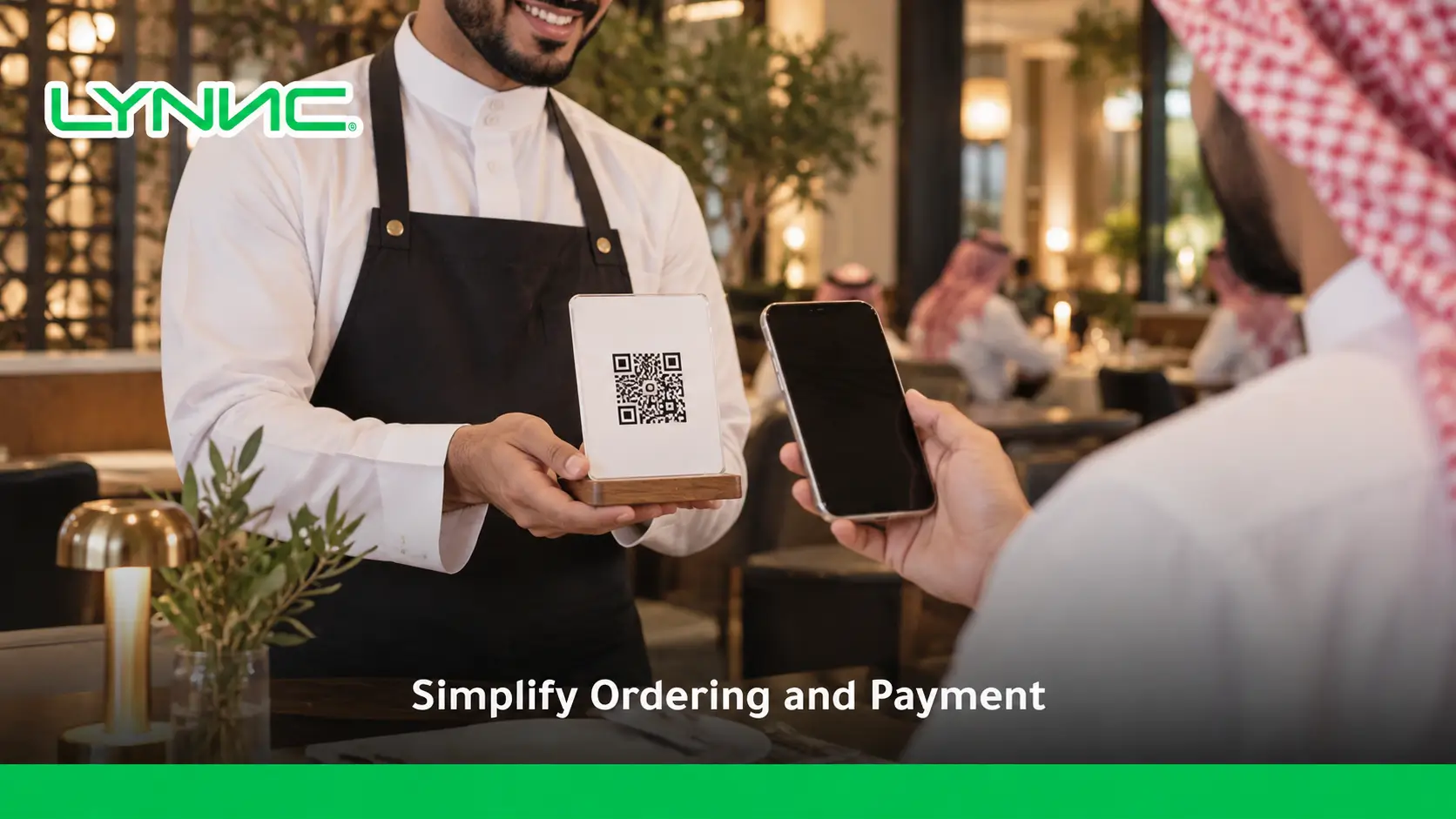
learn more about speed of Service With QR Ordering: Reduce Restaurant Staff
Frequently Asked Questions About QR Payment and QR Ordering
What is QR payment for restaurants?
QR payment refers to a checkout flow accessed through a QR code; available steps depend on the restaurant's ordering and payment provider setup.
Can customers order and pay after scanning a QR code?
They can do so when the connected QR ordering experience supports both order submission and an enabled payment gateway.
Is QR ordering the same as scan-to-pay?
No. QR ordering focuses on selecting and submitting food orders, while scan-to-pay initiates payment. Some systems combine both.
Does QR restaurant payment require POS integration?
Not in every design, but POS connectivity can be important for order handoff and reconciliation; confirm the supported workflow.
Are Mada and Apple Pay supported for QR checkout?
Payment methods depend on the gateway, region and technical integration; check the restaurant's approved setup before promising either option.

