


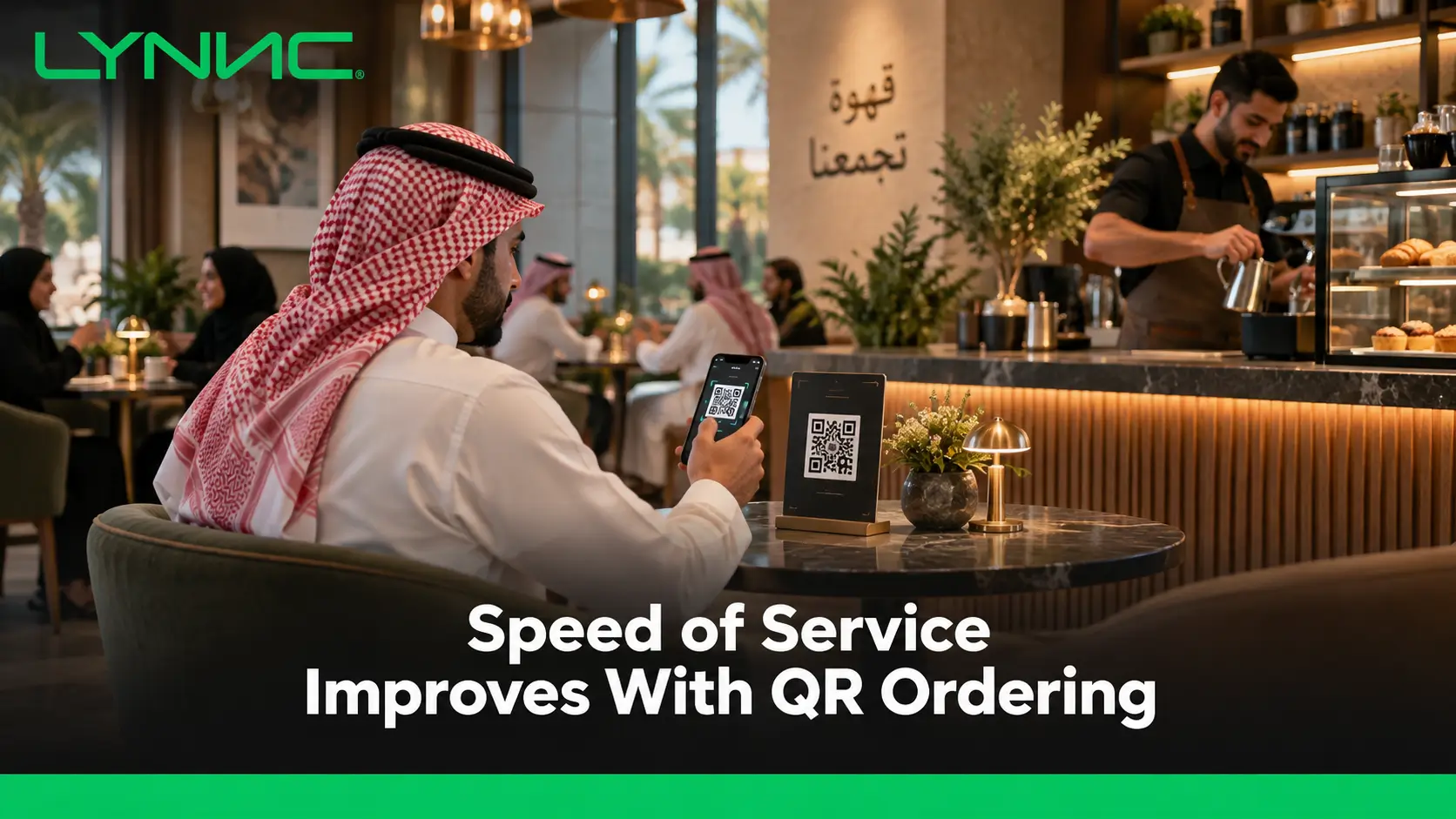
Speed of scan-to-order experienceimproves when guests can open the menu, customise items, send orders, and pay from their phones without waiting for routine staff steps.
Connected QR ordering can also route orders to POS and kitchen systems, reduce manual entry, support faster table turnover, and free floor teams for hospitality. Results still depend on menu usability, payment simplicity, reliable integrations, and clear performance tracking during service periods.
What Is Speed of Service in Restaurants?
1. Operational Speed of Service
Operational speed of service measures the time between confirming an order and delivering the finished food. Speed of service with QR ordering can shorten the steps before kitchen preparation begins by removing manual order entry where systems are integrated.
2. Customer Journey Speed
From the guest's perspective, speed covers more than food preparation. It includes waiting for a menu, placing an order, requesting additional items, paying, and leaving without unnecessary delays.
3. Speed of Service in QSR and High-Volume Restaurants
In quick-service and high-volume restaurants, speed of service is closely tied to how efficiently an order moves from entry to preparation and handoff. The useful target should be measured against the restaurant's own format, menu complexity, staffing, and demand rather than one universal time benchmark.
How QR Ordering Changes the Ordering Process
1. Customers Can Start Without Waiting for a Server
Traditional Ordering
- Menu Access: Guests may need to wait for a server to bring a menu or return to the table.
- Order Timing: The customer cannot begin the ordering process until staff are available.
With QR Ordering
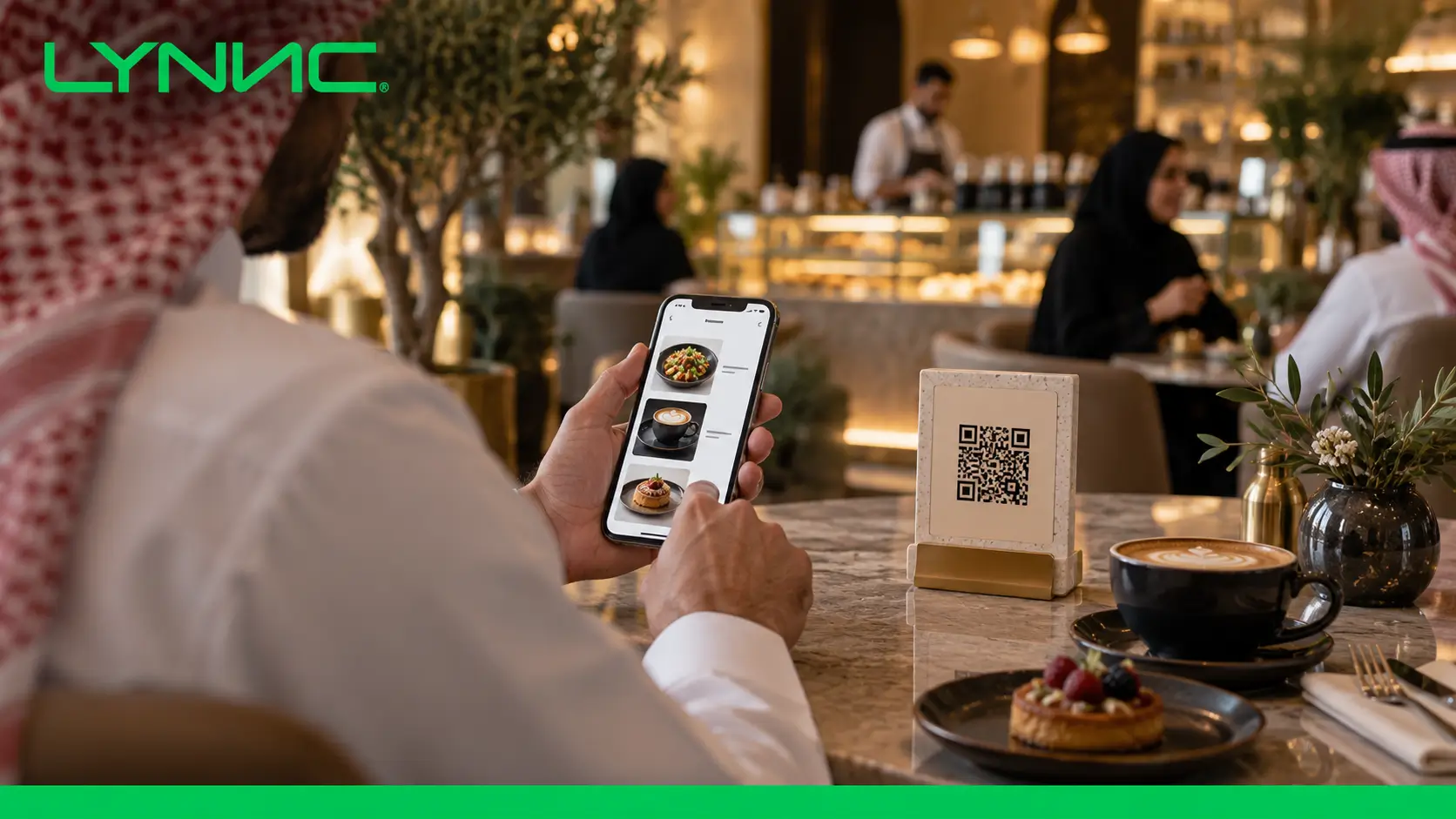
- Immediate Access: Guests scan the code and open the QR menu on their own phones.
- Self-Paced Browsing: Customers can start reviewing products as soon as they are ready.
- Lower Service Bottlenecks: Routine menu delivery no longer competes with higher-value staff tasks.
Square's QR ordering workflow allows guests to open the ordering page, browse, place an order, add notes, and pay from their own devices.
2. Customers Enter Their Own Modifiers
Traditional Ordering
- Verbal Instructions: The server needs to hear, remember, and enter requests such as removing ingredients or adding extras.
- Extra Confirmation: Complex modifications may require repeated clarification between the customer, server, and kitchen.
With QR Ordering
- Structured Choices: Customers select available sizes, toppings, cooking preferences, and add-ons themselves.
- Clearer Order Data: Supported modifiers move through order processing as structured selections rather than handwritten or remembered notes.
- Greater Customer Control: Guests can review their choices before confirming the order.
QR ordering does not eliminate every possible ordering mistake, but direct customer input can reduce unnecessary manual re-entry.
Toast similarly identifies guest-entered ordering as one way QR workflows can reduce staff bottlenecks and improve order accuracy.
3. Orders Can Move Directly Into Restaurant Systems
Traditional Ordering
- Multiple Handoffs: A server may first record the order and then enter it into POS.
- Delayed Kitchen Entry: Preparation cannot begin until the order reaches the restaurant system.
With QR Ordering
- POS Integration: A connected QR order can enter the POS without staff recreating the ticket.
- Kitchen Routing: The order can then move to a kitchen printer or KDS according to the restaurant's configuration.
- Faster Handoff: Speed of service with QR ordering improves when the digital journey connects directly with the operational workflow.
LYNNC describes QR ordering as integrated with POS, while its restaurant order-processing model connects ordering channels with POS and kitchen workflows.
Connected LYNNC restaurant technology platform matter here because scanning a code alone does not improve kitchen speed unless the order can continue through the restaurant's systems efficiently.
4. Upselling Can Be Built Into the Ordering Flow
Traditional Ordering
- Staff-Dependent Suggestions: Add-ons often depend on whether a server remembers to recommend them.
- Inconsistent Execution: Upselling may vary significantly between employees and busy periods.
With QR Ordering
- Relevant Add-Ons: The interface can display sides, sauces, drinks, upgrades, or modifiers related to the selected item.
- Consistent Visibility: Every eligible customer can see the same configured suggestions.
- Customer Choice: Guests can add extras without another staff interaction.
The aim should be relevant suggestions rather than filling the screen with prompts that slow ordering or weaken the customer experience.
5. Customers Can Pay When They Are Ready
Traditional Ordering
- Bill Request: Guests normally need to attract a server's attention after finishing.
- Payment Handoff: Staff may need to bring the bill, return with a payment terminal, and complete the transaction.
With QR Ordering
- Mobile Checkout: Customers can complete supported payment methods directly from the digital ordering journey.
- No Bill-Waiting Stage: Guests do not need to wait for a routine payment interaction before leaving.
- Flexible Departure: Faster checkout can remove one of the final sources of idle table time.
Square supports mobile QR ordering with payment options including Apple Pay and Google Pay, while LYNNC's QR solution combines mobile ordering and payment with POS integration.
Traditional Waiter Ordering vs QR Ordering
QR ordering does not need to replace hospitality. It changes which parts of the journey require staff attention.
How QR Ordering Reduces Staff Workload
QR ordering does not need to replace hospitality. It changes which parts of the journey require staff attention.
How QR Ordering Reduces Staff Workload
QR ordering does not need to replace hospitality. It changes which parts of the journey require staff attention.
The main staffing benefit of speed of service with QR ordering is not simply reducing headcount. It is shifting repetitive transactions away from floor staff so they can focus on food delivery, customer questions, cleanliness, exceptions, and hospitality.
Square explicitly positions QR ordering as a way to free staff from routine ordering tasks so they can focus more on fulfilling orders and improving guest service.
QR Ordering and Table Turnover
Table turnover describes how frequently a table can serve a new party during a defined period. QR ordering can support faster turnover by reducing waiting before ordering and payment, but kitchen speed, dining style, party size, and customer behaviour still affect the result.
The main opportunities occur at three stages:
1. Faster Start to the Meal
- Less Initial Waiting: Guests can access the menu without waiting for a server.
- Earlier Order Submission: Speed of service with QR ordering can move the order into preparation sooner when POS and kitchen integration are in place.
- Peak-Hour Value: Removing small delays becomes more valuable when many tables need service simultaneously.
2. Faster End-of-Meal Checkout
- Self-Payment: Customers can settle the bill when they decide they are finished.
- Fewer Server Handoffs: Staff do not necessarily need to bring and collect the payment terminal for each table.
- Earlier Table Release: Removing bill-related waiting can allow cleaning and reseating to begin sooner.
Square lists improved table turn times among the operational benefits of its QR ordering system.
3. Better Use of Floor Staff During Rush Periods
- Fewer Routine Trips: Staff spend less time carrying menus, collecting orders, and processing payments.
- More Food Running: Employees can prioritise getting completed dishes to guests.
- Faster Problem Resolution: Staff remain available for allergies, missing products, service issues, or customers who need assistance.
- Balanced Hospitality: Technology handles repeatable steps while staff concentrate on interactions where human support adds more value.
The goal is not to rush guests out. Better table turnover comes from removing unnecessary waiting rather than shortening the dining experience itself.
Potential QR Ordering Problems
Low QR Adoption
- Problem: Some guests may prefer ordering from a person or may be uncomfortable with mobile technology.
- Access Barrier: A dead phone, weak connectivity, or difficulty scanning can prevent customers from using the system.
- Customer Experience Risk: Making QR ordering the only possible route may frustrate guests who require assistance.
- Better Approach: Keep staff available and provide an alternative ordering method for customers who need it.
Poor Menu UX
- Problem: A static PDF, tiny text, confusing categories, or slow mobile interface adds friction rather than removing it.
- Navigation Issue: Customers may struggle to find products when categories and modifiers are poorly structured.
- Order Impact: A bad QR menu can make the customer spend more time ordering even though the technology is intended to save time.
- Better Approach: Use a mobile-responsive interface with readable text, logical categories, useful descriptions, and clear product images.
Payment Friction
- Problem: Mandatory account creation or lengthy card entry can interrupt an otherwise fast ordering journey.
- Checkout Risk: Customers may abandon the process if paying feels more difficult than calling a server.
- Trust Issue: Unclear payment screens can make customers hesitant to continue.
- Better Approach: Support simple checkout and familiar payment methods where available.
LYNNC's QR payment guidance recommends connecting mobile ordering with supported payment gateways and digital-wallet options such as Apple Pay and Mada.
Weak Restaurant Integration
- Problem: A QR order that does not reach POS or the kitchen reliably creates another manual task for staff.
- Order Processing Risk: Failed transfers may delay preparation or produce missed tickets.
- Operational Impact: Digital front-end speed means little if back-end processing remains disconnected.
- Better Approach: Test the complete path from scan and payment through POS, KDS, preparation, and completion.
Too Much Automation
- Problem: Some customers still need recommendations, allergy guidance, or human reassurance.
- Hospitality Risk: A restaurant can feel impersonal if technology becomes a barrier to speaking with staff.
- Better Approach: Automate repetitive transactions while keeping employees visible and available for meaningful service.
Metrics to Measure QR Ordering Performance
QR ordering should be measured against customer behaviour, sales, and restaurant operations rather than judged only by the number of scans.
A useful dashboard can group the measurements into three areas:
1. Adoption and Behaviour Metrics
- QR Adoption Rate: Measures the share of eligible restaurant orders completed through QR ordering.
QR Adoption Rate = QR Orders ÷ Total Eligible Orders × 100 - Menu Open Rate: Tracks how often available QR codes lead to a menu session where the platform can measure it.
- Menu Exit Behaviour: Shows how many visitors leave before selecting or ordering anything.
- Time to Order: Measures the period between opening the menu and confirming the order.
- Customer Experience Signals: Feedback and repeat use can reveal whether customers consider the workflow convenient.
For speed of service with QR ordering, adoption alone is not enough. A high scan rate has little value if users struggle to navigate or complete their orders.
2. Financial and Sales Metrics
- Conversion Rate: Measures the share of digital menu sessions that result in completed orders where session tracking is available.
Conversion Rate = Completed QR Orders ÷ Eligible QR Menu Sessions × 100 - Average Order Value: Compares the average value of QR orders with other relevant channels.
AOV = QR Revenue ÷ Completed QR Orders - Modifier Attach Rate: Measures how frequently customers add paid modifiers, sides, drinks, or upgrades.
- Revenue by Ordering Channel: Shows whether QR ordering adds sales, shifts existing sales, or changes ordering behaviour.
Avoid assuming that QR ordering automatically increases AOV by a fixed percentage. The result depends on the menu, pricing, customer base, upselling design, and restaurant format.
3. Operational Metrics
- Speed of Service: Measure time from confirmed order to handoff or table delivery using a consistent definition.
- Table Turnover: Compare how frequently tables are reseated before and after implementation while accounting for service style.
- Order Error Rate: Track remakes, refunds, and corrections linked to incorrect products or modifiers.
- Staff Touchpoints per Order: Measure how many routine staff interactions are still required after QR adoption.
- Kitchen Queue Time: Check whether faster front-end ordering creates a new bottleneck in preparation.
The aim is to improve the entire operation. Faster digital ordering is useful only when the kitchen and floor can absorb the additional order flow.
How LYNNC Supports QR Ordering
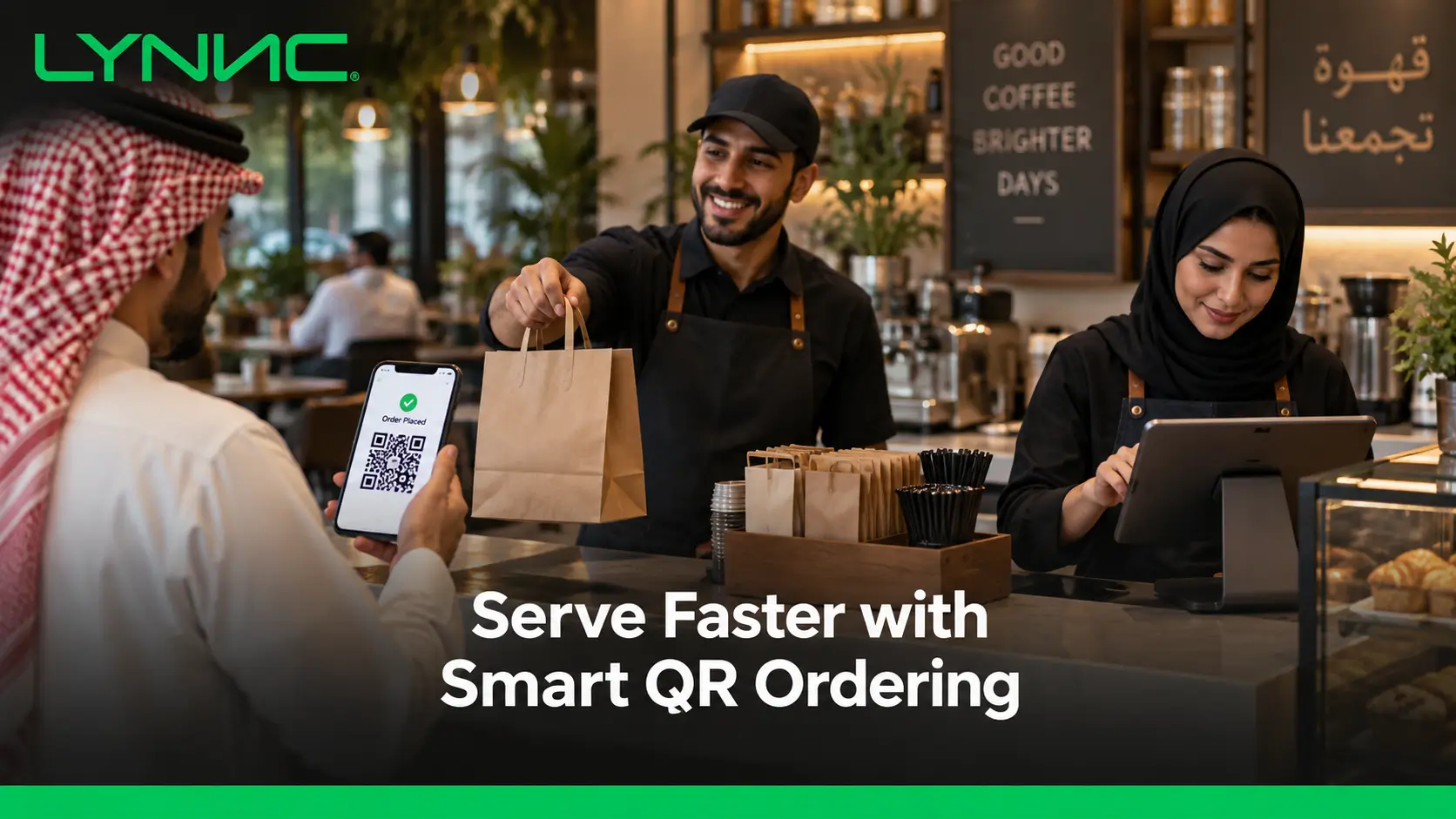
LYNNC offers QR-based ordering as part of its restaurant technology platform. Its current service allows guests to access menus, order and pay from mobile devices, while connecting those orders with the restaurant's wider operating environment.
Its most relevant capabilities include:
1. Mobile Menu, Ordering and Payment
- Instant Menu Access: Guests scan a QR code to open the digital ordering experience.
- Customer-Led Orders: Diners can select products and submit orders from their phones.
- Mobile Payment: The QR workflow supports direct payment from mobile devices.
- Lower Routine Workload: LYNNC positions QR ordering as a way to reduce staff workload and minimise reliance on printed menus.
This is the practical role of QR Ordering moving routine browsing, ordering, and payment into a customer-controlled flow without disconnecting it from restaurant operations.
2. POS and Kitchen Workflow Integration
- POS Synchronisation: LYNNC states that QR orders can integrate with the restaurant's POS.
- Kitchen Connection: Its QR payment workflow describes orders moving from digital payment into POS and kitchen display systems.
- Less Re-Entry: Connected order processing reduces the need for staff to copy digital orders into another system.
- Operational Continuity: Orders can continue from the customer interface into restaurant fulfilment instead of stopping at the QR menu.
3. Central Menu and Availability Control
- Item Editing: LYNNC's order-management tools allow restaurants to add, edit, or hide products.
- Live Information: Descriptions, images, and pricing can be managed centrally.
- Availability Control: Updated item status helps prevent customers from ordering products that cannot be fulfilled.
- Connected Channels: LYNNC states that menu updates can flow to connected delivery applications through its order-management platform.
4. Connected Restaurant Operations
- Multiple Order Sources: LYNNC supports QR, online web ordering, delivery-app order management, and digital menus within its platform.
- Centralised Management: Restaurants can bring different digital ordering processes into a connected operating environment.
- Real-Time Tracking: Orders can be monitored as they progress through fulfilment.
- Reduced Manual Work: Automatic acceptance and connected order flows are designed to remove repetitive processing steps.
For restaurants evaluating speed of service with QR ordering, the important point is that QR access alone is only the first step. The strongest operational benefit comes when the customer journey is connected with POS, menu management, payment, and kitchen fulfilment.
guide to qR Payment: How Restaurants Can Enable QR Ordering and
Speed of Service With QR Ordering FAQs
How does QR ordering allow floor staff to focus on service quality over order taking?
QR ordering allows guests to handle routine steps such as opening the menu, selecting configured modifiers, submitting orders, and making supported payments themselves.
That can free floor staff to focus on greeting customers, answering questions, managing exceptions, delivering food, checking satisfaction, and maintaining the dining room. Square specifically presents this shift from order taking toward customer service as a benefit of QR ordering.
Does QR ordering automatically make restaurant service faster?
No. Speed of service with QR ordering improves only when the digital menu is easy to use and orders move efficiently into POS, kitchen, and payment workflows.
A fast QR interface connected to a slow kitchen will simply move the bottleneck from the dining room to preparation.
Can QR ordering improve table turnover?
It can reduce waiting before ordering and after the meal by allowing guests to order and pay when they are ready. This can support faster table turnover, particularly during busy periods, without requiring the restaurant to shorten the actual dining experience.
Should restaurants completely replace waiter ordering with QR ordering?
Not necessarily. Restaurants should match the model to their customers and service style.
QR ordering works well for routine transactions, while staff remain important for hospitality, recommendations, accessibility support, allergies, complaints, and guests who simply prefer human service.
What should a restaurant track after introducing QR ordering?
Track QR adoption, menu behaviour, conversion, Average Order Value, modifier attach rate, speed of service, order errors, staff touchpoints, and table turnover.
These metrics show whether the system is genuinely improving operations rather than merely moving ordering from a server to a phone.

