


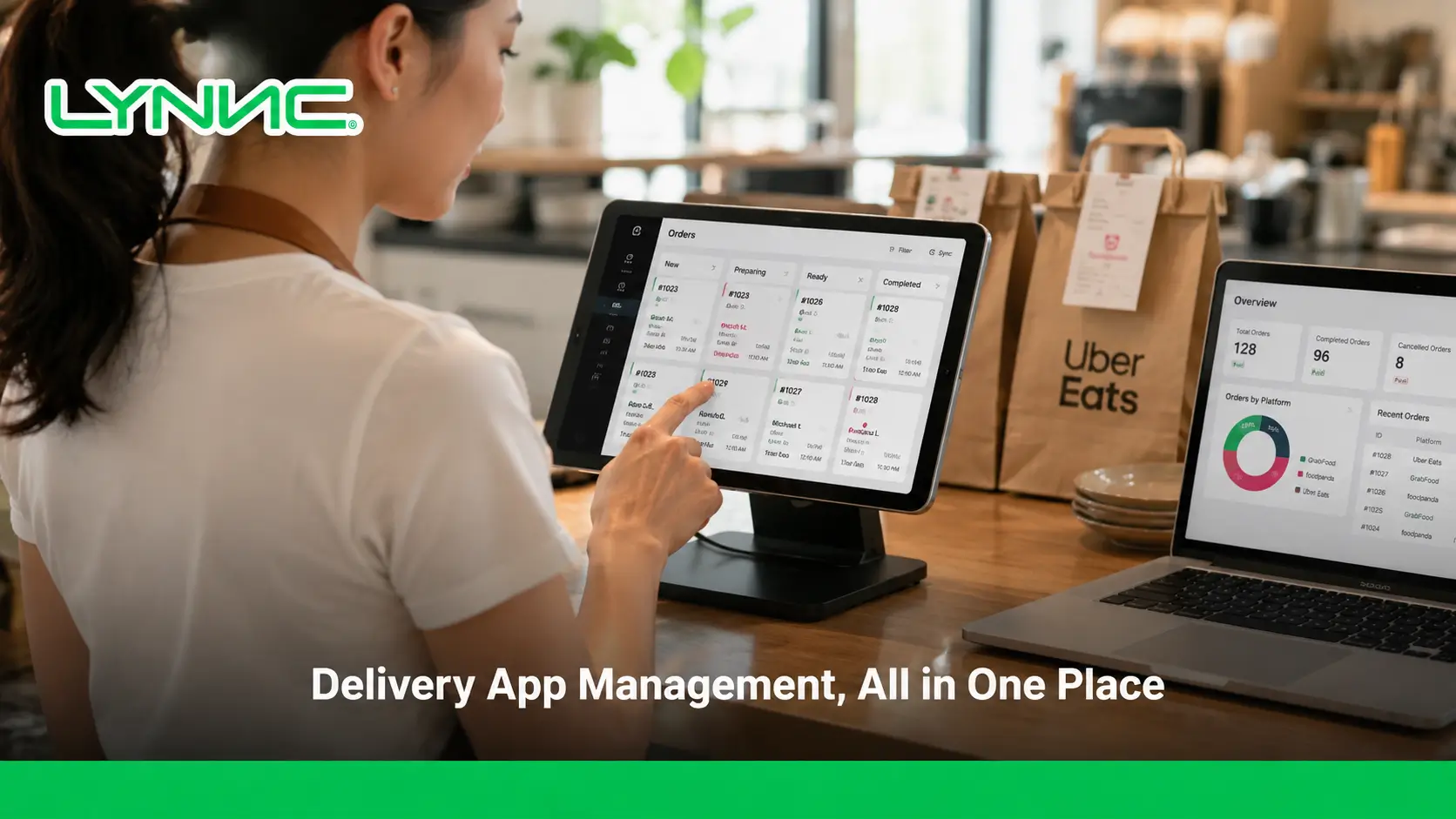
Delivery app management brings orders from multiple delivery platforms into one dashboard, allowing restaurants to manage incoming orders, menus, availability, and channel performance without switching between separate tablets or systems.
LYNNC for restaurant technology provides a unified environment for managing this workflow more consistently.
When connected with restaurant systems, delivery orders can also move directly into the normal POS and kitchen workflow, reducing repeated manual entry and giving teams a clearer view of digital ordering operations.
Key Takeaways
- Centralize delivery orders: Orders from multiple delivery apps can be received and managed through one dashboard instead of separate devices.
- Reduce manual order entry: Integrated orders can move directly into the POS and restaurant workflow without being re-entered by staff.
- Keep menu data consistent: Products, prices, modifiers, and availability can be managed across supported delivery channels.
- Improve order visibility: Teams can monitor incoming, active, completed, and cancelled orders from one operating environment.
- Compare channel performance: Centralized reporting makes it easier to compare sales, orders, products, branches, and delivery platforms.
- Separate order and fleet operations: Delivery app management controls digital orders, while fleet management focuses on drivers, routes, and last-mile delivery.
Understanding Delivery App Management
Delivery app management connects multiple food delivery and online ordering channels to one management system so restaurant teams can handle their digital orders without operating every platform separately.
A manage restaurant orders from one place can centralize:
- Incoming Orders: Receive orders from multiple supported delivery channels in one environment.
- Order Status: Track whether orders are new, accepted, preparing, completed, or cancelled.
- Menu Items: Manage products and related information used by connected channels.
- Prices: Maintain the correct selling prices across supported platforms.
- Availability: Control whether products are available or temporarily unavailable.
- Branch Data: Keep orders and menu information associated with the correct restaurant location.
- Channel Performance: Compare sales and order activity across delivery platforms.
What Changes When Delivery Apps Are Managed in One Dashboard?
1. Orders Are Centralized
Orders from connected platforms appear in one management environment instead of separate tablets. During busy periods, staff can monitor one order queue rather than repeatedly checking several delivery applications.
2. Manual Entry Is Reduced
When the management platform connects directly with the POS, order information can be transferred automatically instead of being copied manually.
This reduces repetitive work and lowers the risk of staff entering the wrong product, quantity, or modifier.
3. Order Handling Becomes Consistent
A central order management system allows teams to follow the same process for accepting, preparing, updating, and completing orders regardless of which delivery platform generated them.
4. Channel Performance Becomes Easier to Compare
Centralized order data allows managers to compare order volume, sales, popular products, cancellations, and branch performance without reviewing each delivery platform separately.
What Should a Delivery App Management Dashboard Include?
Function
What It Helps Manage
Order Queue
Shows incoming, active, completed, and cancelled orders in one place.
Order Status
Tracks order acceptance, preparation, fulfillment, and cancellation stages.
Menu Management
Controls products, categories, modifiers, and other menu information.
Price Management
Maintains the correct prices across supported delivery channels.
Availability
Identifies products that are available, unavailable, or out of stock.
Branch Management
Routes orders and menu updates to the correct restaurant location.
Channel Management
Organizes the delivery platforms connected to the restaurant.
Reporting
Compares orders, sales, products, branches, and channel performance.
How Does an Order Move from a Delivery App to the Kitchen?
1. The Delivery App Receives the Customer Order
The customer selects the restaurant, products, quantities, and modifiers through the delivery app. The order is then transmitted to the connected restaurant management environment.
2. The Management Platform Identifies the Order
The system receives the order and associates it with the correct restaurant, branch, menu items, prices, and modifiers before moving it into the restaurant’s internal workflow.
3. The Order Enters the POS
With a reliable POS system integration, the order can be transferred into the POS automatically. This removes the need for staff to read the delivery tablet and re-enter each product manually.
4. The Kitchen Receives the Order
Once the order reaches the restaurant system, it can follow the normal kitchen workflow through a kitchen display system, printer, or other preparation process already used by the restaurant.
5. Order Status Can Be Updated
Where the integration supports status synchronization, changes such as acceptance, preparation, completion, or cancellation can be shared with the connected delivery platform.
How Does Food Delivery App Integration Work?
A food delivery app integration connects an external ordering platform with the restaurant’s management environment so supported operational data can move between them.
- Order Details: Product names, quantities, customer selections, and other information needed to prepare the order.
- Product Identifiers: Match products from the delivery platform with the correct items inside the restaurant system.
- Prices: Keep the correct selling price associated with each product where price synchronization is supported.
- Modifiers: Transfer sizes, toppings, extras, and other customer selections with the correct base product.
- Order Status: Exchange supported updates such as accepted, cancelled, preparing, or completed.
- Branch Information: Ensure each order is assigned to the correct restaurant location.
- Availability: Share whether an item is currently available for ordering where the integration supports it.
- Menu Updates: Send approved changes in products, prices, or availability to connected delivery channels.
One-Way vs Two-Way Delivery App Integration
Integration Type
How It Works
Typical Use
One-Way Integration
Order information moves from the delivery platform into the restaurant system.
Receiving and processing delivery orders.
Two-Way Integration
Orders move into the restaurant while supported menu or operational updates can move back to the delivery platform.
Centralized order and menu management.
Hybrid Integration
Some information moves in both directions while selected updates remain manual.
Businesses that want automation with additional staff control.
The available data and synchronization direction depend on the APIs and permissions supported by each delivery platform.
How Do Menus, Prices, and Availability Stay Consistent?
1. Match the Same Product Across Channels
Each product should be mapped to the correct menu item across the restaurant system and connected delivery platforms. Incorrect mapping can cause the wrong product, modifier, or price to appear on a channel.
2. Manage Price Updates Centrally
Where supported, approved price changes can be distributed from one management environment instead of requiring staff to open every delivery platform and edit the same product separately.
3. Synchronize Product Availability
If a product becomes unavailable, its status can be updated across supported channels. This reduces the risk of customers ordering items the restaurant can no longer prepare.
4. Keep Modifiers Consistent
Sizes, toppings, extras, and meal options need to remain attached to the correct base products. Incorrect modifier mapping can result in missing selections or inaccurate final prices.
5. Control Menu Changes by Branch
A menu change intended for one location should not automatically affect every restaurant. Branch-level controls are especially important when locations have different products, prices, or availability.
What Should Be Automated in Delivery App Management?
Operation
Suitable Automation
When Staff Control Is Important
Order Transfer
Send valid orders directly into the POS.
Review orders that fail to transfer correctly.
Order Acceptance
Automatically accept eligible orders where supported.
Handle unusual orders or temporary capacity problems.
Menu Publishing
Distribute approved product updates to supported channels.
Review major menu or pricing changes before publication.
Availability
Update product availability automatically when reliable data is available.
Handle unexpected stock shortages or operational exceptions.
Order Status
Synchronize supported preparation and fulfillment updates.
Manage delays, cancellations, or unusual situations.
Store Availability
Apply scheduled operating hours automatically. For a dedicated operating-hours workflow, see store hours sync across delivery apps.
Pause orders during emergencies or excessive kitchen demand.
Delivery App Management vs Delivery Fleet Management
Delivery App Management
Delivery Fleet Management
Manages orders from digital delivery platforms.
Manages restaurant-owned drivers and vehicles.
Aggregates orders into one dashboard.
Assigns deliveries to available drivers.
Connects delivery platforms with restaurant systems.
Plans and optimizes delivery routes.
Manages menu information and availability.
Tracks driver or vehicle location.
Compares performance across delivery channels.
Monitors estimated delivery times.
Focuses on digital order operations.
Focuses on last-mile delivery execution.
A HungerStation or Jahez order entering the restaurant is an example of delivery app management, while assigning that order to the restaurant’s own driver and selecting the delivery route is part of fleet delivery management.
How Does Centralized Delivery App Management Reduce Errors?
- Reduce Manual Order Entry: Integrated orders can move between connected systems without staff repeatedly typing the same information.
- Prevent Menu Differences: Central menu controls reduce the chance of maintaining different products or prices across separate delivery platforms.
- Improve Availability Accuracy: Product availability can be managed from one environment instead of being changed manually on every channel.
- Improve Order Visibility: A central queue makes missing, delayed, rejected, or cancelled orders easier for staff to identify.
- Improve Branch Routing: Location mapping helps ensure delivery orders reach the restaurant responsible for preparing them.
- Reduce Modifier Mistakes: Accurate product and modifier mapping helps preserve customer selections when orders move between systems.
What Does Multi-Branch Delivery App Management Need?
Requirement
Why It Matters
Branch Mapping
Ensures each delivery order reaches the correct restaurant location.
Branch-Specific Menus
Allows locations to offer different products without affecting other branches.
Availability by Location
Prevents one branch’s stock status from changing availability everywhere.
Location-Based Pricing
Supports different prices where branches or channels require them.
User Permissions
Limits staff access to the locations they are responsible for managing.
Central Reporting
Allows management to compare branch results while maintaining an overall view.
For example, if a product becomes unavailable in a Riyadh branch but remains available in Jeddah, location-level availability prevents one branch’s update from incorrectly affecting the other.
Which Metrics Matter in Delivery App Management?
Metric
What It Shows
Orders by Channel
Identifies which delivery platforms generate the highest order volume.
Channel Sales
Shows the sales generated through each connected delivery channel.
Order Acceptance Rate
Measures the percentage of incoming orders successfully accepted.
Cancelled Orders
Highlights potential operational or channel-specific problems.
Order Processing Time
Shows how quickly orders move from receipt into preparation.
Best-Selling Items
Identifies the products generating the strongest delivery demand.
Branch Performance
Compares delivery activity across restaurant locations.
Availability Issues
Identifies products that repeatedly become unavailable during ordering periods.
What Should You Check Before Connecting Another Delivery App?
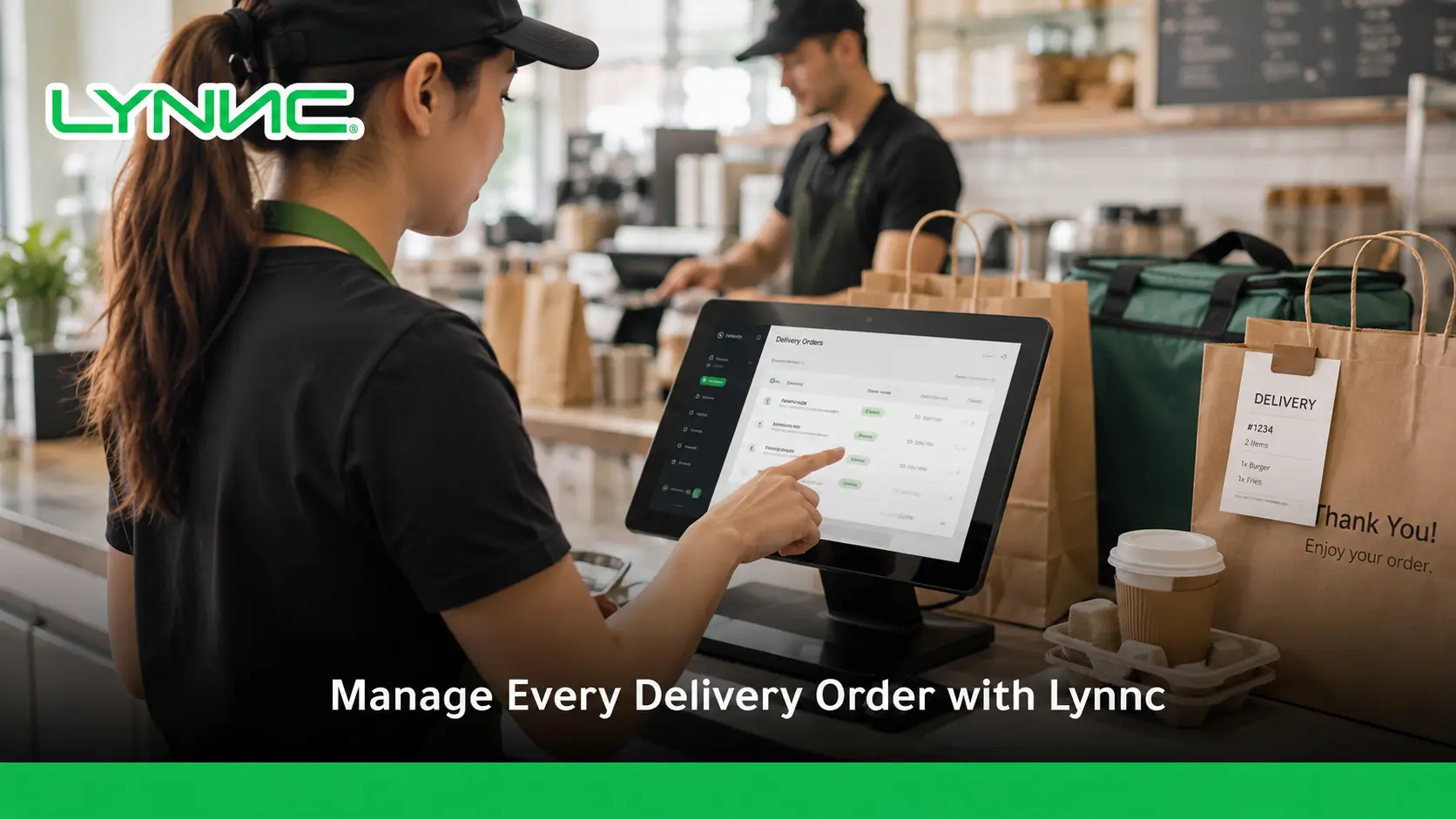
- Dashboard Compatibility: Confirm that orders from the new platform can enter the restaurant’s existing delivery management dashboard instead of creating another separate device.
- POS Connectivity: Check whether incoming orders can move directly into the POS without requiring staff to enter them manually.
- Product Mapping: Verify that products and modifiers can be matched accurately with the restaurant’s existing menu.
- Price Synchronization: Determine whether approved prices can remain aligned between the restaurant system and the new channel.
- Availability Synchronization: Check whether unavailable products can be updated on the connected platform where supported.
- Branch Identification: Ensure the integration can route each order to the correct restaurant location in a multi-branch environment.
- Order Status Support: Confirm which acceptance, preparation, cancellation, or fulfillment statuses can be exchanged.
- Centralized Reporting: Determine whether orders and sales from the new channel can be included in existing performance reports.
- Failure Handling: Define how staff will identify and manage orders when an API, connector, or order transfer fails.
When Is One Delivery Dashboard Not Enough?
- Direct Online Ordering: Restaurants that accept website orders may need those orders to enter the same order management system as marketplace orders.
- QR Ordering: Table or location-based ordering may need to connect with the same menu, POS, and kitchen environment.
- POS Connectivity: A central dashboard provides limited value if staff must still re-enter every order manually.
- Central Menu Management: Restaurants using many ordering channels may need one place to control products, prices, and availability.
- Multi-Branch Management: Larger operators need location-specific menus, availability, permissions, and reporting.
- Fleet Management: Restaurants using their own drivers need dispatch, tracking, and driver-management capabilities in addition to order aggregation.
- Route Optimization: Businesses operating last-mile delivery may need routing tools that are outside the normal scope of delivery app management.
- Analytics: Managers may need consolidated performance information across channels, products, and restaurant locations.
What Makes a Unified Delivery Setup More Effective?
1. Connect Delivery Channels with Order Management
Orders from supported delivery apps should enter the same management environment so staff can monitor and process them consistently.
2. Connect Order Management with the POS
Orders should move into the restaurant’s normal transaction workflow without requiring staff to copy information manually between systems.
3. Connect POS Orders with Kitchen Operations
Once an order enters the restaurant system, it should follow the same kitchen preparation process used for other supported order sources.
4. Add Fleet Management Only When Needed
Restaurants using their own delivery drivers can add dispatch, route planning, tracking, and last-mile management without treating those functions as requirements for every delivery-app integration.
5. Bring Direct Ordering into the Same Environment
Website, QR, and other direct digital orders can be managed alongside third-party delivery orders when the restaurant’s technology environment supports those channels.
How LYNNC Centralizes Delivery App Operations
1. Centralize Digital Orders
LYNNC brings supported restaurant order channels into a connected management environment so teams can monitor digital orders without operating each source independently.
2. Connect Restaurant Systems
Order management can work alongside POS connectivity, menu management, and other operational tools to reduce repeated work between separate restaurant systems.
3. Manage Multiple Locations
Multi-branch businesses can manage orders and operational information by location while maintaining centralized visibility across the business.
4. Connect Additional Platforms
Restaurants planning a broader integration setup can explore Lynnc Integrations to identify available connections with POS, ordering, and delivery platforms.
Delivery App Management Should Simplify Order Operations
Effective delivery app management should help restaurants centralize incoming orders, reduce manual entry, maintain accurate menu information, route orders to the correct branch, and monitor performance across connected channels.
A strong setup also keeps order aggregation separate from fleet operations, allowing restaurants to add driver and last-mile capabilities only when their business model requires them.
For restaurants, cafés, cloud kitchens, retailers, and multi-branch operators in Saudi Arabia that want to centralize delivery orders and simplify digital ordering operations, contact LYNNC to request a demo and discuss your current delivery setup.
related guide: Order Processing: Why Restaurants Need Automatic Order Acceptance
FAQs About Delivery App Management
What Is Delivery App Management?
Delivery app management centralizes orders and related operational information from multiple delivery and online ordering platforms in one management environment, reducing the need to operate every channel separately.
Can One Dashboard Manage Multiple Delivery Apps?
Yes. When integrations are available, orders from several supported delivery platforms can enter one management dashboard or connected restaurant workflow.
Does Delivery App Management Replace the POS?
Not necessarily. Many delivery management platforms connect to an existing POS so delivery orders can enter the restaurant’s normal transaction and kitchen workflow.
Can Menus Be Updated Across Several Delivery Apps?
Yes, where the integrations support menu synchronization. Products, prices, modifiers, and availability can then be managed across supported channels from a central environment.
What Is the Difference Between a Delivery App and an Order Management System?
A delivery app is a customer-facing channel used to place an order, while an order management system receives and manages orders operationally and may combine orders from several channels.
Is Route Optimization Part of Delivery App Management?
Not necessarily. Route optimization is primarily a fleet and last-mile delivery function used when a restaurant or retailer manages its own delivery drivers.
Can Delivery App Management Support Multiple Branches?
Yes. Multi-branch management requires location mapping, branch-specific menu data, availability controls, user permissions, and reporting that associates each order with the correct location.
Does Centralized Delivery App Management Reduce Manual Work?
Yes, particularly when delivery apps connect directly with POS and menu-management systems, because staff can avoid repeatedly entering the same order, price, product, and availability information.

