


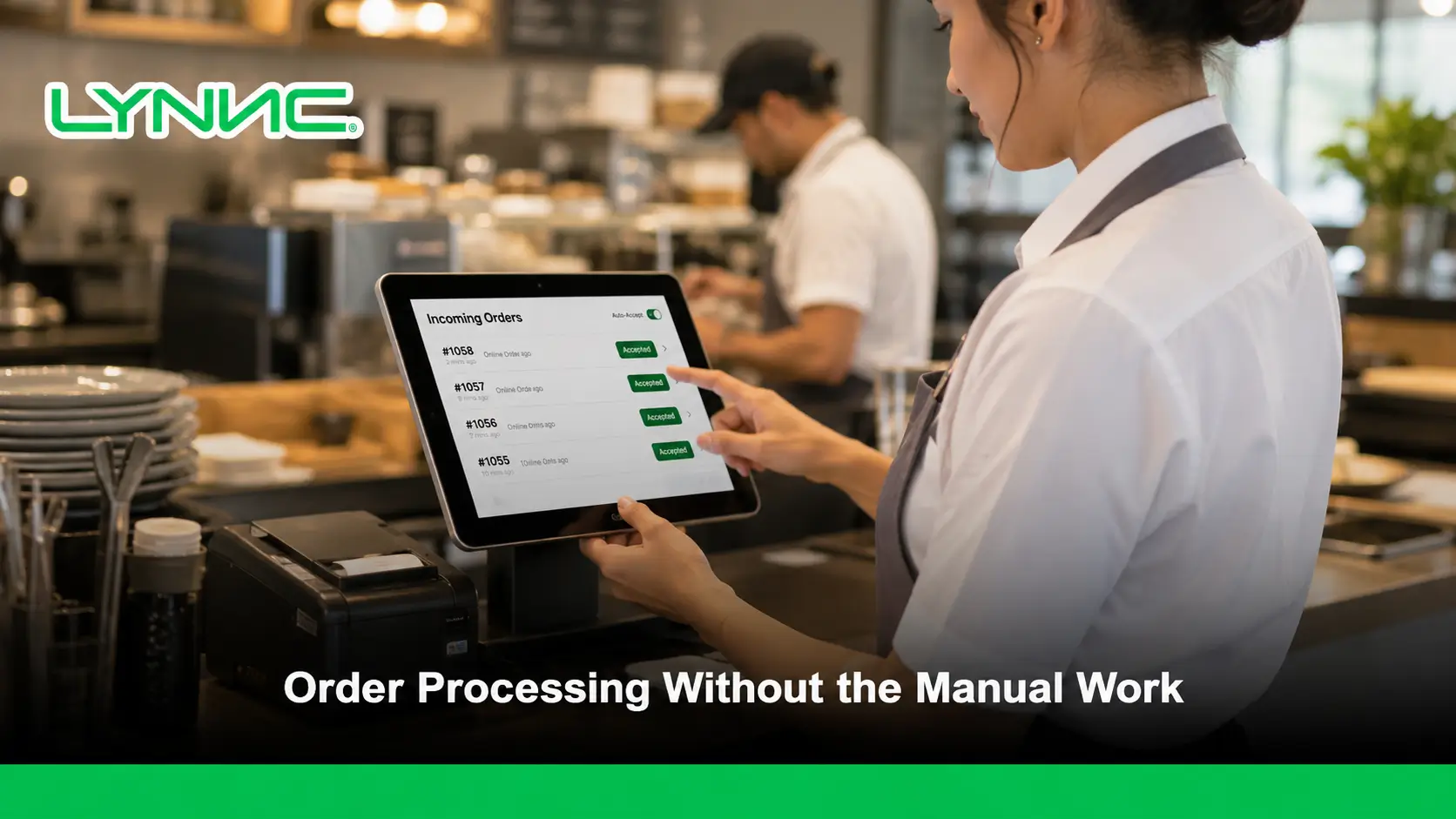
Efficient order processing determines how quickly an incoming restaurant order moves from the ordering channel into the POS and kitchen.
LYNNC restaurant operations platform provides a unified environment for managing this workflow more consistently.
Automatic order acceptance removes one manual decision from that process. When correctly configured, eligible online orders can be accepted and passed into the restaurant workflow without waiting for a staff member to approve each one individually. Foodics, Deliverect, and Toast all support forms of automated acceptance or kitchen routing for online orders.
Key Takeaways
- Remove unnecessary waiting: Eligible online orders can enter the restaurant workflow without waiting for manual acceptance.
- Reduce repetitive staff actions: Teams spend less time approving routine orders individually during busy periods.
- Connect orders to the kitchen faster: Auto-accepted orders can move into the POS and kitchen workflow when the integration is configured correctly.
- Keep exceptions under control: Scheduled, unpaid, failed, or unusual orders may need separate rules rather than unrestricted automation.
- Protect kitchen capacity: Automatic acceptance should work with preparation-time controls, store availability, or order throttling during peak demand.
- Monitor the entire process: Fast acceptance is useful only when branch routing, POS transfer, kitchen routing, and order status are working correctly.
How Does Restaurant Order Processing Work?
Restaurant order processing covers the operational stages that take an order from the ordering channel to preparation and fulfillment:
1. The Restaurant Receives the Order
An order may originate from a website, QR ordering channel, POS, call center, or food delivery app. The system must first identify the order source and the restaurant location responsible for fulfilling it.
2. The Order Is Accepted
The restaurant either approves the order manually or allows an automatic acceptance rule to approve eligible orders. Foodics, for example, provides settings that can automatically accept online orders and send them to the kitchen.
3. The Order Reaches the POS
With a connected POS system integration, order details can enter the restaurant’s existing transaction environment instead of being copied manually from another screen or tablet.
4. The Kitchen Receives the Order
The POS or connected ordering system can route the accepted order to a printer or kitchen display system. Square KDS, for example, supports routing online orders and orders from selected POS devices to kitchen stations.
5. The Order Continues Through Fulfillment
The restaurant can move the order through preparation, ready-for-pickup, delivery, or completion statuses according to the capabilities of the connected systems. Deliverect documents statuses including Accepted, Preparing, Prepared, Pickup Ready, In Delivery, and Delivered.
Why Does Manual Order Acceptance Create a Bottleneck?
1. Every Order Requires an Extra Staff Action
Manual acceptance means someone must notice the incoming order, open it, review it, and approve it before processing can continue. During busy periods, that extra step is repeated across every incoming digital order.
2. Kitchen Preparation Can Start Later
If the kitchen does not receive an order until staff approve it, any delay in acceptance also delays the beginning of preparation. Foodics specifically allows online orders to be auto-accepted and sent directly to the kitchen once received.
3. Multiple Ordering Channels Increase the Workload
A restaurant receiving orders from several digital channels may have many incoming orders requiring attention at the same time.
A connected unified order management system environment can reduce this repeated handling by bringing supported orders into a controlled order management process.
4. Human Attention Becomes Part of Processing Time
Even when the order itself is correct, it may remain pending until a staff member notices it. Automatic acceptance removes this waiting step for orders that meet predefined rules.
What Does Automatic Order Acceptance Actually Do?
Automatic acceptance allows predefined incoming orders to move from a pending state into the restaurant workflow without requiring staff to press an Accept button for each order.
Manual Acceptance
Automatic Acceptance
Staff reviews each incoming order before approval.
Eligible orders are accepted according to configured rules.
Processing waits for staff action.
Processing can continue when the order arrives.
Useful when individual review is necessary.
Useful for predictable, high-volume digital orders.
Gives maximum control over each order.
Reduces repetitive operational actions.
Can become slower during peak periods.
Needs reliable routing and exception handling.
Deliverect allows users of its Delivery Manager App to enable automatic acceptance, while Foodics provides branch/device settings for accepting online orders automatically and sending them to the kitchen.
Why Auto-Accept and Kitchen Firing Are Not the Same Thing
1. Acceptance Confirms the Order
Automatic acceptance changes an order from waiting for approval to being accepted for processing. It does not necessarily mean every system will send the order immediately to every kitchen station.
2. Kitchen Firing Controls When Preparation Starts
A restaurant may need a separate rule that determines when an accepted order appears in the kitchen. Toast uses Autofire devices to approve and fire certain online orders, while scheduled orders can be fired according to their preparation time.
3. Scheduled Orders May Need Delayed Preparation
An order scheduled for later should not necessarily appear in the kitchen immediately after acceptance. Deliverect notes that scheduled orders may be held until it is time for preparation, while Toast can fire scheduled orders based on configured preparation timing.
This distinction prevents a common configuration mistake: accepting an order automatically does not mean the kitchen should immediately start every order.
What Should Happen After an Order Is Automatically Accepted?
1. Confirm the Correct Location
The system should associate the order with the branch responsible for preparing it. Foodics allows online-order receiving and auto-accept settings to be configured at branch and cashier-device level.
2. Transfer the Complete Order Data
Items, quantities, modifiers, pricing, fulfillment details, and other required information should reach the restaurant system without requiring staff to recreate the order manually.
3. Route the Order to the Correct Kitchen Station
A kitchen display system can route relevant tickets according to order source, fulfillment type, or configured kitchen station. Square, for example, allows online and POS orders to be routed selectively to KDS devices.
4. Update the Order Status
The order management system should maintain a clear status so staff can distinguish orders that are accepted, preparing, ready, cancelled, or completed.
5. Flag Processing Failures
An order that fails to reach the POS or kitchen should be visible as an exception instead of being treated as successfully processed.
How Does Automatic Acceptance Reduce Order Processing Errors?
- Less Manual Re-entry: Direct order transfer reduces the need to copy product names, quantities, and modifiers from one system into another.
- Fewer Missed Pending Orders: Eligible orders do not remain waiting simply because staff have not noticed the acceptance notification.
- Consistent Processing Rules: The same configured acceptance logic can be applied repeatedly instead of relying on different staff decisions.
- Clearer Branch Routing: Location-based configuration helps direct online orders to the branch responsible for fulfillment.
- Faster Error Detection: Centralized monitoring makes orders that fail to inject into the POS or kitchen easier to identify.
Foodics explicitly positions automatic acceptance and routing as a way to reduce manual work and errors, while Deliverect distinguishes failed order states so operational problems can be identified.
How Does a Kitchen Display System Support Faster Order Processing?
1. Consolidate Incoming Kitchen Tickets
A KDS can display orders from different supported sources in one kitchen environment instead of relying entirely on separate paper tickets.
2. Route Orders to Relevant Stations
Kitchen routing can determine which stations receive which orders. Square KDS supports routing from selected POS devices and online sources to configured kitchen displays.
3. Track Preparation Progress
Kitchen teams can update items or tickets as preparation progresses, giving front-of-house or fulfillment teams better visibility into completion.
4. Organize Kitchen Priorities
Timers, ticket organization, and preparation views can help staff distinguish new orders from those that are already being prepared or approaching expected completion times. Square KDS includes ticket views, timers, alerts, and station routing for this purpose.
Which Orders Should Be Automatically Accepted?
Order Situation
Recommended Approach
Reason
Standard paid online order
Auto-accept when integration is reliable
Requires little manual validation.
Routine delivery-app order
Auto-accept where the channel supports it
Reduces repeated staff actions.
Scheduled order
Accept with controlled kitchen timing
Preparation may need to begin later.
Unpaid online order
Follow the restaurant’s payment policy
Payment handling may require separate rules.
Order with integration errors
Send to exception handling
Staff need to confirm what failed.
Order during excessive kitchen load
Apply capacity controls
Unrestricted intake can overload preparation.
Unsupported channel
Use the supported manual workflow
Automation depends on integration capabilities.
Foodics separates automatic acceptance of standard online orders from the option to auto-accept unpaid orders, which shows why restaurants should configure acceptance rules rather than assume every incoming order needs identical treatment.
How Should Scheduled Orders Be Processed?
1. Accept Without Starting Preparation Too Early
A restaurant can accept a future order while keeping kitchen preparation aligned with the requested fulfillment time.
2. Use Preparation Time to Control Kitchen Release
Toast Autofire can fire scheduled orders according to preparation time, while Deliverect can hold future orders until their preparation window depending on the integration.
3. Keep Scheduled Orders Visible
The order management system should distinguish scheduled orders from immediate orders so staff can see future demand without mixing it with meals that need preparation now.
How Can Restaurants Prevent Auto-Accept From Overloading the Kitchen?
1. Adjust Preparation Times During Peaks
If incoming volume exceeds normal capacity, increasing preparation time can give the kitchen a more realistic fulfillment window.
Deliverect’s Busy Mode allows supported channels to extend preparation time for new orders.
2. Temporarily Pause Order Intake
When the kitchen cannot safely accept additional demand, supported systems can temporarily close a location or ordering channel instead of continuing unrestricted automatic acceptance.
3. Use Order Throttling Where Available
Order throttling can adjust processing rules according to preparation requirements or operational load. Deliverect introduced configurable order throttling that can incorporate item-level preparation time.
4. Keep Staff Control for Exceptions
Automation should handle predictable orders, while staff retain control over unusual situations such as capacity problems, failed transfers, or orders requiring manual review.
What Can Break Automatic Order Processing?
- Incorrect Branch Configuration: An order may reach the wrong location if receiving rules or location mapping are incorrect.
- POS Connection Failure: The order may be accepted by the external channel but fail to enter the POS.
- Missing Kitchen Routing: The POS may receive the order while the correct kitchen station does not.
- Application or Connectivity Problems: Some automation functions require the receiving application or connection to remain active; Deliverect notes that DMA auto-accept does not operate when the app is closed or in the background.
- Unsupported Channel Behavior: Different delivery platforms support different acceptance, preparation-time, and status capabilities.
- Duplicate Order Identifiers: Integrations must prevent duplicate records; Toast’s Orders API, for example, requires unique external IDs and rejects reused identifiers.
- Scheduled Order Timing Errors: An accepted future order can reach the kitchen too early if firing rules are not configured correctly.
What Does Multi-Branch Automatic Order Acceptance Need?
Requirement
Why It Matters
Branch Mapping
Ensures every online order reaches the intended restaurant.
Receiving Device Rules
Defines which device or system receives orders for each location.
Location Availability
Prevents orders from entering branches that are closed or unavailable.
Kitchen Routing
Sends accepted orders to the correct preparation station.
Menu Mapping
Keeps ordered items and modifiers aligned with each branch menu.
Preparation Rules
Allows locations with different kitchen capacity to use appropriate timing.
Exception Visibility
Helps management identify failed or delayed orders by location.
Foodics supports configuring the device that receives online orders and automatic acceptance at branch level, showing why multi-location order management needs location-specific rules rather than one global setting.
What Should Restaurants Check Before Enabling Auto-Accept?
- Order Source: Confirm which website, ordering platform, or food delivery app integration will send orders automatically.
- Branch Routing: Verify that every channel is mapped to the correct restaurant location.
- POS Connection: Test whether accepted orders enter the POS with the correct products, quantities, prices, and modifiers.
- Kitchen Routing: Confirm that the correct kitchen display system or printer receives the order.
- Payment Rules: Decide separately how unpaid or payment-pending orders should be handled.
- Scheduled Orders: Make sure future orders are released to the kitchen at the intended preparation time.
- Capacity Controls: Configure preparation-time adjustments, store pauses, or throttling where available.
- Failure Alerts: Ensure staff can identify orders that were accepted externally but did not reach the restaurant system.
- Manual Override: Keep a clear way for staff to intervene when an order falls outside normal automated rules.
Which KPIs Show Whether Order Processing Is Working?
- Acceptance Time: Measures how long an incoming order waits before entering processing.
- Manual Acceptance Rate: Shows how many orders still require staff approval instead of automation.
- Failed Order Rate: Tracks orders that do not reach the intended POS or management system.
- Kitchen Routing Errors: Identifies orders sent to the wrong station or not displayed correctly.
- Order Processing Time: Measures the time between receiving an order and starting preparation.
- Cancellation Rate: Helps identify whether acceptance or kitchen-capacity problems are affecting fulfillment.
- Preparation Time: Shows whether actual kitchen performance matches configured expectations.
- Orders Requiring Manual Intervention: Reveals how often automation fails to complete the normal workflow.
These should be treated as practical operational metrics rather than universal industry-standard KPIs.
When Is Manual Acceptance Still Useful?
1. Orders Need Individual Review
Restaurants may keep manual approval where products, pricing, payment, or fulfillment details require staff confirmation before preparation.
2. Kitchen Capacity Changes Frequently
A restaurant with highly variable capacity may prefer tighter control over new orders rather than accepting all incoming demand automatically.
3. The Integration Does Not Support Reliable Automation
If a channel cannot reliably send the required information or status updates, manual handling may be safer than incomplete automation.
4. Staff Need to Change Preparation Time Before Acceptance
Deliverect notes that changing the preparation time for an incoming order requires automatic acceptance to be disabled in its Delivery Manager App, illustrating one case where manual review provides additional control.
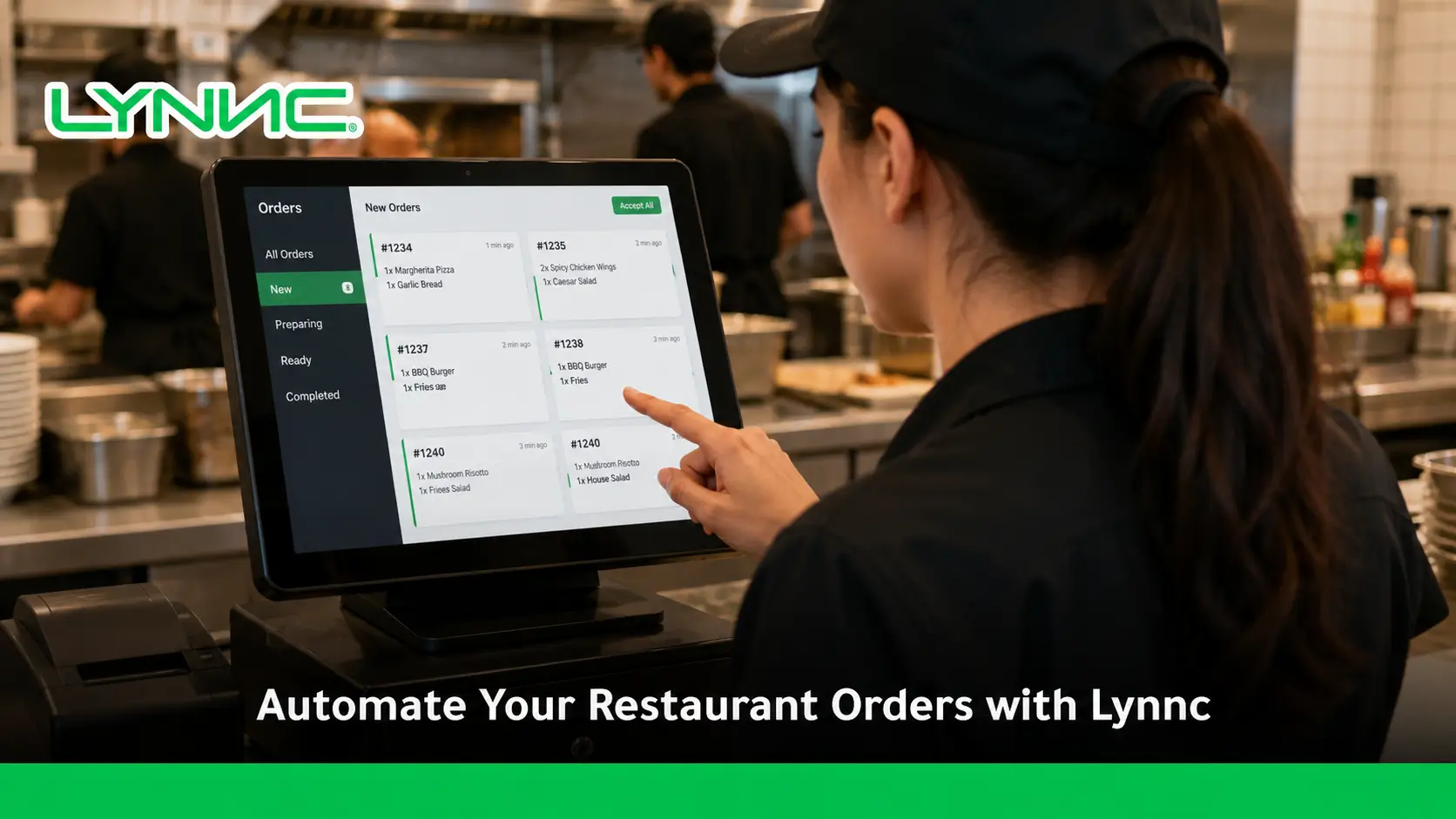
How LYNNC Can Simplify Automatic Order Processing
LYNNC’s current Order Management solution includes automatic order acceptance, real-time order tracking, centralized order management, item controls, and reporting. Its wider platform also supports integrations with POS and delivery environments.
1. Centralize Incoming Orders
Orders from supported digital channels can be managed through one operating environment instead of requiring teams to handle every source separately.
2. Reduce Manual Acceptance
Automatic acceptance can remove repeated order-approval steps from routine digital orders, allowing teams to focus on preparation and exceptions.
3. Connect Order Processing with Restaurant Systems
Businesses can use Lynnc Integrations to explore connections between ordering channels, POS environments, and other restaurant technology.
4. Keep Operational Visibility After Acceptance
Centralized order tracking and reporting help teams follow orders after they have been accepted rather than treating acceptance as the end of the process.
Faster Order Processing Starts Before the Kitchen
Effective order processing is not simply about preparing food faster. Delays can begin before the kitchen sees the order when staff must manually notice, review, and accept every digital request.
Automatic order acceptance removes that repetitive step for suitable orders, but it should be combined with accurate branch routing, reliable POS connectivity, correct kitchen routing, scheduled-order controls, capacity management, and visible exception handling.
For restaurants, cafés, cloud kitchens, and multi-branch operators in Saudi Arabia looking to automate digital order management and connect incoming orders with their restaurant systems, contact LYNNC to request a demo and discuss your current order-processing setup.
learn more about delivery App Management: Unify All Orders in One Dashboard
FAQs About Automatic Restaurant Order Processing
What Does Automatic Order Acceptance Mean?
Automatic order acceptance allows eligible digital orders to move into the restaurant workflow without requiring a staff member to manually approve each incoming order.
Does Auto-Accept Send Every Order Directly to the Kitchen?
Not necessarily. Order acceptance and kitchen firing can be separate processes, particularly for scheduled orders or systems using preparation-time rules. Toast, for example, uses Autofire functionality to control when online and scheduled orders reach the kitchen.
Can Orders From a Food Delivery App Be Accepted Automatically?
Yes, when the ordering channel and restaurant integration support the feature. Deliverect documents automatic acceptance for several connected delivery platforms, although capabilities differ by channel.
Does Automatic Acceptance Replace an Order Management System?
No. Auto-accept handles one stage of order processing. An order management system still needs to manage routing, status, exceptions, fulfillment, and operational visibility.
How Does a Kitchen Display System Work With Online Orders?
A kitchen display system receives routed order tickets and presents the information needed by preparation stations. Systems such as Square KDS can receive both POS and online orders according to configured routing rules.
Should Scheduled Orders Be Auto-Accepted?
They can be accepted automatically, but kitchen preparation should still respect the scheduled fulfillment and preparation time rather than starting immediately.
What Happens if an Auto-Accepted Order Fails to Reach the POS?
The order should be treated as an integration exception and surfaced for staff action. An order management setup should distinguish a successfully processed order from one that was accepted externally but failed during POS transfer.
Can Automatic Acceptance Be Used Across Multiple Branches?
Yes, provided each order is mapped to the correct location and branch-specific receiving, POS, kitchen, and availability rules are configured correctly. Foodics, for example, provides branch-level online-order settings.

