


A POS system records sales, payments, and core restaurant transactions, while order management software coordinates orders across channels and fulfillment stages. Restaurants handling multiple delivery apps, online orders, branches, or fulfillment methods often use both systems together. For a broader Saudi operating architecture, see restaurant management system in Saudi Arabia and how POS, OMS, integrations, branches, and reporting fit together. For procurement, use the order management software integration buyer checklist to validate how those systems connect in practice.
manage restaurant orders from one place helps restaurants manage this workflow through a more connected, centralized process.
LYNNC for restaurant technology provides a unified environment for managing this workflow more consistently.
POS System and Order Management Software: Who Owns Each Step of the Order?
A POS system manages transactions, payments, sales records, and core restaurant data, while an order management system coordinates order sources, routing, status, and fulfillment. POS integration connects both systems so transaction and operational data can move without repeated manual entry.
Responsibility
POS System
Order Management System
Sales transaction
Primary
Uses transaction data
Payment processing
Primary
Usually connected to POS
Counter orders
Primary
Can include them
Delivery app orders
Through integration
Centralizes them
Order acceptance
Depends on setup
Core function
Kitchen routing
POS/KDS
Coordinates order flow
Order status
POS environment
Cross-channel tracking
Menu data
Often primary source
Synchronizes channels
Reporting
Sales and transactions
Cross-channel operations
1. POS Controls the Transaction
The POS records items, prices, discounts, taxes, payment, and completed sales.
2. Order Management Controls the Order Flow
Order management tracks where an order came from, its current status, where it should go, and how it will be fulfilled.
3. Integration Connects Both Systems
integrated POS system for restaurant ordering between connected systems.
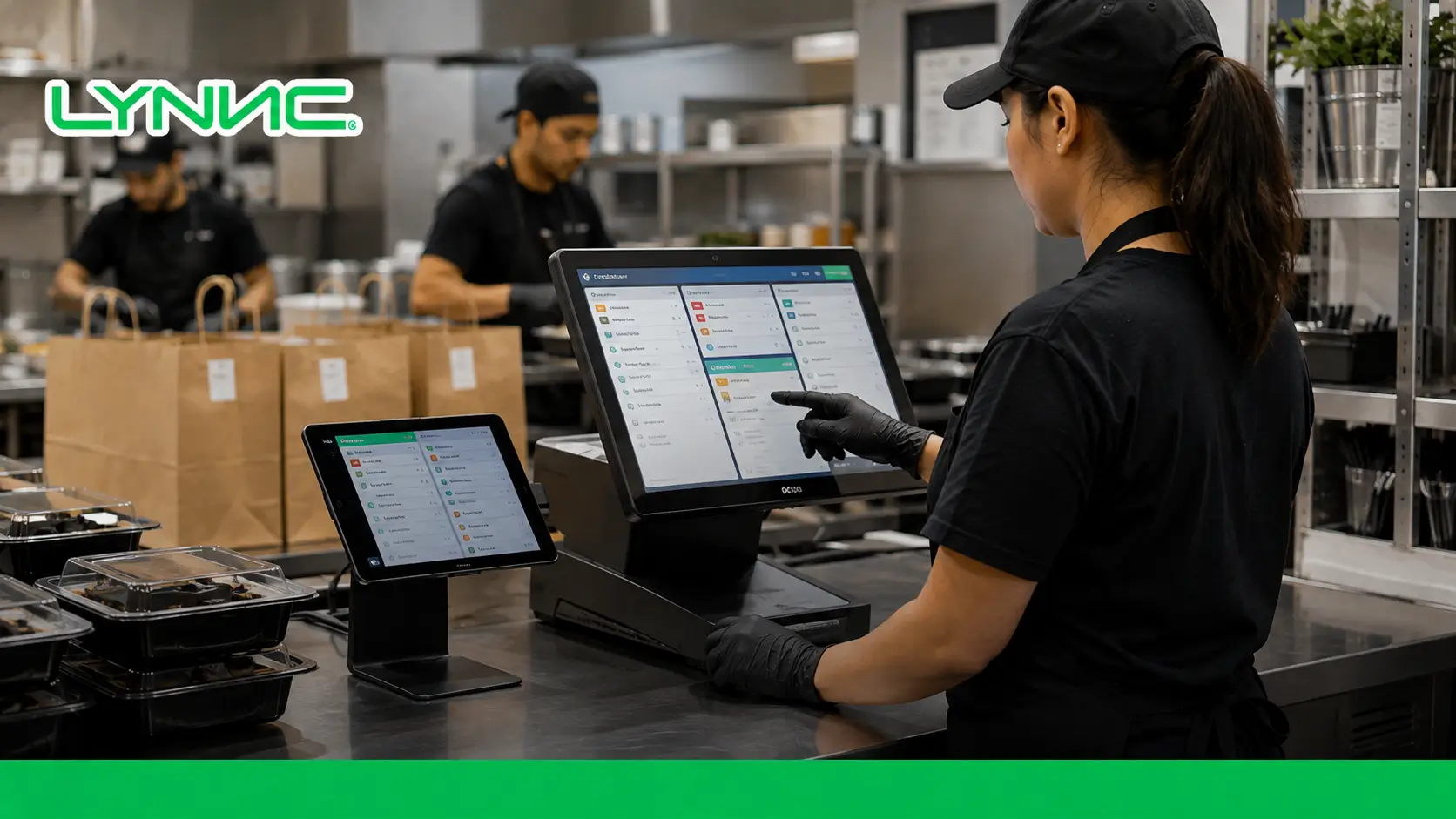
What Happens to an Order After It Enters Your Restaurant?
A restaurant order normally moves through capture, validation, transaction recording, kitchen routing, preparation, status updates, and fulfillment. Connecting these stages reduces duplicate entry and keeps order information consistent from sale to completion.
The order journey works like this:
1. Order Capture
The order enters through a POS, website, QR system, kiosk, mobile app, or delivery platform.
2. Order Validation
Items, quantities, modifiers, prices, availability, and branch details are checked.
3. Transaction Recording
The POS records the sale and payment information.
4. Kitchen Routing
The order moves to the correct kitchen or preparation station.
5. Status Management
The order progresses through accepted, preparing, ready, picked up, and completed stages.
6. Fulfillment
The order is served, collected, or handed to a delivery driver.
Why Adding More Sales Channels Changes What Your POS Needs to Handle
Every additional ordering channel creates more orders, menu updates, availability data, statuses, and reporting that must remain synchronized. A POS setup becomes harder to manage when each new channel also creates another manual step, tablet, or separate workflow.
The pressure usually appears in these areas:
- Manual Order Entry: Staff copy digital orders into the POS.
- Multiple Tablets: Each delivery platform requires separate monitoring.
- Menu Differences: Products, prices, and availability become inconsistent.
- Kitchen Confusion: Orders arrive through separate queues.
- Status Delays: Connected platforms show different order stages.
- Fragmented Reporting: Managers combine reports manually.
- Branch Errors: Orders may be routed to the wrong location.
Which Data Should Move Automatically Between POS and Order Management?
POS integration should synchronize the data needed to identify, price, prepare, route, track, and complete every restaurant order. The most important fields include order IDs, products, modifiers, prices, availability, branch, payment status, channel, and fulfillment status.
The most important information includes:
- Order ID: Keeps the order identifiable across systems.
- Items and Quantities: Defines what must be prepared.
- Modifiers: Preserves customer customizations.
- Prices: Keeps transaction totals consistent.
- Menu Data: Keeps products aligned across channels.
- Availability: Reduces orders for unavailable products.
- Branch: Routes orders to the correct location.
- Order Type: Identifies dine-in, pickup, or delivery.
- Payment Status: Shows whether payment is complete.
- Sales Channel: Identifies the order source.
- Order Status: Synchronizes preparation and fulfillment stages.
Add Smarter Order Control Without Replacing Your POS
LYNNC Order Management can work alongside an existing POS to centralize orders, automate acceptance, track order status, and manage items across digital channels. Restaurants can improve order operations without replacing a POS that already handles transactions effectively.
Explore LYNNC Order Management
The Everyday Workflow Problems That Signal You Need Order Management
A restaurant may need order management software when digital orders cause repeated manual entry, missed orders, inconsistent menus, multiple screens, or fragmented reporting. If every new ordering channel creates additional manual work, the existing workflow is not scaling efficiently.
Watch for these operational warning signs:
- Orders Are Entered Twice: Digital orders are copied manually into POS.
- Several Tablets Are Used: Each delivery app operates separately.
- Orders Are Missed: Staff cannot monitor every incoming channel.
- Modifiers Are Lost: Customer instructions fail to reach the kitchen.
- Menus Do Not Match: Prices or products differ across channels.
- Sold-Out Items Stay Online: Availability is not synchronized.
- Kitchen Queues Are Separate: Staff work from several order sources.
- Reports Are Built Manually: Managers combine data from different systems.
- New Branches Add More Work: Each location creates extra processes.
How Saudi Restaurants Can Unify POS, Jahez, and HungerStation Orders
Saudi restaurants can connect Jahez, HungerStation, direct orders, and other digital channels with their POS workflow instead of managing each source separately. Centralized order handling reduces manual entry while keeping menu, kitchen, channel, and status information easier to control.
1. Send Delivery Orders Into the Main Workflow
Jahez and HungerStation orders should enter the restaurant system without being recreated manually.
2. Synchronize Menu Information
Products, prices, modifiers, and availability should remain aligned where integrations support them.
3. Use One Kitchen Queue
The kitchen should receive digital and in-store orders through a clear production flow.
4. Synchronize Order Status
Accepted, preparing, ready, and completed stages should remain aligned between connected systems.
5. Keep Channel Data Visible
Managers should still be able to distinguish Jahez, HungerStation, POS, and direct orders in reports.
6. Support Future Channels
Adding another platform should not automatically require another tablet and separate workflow.
How to Decide Whether Your Restaurant Needs POS, Order Management, or Both
A restaurant needs POS for sales, payments, transaction records, and core in-store operations, while order management becomes more useful when several order sources must be coordinated. Restaurants handling dine-in, online ordering, pickup, delivery apps, and multiple branches usually benefit from both systems working together.
Use this decision guide:
Restaurant Situation
Recommended Setup
Mainly counter or dine-in orders
POS
Payments and transaction reporting
POS
One integrated digital channel
POS may be enough
Several delivery apps
POS + Order Management
Manual digital order entry
POS + Order Management
Dine-in + pickup + delivery
POS + Order Management
Multiple branches and channels
POS + Order Management
POS works but delivery is fragmented
Keep POS + add Order Management
Need one cross-channel order view
POS + Order Management
1. Use POS for Simple Operations
A capable POS may be enough when sales channels are limited and already integrated.
2. Add Order Management When Channels Multiply
Order management becomes more useful when staff coordinate several apps, statuses, locations, or kitchen queues.
3. Use Both for Omnichannel Operations
Restaurants with dine-in, takeaway, websites, and delivery apps need both transaction control and order-flow control.
4. Keep a POS That Already Works
A working POS does not need replacement if the main problem is fragmented digital order handling.
Turn Disconnected Orders Into One Operational Flow
LYNNC Order Management centralizes incoming orders, automated acceptance, tracking, item management, and reporting across digital channels. It helps restaurants reduce fragmented workflows without treating every new ordering channel as a separate operation.
Discover LYNNC Order Management
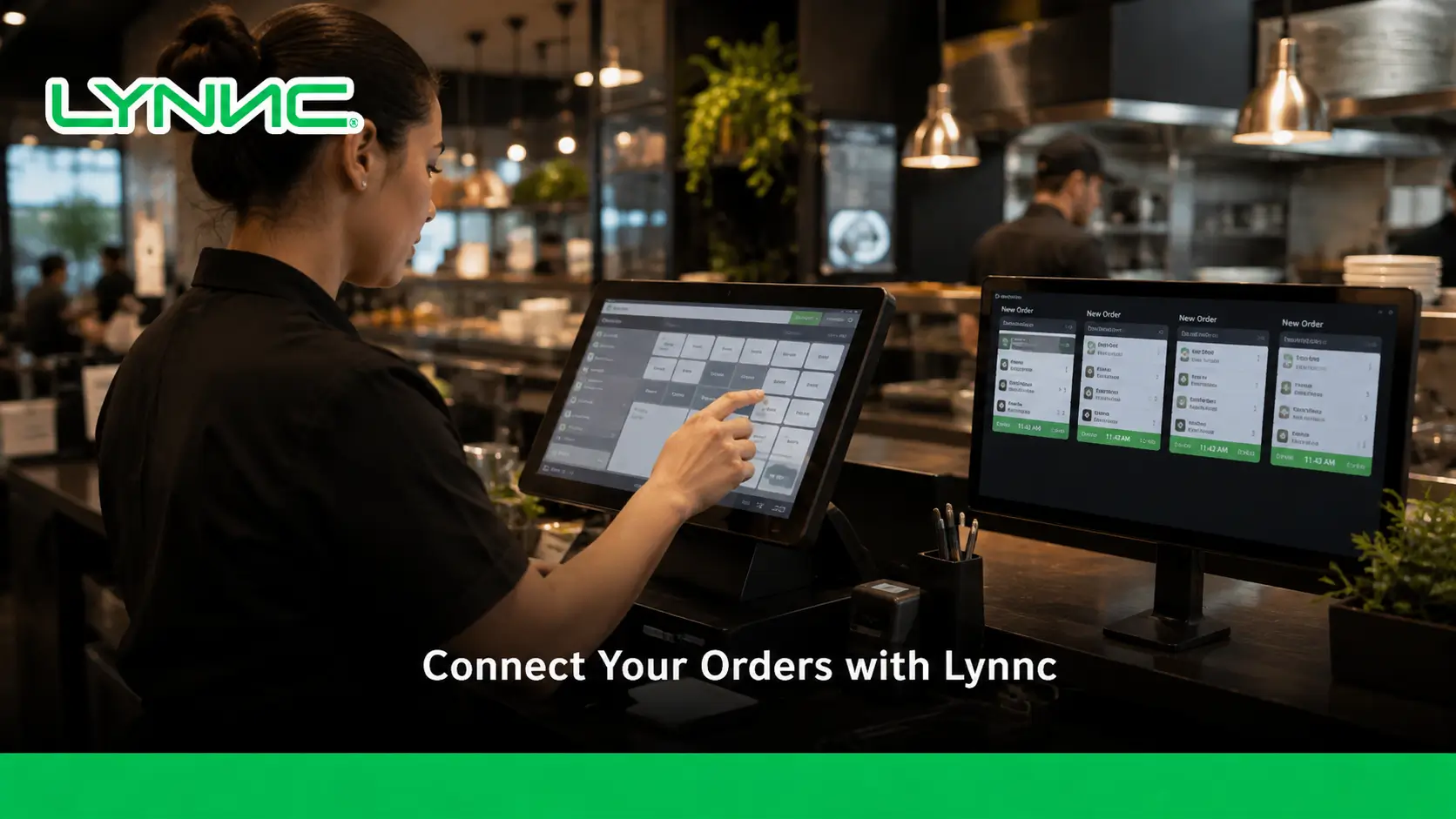
guide to restaurant Branch Management: Control Online Orders From One Dashboard
Frequently Asked Questions About POS Systems and Restaurant Order Management
A POS system primarily manages restaurant transactions, while an order management system coordinates order flow across channels and fulfillment stages.
The two systems may share features, but restaurants should compare their actual responsibilities rather than relying only on product labels.
What Is a POS System in a Restaurant?
A POS system records restaurant sales, payments, and transaction data. Modern POS platforms may also include menus, KDS, reporting, inventory, and integrations.
What Is an Order Management System?
An order management system coordinates orders from receipt through preparation and fulfillment. It is especially useful when several ordering channels need to operate together.
What Is the Difference Between POS and Order Management?
POS focuses mainly on transactions and sales records. Order management focuses on coordinating orders across channels and fulfillment stages.
Is Order Management the Same as POS?
No. POS is transaction-centered, while order management is order-flow-centered.
Can a POS Manage Online Orders?
Yes. Many modern POS systems can receive online and delivery orders through native features or integrations.
What Does POS Integration Mean?
POS integration connects the POS with other restaurant systems so order and transaction data can move automatically.
Does Every Restaurant Need Order Management?
No. Restaurants with a small number of well-integrated channels may operate effectively with POS alone.
Can Jahez Orders Be Integrated With POS?
Yes. Compatible integrations can route Jahez orders into POS and restaurant order workflows.
Can HungerStation Orders Be Integrated With POS?
Yes. Compatible Saudi restaurant integrations can connect HungerStation orders with POS workflows.
Can Order Management Replace POS?
Usually not when a restaurant still needs full payment, transaction, cash, or in-store POS functions.
What Is an Integrated POS System?
An integrated POS connects transactions with ordering, kitchen, delivery, menu, inventory, and reporting systems.
How Do I Know If I Need Order Management?
Repeated manual entry, multiple tablets, missed orders, inconsistent menus, and fragmented reporting are common signs that centralized order management is needed.

