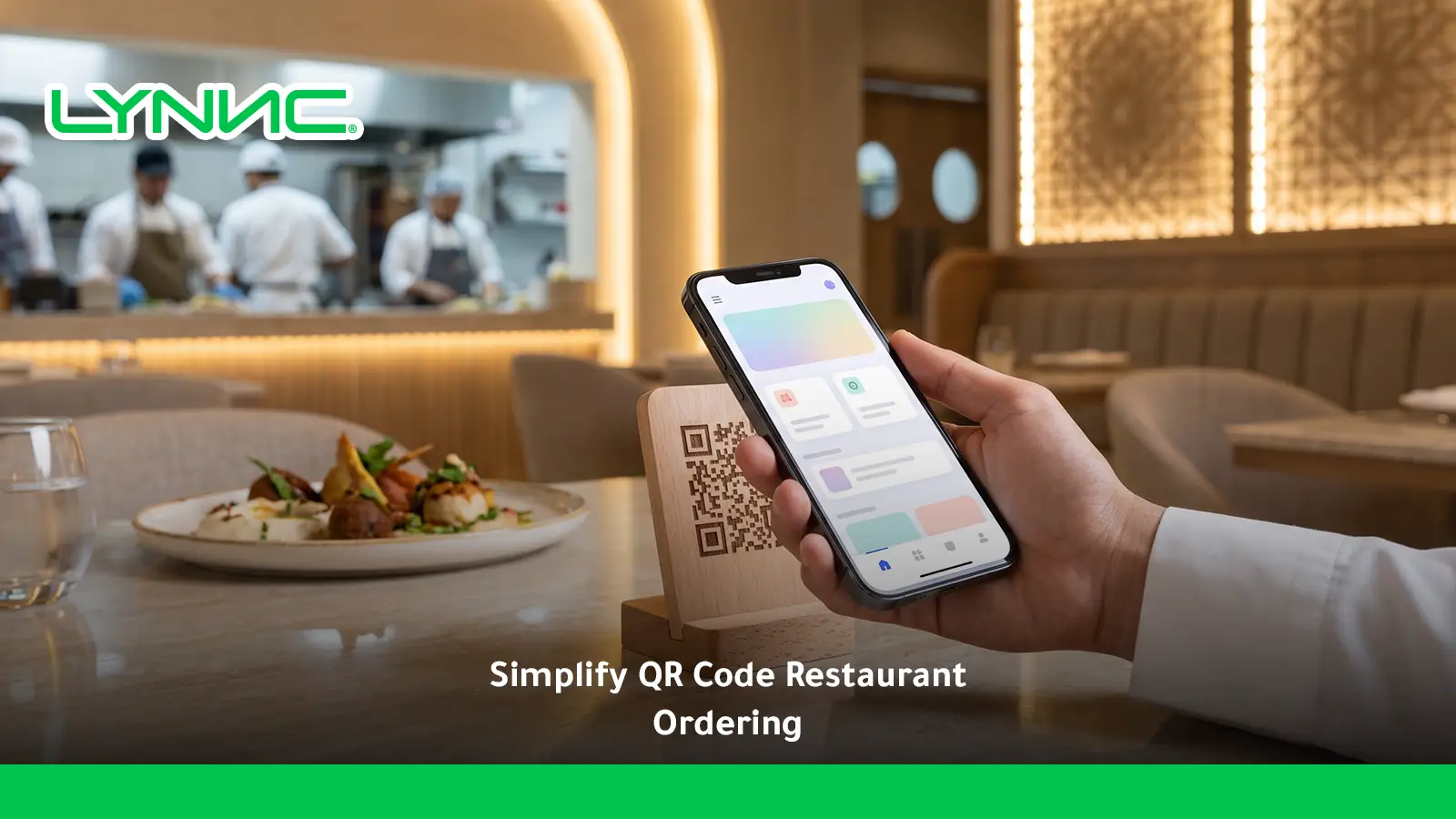
When a QR code opens but ordering fails, locate the first transition that lacks confirmed evidence: menu load, item selection, cart validation, order submission or receiving-system acknowledgment. Preserve one reproducible attempt with its branch, device, timestamp and available references. Check existing order and payment records before any retry that could create another transaction.
Start with the last confirmed event
A complaint that “scan to order is broken” is too broad to assign. Ask the shift lead to name the last action that definitely worked and the next action that did not. “The menu opened; adding the required side returned an error” gives the application team a different starting point from “an order reference exists, but the kitchen has no ticket.”
Use the restaurant’s documented service mode. A menu that intentionally requires a waiter has no failed digital checkout to diagnose. For an ordering-enabled setup, keep the table-to-kitchen workflow available as the normal reference, then record the first departure from that expected path. Investigate that boundary before changing downstream settings.
During active service, the manager should arrange the approved staff-assisted fallback while one authorized tester gathers evidence. Assign the customer’s original attempt a single owner. A fallback ticket must be cross-referenced and reconciled under the restaurant’s procedure; otherwise staff and software may both send the same meal to production. For a confirmed guest-network outage, follow the QR ordering Wi-Fi fallback plan and rehearse the staff takeover before the next busy shift.
Classify the first failing transition
| Last confirmed event | Next event not established | Evidence needed before escalation |
|---|---|---|
| Phone decoded the code | Expected menu document opens | Actual final URL, branch, response or browser error; redact session tokens. |
| Correct menu is visible | Selected item enters the cart | Item and option IDs if available, required choice, exact error and current availability. |
| Cart contains the intended meal | Server accepts the cart | Cart reference, displayed total, selected branch and the validation response. |
| Guest submitted checkout | One order was created | Attempt time, request/reference if available and search result in the ordering system. |
| Payment was initiated | Provider result is known | Approved payment reference and authoritative status; a spinner is not a decline. |
| Original order exists | Correct POS receives it | Source order ID, destination branch and receiving record or explicit rejection. |
| POS contains the order | Required kitchen ticket is visible | POS reference and release evidence; hand over to the kitchen investigation. |
These rows are checkpoints, not a universal payment sequence. Some venues authorize payment before accepting the order; others settle later. Mark an inapplicable checkpoint as “not used” and explain the configured path. “Not observed” means evidence is missing, while “failed” requires an expected result and a contrary observation.
Once the original transaction is confirmed in POS, use the missing kitchen ticket checklist for station, release and display checks. Repeating that whole investigation inside a QR incident report obscures the handoff: record the proven POS receipt and pass the same reference to its owner.
Build a reproducible incident report
A useful report lets another person reproduce the failure without calling the guest or guessing which menu was used. Give it an incident ID and preserve the initial observation before clearing browser data, changing the catalog or replacing the code. Distinguish what staff saw from what a technical log later confirmed.
| Report field | What to record | Precision check |
|---|---|---|
| Scope | Restaurant, branch, service mode, incident owner | One branch initially; list additional affected branches separately. |
| Environment | Phone model, OS/browser versions, language, Wi-Fi or mobile data | Record actual versions where accessible; do not write only “mobile.” |
| Starting context | Printed code reference, final destination, existing or fresh session | Keep secret URL parameters out of shared screenshots. |
| Exact reproduction | Item, quantity, required choices and actions in order | Include back navigation or language switching only if they occurred. |
| Expected and actual | Expected next state, actual message, last confirmed event | Preserve the wording; distinguish symptom from suspected cause. |
| Time and identity | Timestamp with timezone; cart, attempt, order and payment references available | Write “not created” or “not accessible,” rather than inventing an ID. |
| Current transaction state | Ordering, payment, POS and kitchen observations | Name the source and time of each lookup. |
| Change and retest | Authorized correction, tester, new test references and result | Keep original evidence alongside the follow-up result. |
An authorized technical reviewer can capture network requests around the failing action. Chrome’s network export guidance describes sanitized HAR exports that omit certain sensitive headers. Treat sanitization as a starting safeguard: inspect URLs, request bodies and responses for guest details or other secrets before sharing. A screenshot alone rarely establishes whether a server accepted an order.
Use one time convention throughout the report, such as Saudi local time with its UTC offset. If records from different systems disagree, note their timezones or clock difference rather than adjusting timestamps silently. Sequence evidence by references and system events when exact cross-system timing cannot be established.
Reproduce one variable at a time
- Preserve the affected state. Record the original device, session, menu selection and message. Stop exploratory taps once a submission or payment may have occurred.
- Confirm existing transactions. Ask the authorized owner to search the original order and payment references. Reconcile an uncertain result before creating a new test attempt.
- Repeat under a controlled procedure. Use approved test data and the original sequence. Keep the same branch, product and service mode so the comparison answers a specific question.
- Change one condition. Compare a fresh session, another browser or a different network separately. Record the changed condition and whether the same boundary still fails.
- Assign the observed boundary. Send the evidence pack to the team owning the failed transition. An HTTP error or console message is a clue, not a root-cause finding by itself.
A fresh session succeeding does not prove the old browser cache caused the problem. Session expiry, a catalog change or different branch context could also explain the result. Likewise, a second phone failing does not prove a POS outage when no order was ever submitted. Keep competing explanations in the report until evidence separates them.
Separate safe navigation from uncertain transactions
Reloading a read-only menu and repeating an order submission have different consequences. HTTP retry semantics caution against automatically repeating non-idempotent operations unless their safe repetition is known or the original operation was not applied. This supports a conservative incident procedure; it does not establish how a particular ordering platform implements retries.
When an order or charge might already exist, use the provider’s documented lookup and recovery process. Record the current state and authorized decision: continue the existing order, resolve an explicit rejection, or escalate an unknown outcome. Do not use a new cart, another payment method or a manual resend simply to make an error screen disappear.
If one source reference already maps to multiple receiving tickets, attach that evidence to the duplicate-order recovery investigation. Keep genuinely separate customer orders separate even when their baskets match. Operators need a reconciled transaction outcome; they do not need to invent or modify an idempotency implementation during service.
Hypothetical incident: a required option blocks submission
Hypothetical example, not a LYNNC customer incident. A Jeddah restaurant receives a report that its QR ordering page fails. The printed code opens the correct menu. A tester selects a combo and an extra drink, but submitting the cart returns a missing-option message. No order reference exists and the configured payment step has not started.
The report identifies the last successful event as cart creation and the failing transition as server cart validation. The menu owner finds that the required side is unavailable in the affected configuration. After an authorized correction, the tester repeats the same combo, confirms the required choice appears and traces the new test order to its intended receiving record. Reprinting the sticker or resetting kitchen displays would not address the observed boundary.
Close with a matched retest and an explicit outcome
| Closure check | Required evidence | Leave open when |
|---|---|---|
| Original failure reproduced or explained | Recorded sequence and confirmed boundary | Only the complaint wording is available. |
| Correction tested against the same condition | Before/after results with new controlled references | A different item or branch was tested instead. |
| Transaction outcome reconciled | Original and test order/payment states documented | Any attempted payment or fallback ticket remains uncertain. |
| Adjacent working path checked | One relevant unaffected case still works | The repair may have broken another service mode. |
Record “resolved for the tested configuration,” the approver and any monitoring still required. For intermittent failures, retain the observation period and tested-case count; one successful order cannot establish a universal success rate. Keep the report open as “not reproduced” when the symptom disappears without a supported explanation.
Frequently Asked Questions
What should staff record if no order ID was created?
Record the incident ID, branch, timestamp, cart or attempt reference if available, exact actions and error. State whether an authorized search found no order or whether records were inaccessible. Those are different evidence states.
Can a successful QR scan still lead to the wrong investigation?
Yes. A scan identifies a destination; it does not prove that the page loaded, the cart passed validation or an order was received. Locate the last confirmed event and investigate its next transition instead of treating every complaint as a printing or kitchen problem.
Should the guest try paying again after a timeout?
An unknown result needs an authoritative transaction check first. The authorized payment owner should follow the provider’s recovery procedure and reconcile the original reference before any action that could create another charge.
When can the incident be marked resolved?
After the original failing condition has a documented explanation, a matched controlled retest passes, and original orders, payment attempts and fallback tickets are reconciled. State the tested configuration and any remaining monitoring limits.
Use the report in a scoped workflow review
Bring the completed incident record to a LYNNC QR Ordering demonstration. Ask which order references, transition evidence and recovery actions are available for your actual branch and connected systems. Keep any unavailable evidence or unsupported recovery path explicit in the operating procedure.