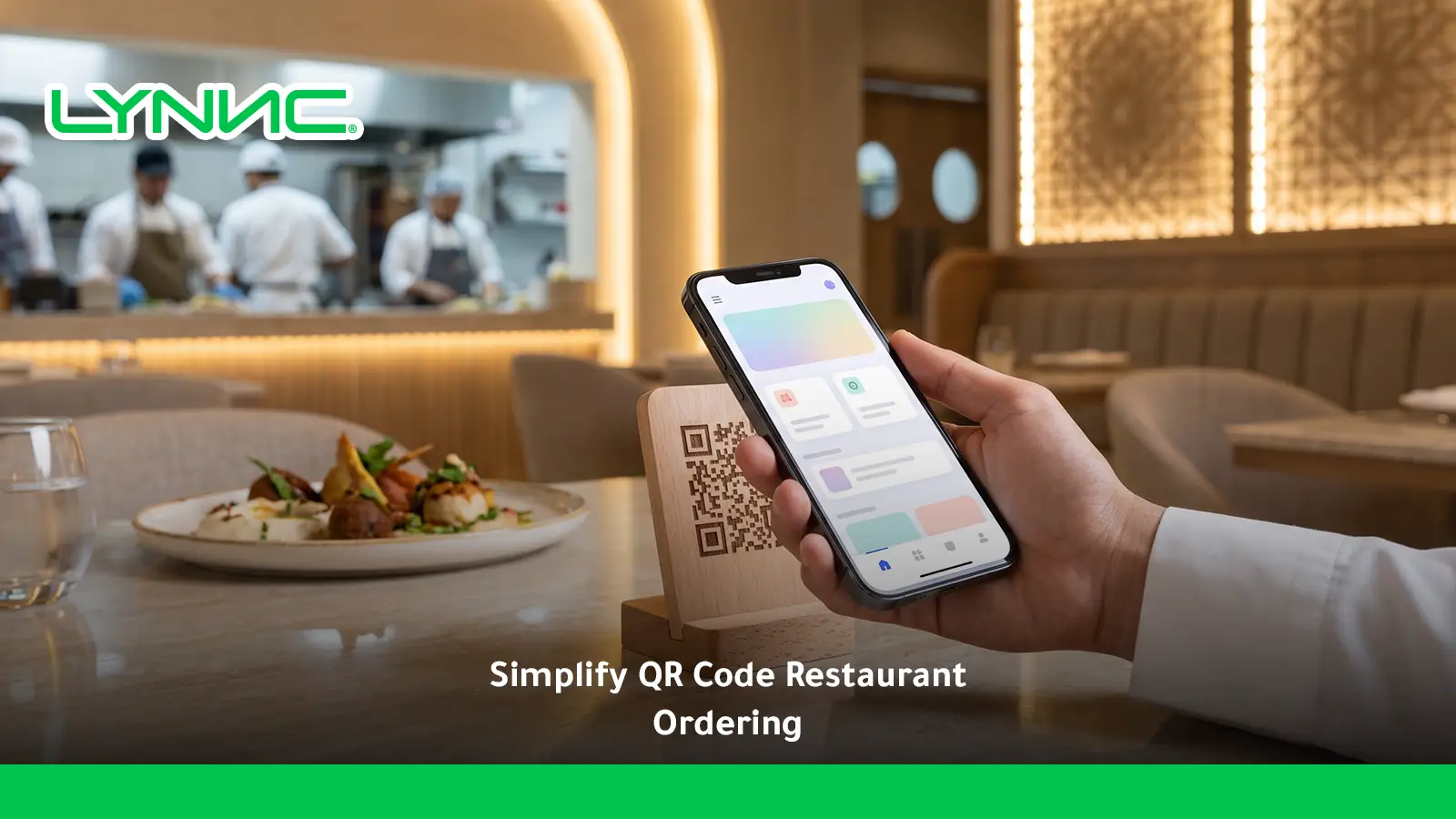
Restaurant ordering can stop when guest Wi-Fi is weak, requires a sign-in page, or loses internet access during checkout. To keep qr table ordering usable, compare guest Wi-Fi with cellular access, provide an alternative menu link, let trained staff take over orders, and confirm each ticket reaches the POS and kitchen. Monitor interrupted attempts and rehearse the fallback before busy service across your Saudi branches without creating duplicate kitchen tickets.
This guide focuses on the network-outage drill and staff takeover; it complements the general QR ordering incident guide, which diagnoses the first failed transition.
The problem — restaurant ordering interrupted by weak guest Wi-Fi
A QR code is only an entry point to an online menu or ordering page. A guest may scan it successfully yet be unable to load the menu or submit an order. For qr table ordering, a working camera and visible Wi-Fi icon do not prove that the order reached the restaurant.
To recognize the problem quickly, separate the visible symptoms from their possible causes:
Symptoms a floor manager can recognize
- Menu never opens: The QR scan succeeds, but the mobile page keeps loading.
- Cart works but submission stalls: Items appear, yet the guest receives no confirmed order number.
- One area repeatedly fails: Guests at certain tables ask for help while other tables order normally.
Root causes worth checking
Guest Wi-Fi has a weak signal
The access point may not provide reliable coverage at the affected tables. Test the actual guest network where customers sit, rather than relying on a back-office speed test.
A sign-in portal blocks internet access
A phone may connect to Wi-Fi but still need to accept a guest-network sign-in page. Verify that the ordering website can be opened after the portal completes.
The problem is beyond Wi-Fi
If cellular data also fails, investigate the ordering website, service availability, payment provider, or downstream POS connection. Changing Wi-Fi networks will not solve an application outage.
How to diagnose the failure and capture evidence
Start with one affected table and one controlled test order. The goal is to identify whether the failure occurs before the menu loads, at order submission, or after submission but before the kitchen receives the ticket. Use this sequence when qr table ordering becomes unreliable:
1. Compare guest Wi-Fi and cellular access
- Open the same table link on guest Wi-Fi, then on cellular data where coverage is available.
- Note whether the menu opens, loads slowly, or cannot be reached at all.
- Check whether guests are blocked by a Wi-Fi login page.
Example: The menu fails on restaurant Wi-Fi but opens on cellular data. The team should investigate guest-network access first, not change the table QR code. This distinction matters when testing qr table ordering during a busy shift.
2. Verify the full order journey
Confirm the table and menu
Check that the page identifies the correct branch and table, and shows a usable menu. A direct URL is helpful only if it leads to the same correct ordering destination.
Confirm the order, payment, and kitchen status
Submit an authorized test order if the environment allows it, and verify its order reference in the ordering system, POS, and kitchen workflow. If payment status is uncertain, check the authoritative provider result before retrying or entering a manual order.
3. Record an incident that another shift can investigate
Capture the branch, table, device type, connection type, approximate time, stage of failure, order reference if one exists, and staff action. Do not collect guest passwords or full payment details.
Step-by-step solution — prepare alternative access, staff takeover and incident monitoring
A workable fallback has three parts: a route guests can still use, a person who can take responsibility when digital ordering fails, and a record that prevents abandoned or duplicated tickets. Follow these five steps before rolling out qr table ordering across branches:
Step 1. Offer an alternative access path
When mobile data is available
- Display a short, verified menu URL beside the QR code; let guests switch from guest Wi-Fi to their own mobile data if they choose.
- Test that the link opens the correct branch and table selection.
- Do not assume cellular coverage, a guest data plan, or a working ordering service.
When neither connection works
Provide an accessible printed or staff-held menu and proceed to staff-assisted ordering. A QR image or saved menu alone cannot submit a live order without a supported online path.
Step 2. Assign staff takeover before the rush
- Identify the floor supervisor authorized to activate fallback service.
- Have a server confirm the table, items, modifiers, allergies, and price before handing off the order.
- Enter the order through the approved POS route if available; otherwise follow a documented paper-ticket process with kitchen acknowledgment.
Example: Table 12 cannot submit an order. The server takes the request, labels it with the table and a unique fallback reference, and obtains kitchen acknowledgment rather than asking the guest to resubmit blindly.
Step 3. Verify payment and prevent duplicate orders
Before re-entering an interrupted order, search the ordering and payment records. A frozen confirmation screen does not prove that submission or payment failed. Keep the original reference, and never promise that an unverified payment has been reversed.
Step 4. Monitor the incident while service continues
Record the first affected table, alternative path used, failed attempts, staff-taken orders, and outstanding kitchen acknowledgments. Assign an owner to unresolved payment and order statuses.
Step 5. Restore digital ordering carefully
Once connectivity returns, reconcile fallback tickets against digital orders and payments before re-enabling self-ordering for affected tables. Confirm that no pending online submission becomes a second kitchen ticket.
Operational handoff: Guest reports failure; server records the table and order; supervisor checks prior submission; POS or approved manual route sends one ticket; kitchen acknowledges; supervisor reconciles after recovery.
Reference incident flow
- Guest scans the table QR code.
- If the menu is accessible, check the order. If not, try cellular data or the verified URL.
- If access remains unavailable, staff takes the order.
- Send one POS or approved paper ticket.
- Confirm that the kitchen acknowledges the ticket.
- Reconcile before recovery.
This is a proposed staff procedure, not a diagram of LYNNC's internal software.
QR outage tabletop drill
A tabletop drill lets the branch rehearse a network outage without interrupting real customers. It tests the people and decision points behind qr table ordering, not just the Wi-Fi equipment.
Set up the scenario
HYPOTHETICAL drill: During a busy dinner shift, the guest network stops providing internet access to six occupied tables. Mobile data works at four tables but not at two. A guest at one table already pressed “Place order” before the page froze.
Assign a server, shift manager, POS operator, kitchen lead, and IT contact. Use test orders or a controlled rehearsal instead of charging real guests.
Run the incident in order
- The server identifies affected tables and offers an alternative menu access path.
- The manager checks the ambiguous submitted order before permitting manual re-entry.
- Staff take orders for tables that cannot reconnect and get kitchen acknowledgment.
- IT records whether the failure is Wi-Fi, portal access, or the ordering service.
- The manager reconciles pending digital attempts and manual tickets before reopening normal QR ordering.
Review the drill evidence
- Were all affected tables served through a confirmed route?
- Did anyone create a duplicate order or collect payment twice?
- Can the team identify the owner and status of every unresolved attempt?
- Did staff communicate clearly without promising unverified recovery times?
A failed critical check means the fallback requires correction and another rehearsal.
Saudi restaurant operations scenario
HYPOTHETICAL example: A multi-branch casual dining operator in Riyadh uses qr table ordering at 18 tables in one branch. At 8:15 p.m., five guests report that their menus are stuck loading. The supervisor tests a table link on cellular data and confirms that it works, while the guest Wi-Fi sign-in page fails.
Follow the response in this order:
First: isolate and assist
The supervisor contacts the network support team, places staff near affected tables, and gives guests the option of cellular access or assisted ordering. Two guests choose staff assistance.
Next: protect uncertain orders
One guest says they already submitted an order. Before staff create another, the POS operator searches for its reference and checks payment status. The kitchen receives only the verified ticket.
Finally: reconcile and resume
Once the guest network works, the manager compares the fallback log with POS and kitchen records, then restores the normal ordering instructions. The example shows a response procedure, not a claimed LYNNC customer result or outage recovery benchmark.
What to validate in a vendor demo
Different fallback options solve different parts of the problem. Use the comparison below before choosing a vendor or treating offline operation as a standard feature.
| Option | Works when | Limitation to test |
|---|---|---|
| Guest switches to cellular data | Mobile coverage and ordering website are available | Not every guest has usable cellular access |
| Direct menu URL | Scanning fails but internet access works | A URL does not fix an internet or platform outage |
| Staff-assisted POS entry | Staff can reach an operational POS | Must verify table, payment, and kitchen handoff |
| Approved paper ticket | POS entry is unavailable under the branch fallback policy | Requires controlled entry and reconciliation later |
| Vendor-provided offline workflow | Explicitly supported and configured by the vendor | Offline display does not imply order submission or payment capture |
Demonstration tests to request
Ask the vendor to simulate guest Wi-Fi failure, switch to cellular access, demonstrate staff takeover, recover an uncertain order, and reconcile manual and digital tickets. For qr table ordering, insist on seeing the actual POS and kitchen integration used by your branch, not a generic demo account.
Where LYNNC fits
LYNNC QR Ordering documents scan-to-menu ordering, with payment and POS connectivity dependent on the restaurant's supported configuration. Ask LYNNC to demonstrate the online table journey and clarify what happens when guest access is unavailable; do not assume built-in offline ordering or automatic staff takeover. For the normal journey, read the table-scan-to-kitchen guide. The QR code design guide covers scan quality rather than outage recovery.
Request a tailored demo when a multi-branch operation needs to verify connectivity, table identification, staff handoff, and kitchen confirmation with its existing POS. Bring one failed-order example and the branch's fallback checklist.
KPIs and implementation acceptance tests
Measure whether service continued safely, not merely whether Wi-Fi came back. For qr table ordering, the most useful indicators identify guests left without a service path, orders with unknown outcomes, and duplicate or missing kitchen tickets.
Operational KPIs
| Metric | Definition | What to look for |
|---|---|---|
| Fallback completion rate | Affected tables served through a confirmed alternative / affected tables | Any table left without an ordering path |
| Unresolved order count | Interrupted attempts without confirmed final status | Investigate every case before incident closure |
| Duplicate kitchen tickets | Additional tickets for the same confirmed purchase | Any unintended duplicate is a critical defect |
| Staff takeover time | Time from reported failure to staff acceptance of the table | Compare with the branch's approved target |
| Recovery reconciliation time | Time to match all fallback tickets and pending digital attempts | No open discrepancies at closure |
Fallback Completion Rate = (Affected Tables Served / Total Affected Tables) × 100
HYPOTHETICAL calculation: If all six affected tables in the drill receive a confirmed ordering path, the result is 6 / 6 × 100 = 100%. This is a training example, not measured LYNNC performance.
Quality-assurance and go/no-go checklist
- Guest Wi-Fi and cellular access tested at representative tables.
- Staff know how to provide the menu without a working QR session.
- A designated person checks whether an interrupted order was already received or paid.
- Every fallback order has a table reference and kitchen acknowledgment.
- Outstanding payment states are assigned to a responsible employee.
- Manual and digital tickets are reconciled before normal service resumes.
- Vendor demonstrates required POS connectivity and explains unsupported offline features.
Go: All critical paths work and every test order has one known outcome. No-go: A guest has no access or assistance, a payment is uncertain without an escalation path, or a duplicate kitchen ticket remains unexplained.
The answers below help Saudi restaurant operators distinguish connectivity faults from ordering failures and decide whether a fallback process or a vendor change is needed.
Frequently Asked Questions
Why can guest Wi-Fi interrupt restaurant QR ordering?
Guests may have a weak signal, a Wi-Fi login page that was not completed, or an interrupted internet connection. The QR code can scan successfully while the ordering website or checkout remains unavailable. Compare guest Wi-Fi with cellular access to isolate the likely fault.
How can an operator prepare alternative access, staff takeover and incident monitoring?
Prepare a verified menu URL and accessible staff-assisted ordering route before service. Give the supervisor responsibility for uncertain submissions and payment checks, and log each affected table until the kitchen has a confirmed ticket. Rehearse recovery before the busiest shift.
What should a Saudi restaurant verify during a software demo?
Test qr table ordering on the actual branch network and supported POS, including a lost connection during submission. Require the vendor to show the resulting order, table, payment status, kitchen ticket, and staff fallback, while identifying functions not supported by the contract.
Which operational metrics show whether the fallback works?
No single metric proves complete resilience. Use confirmed service for all affected tables, zero unexplained duplicate tickets, and zero unresolved order or payment statuses, alongside the branch's own recovery-time target. Repeat the tests across devices and shifts.
Decision summary and next step
The practical decision is to preserve one confirmed order path per table, even when the guest's connection fails. Explore LYNNC QR Ordering and request a scenario-based demo of the supported workflow; this is not a promise of offline operation or guaranteed uptime.