


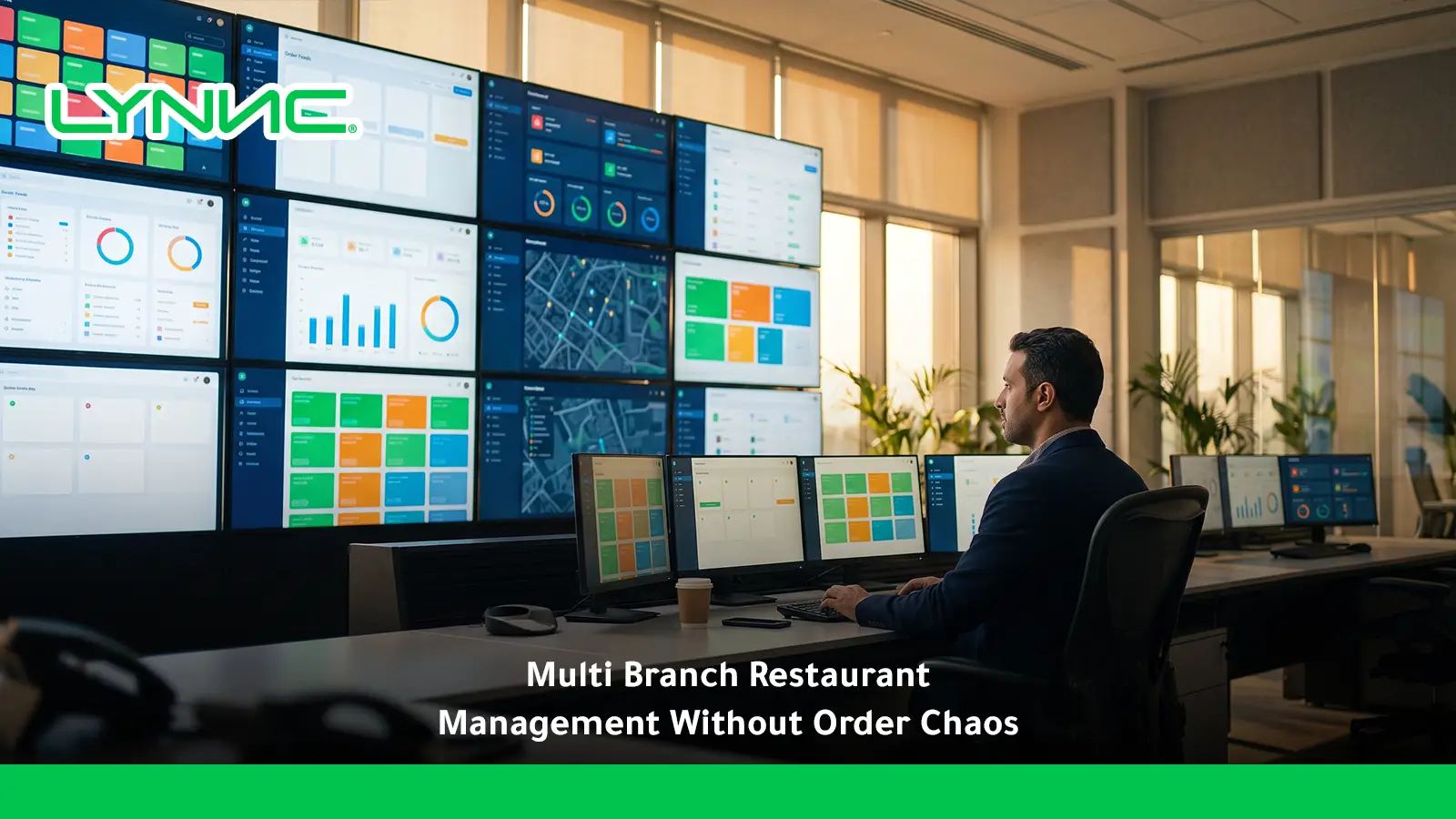
Multi branch restaurant management for orders gives restaurant groups one operating structure for routing orders, controlling menus, balancing branch demand, maintaining local availability, and tracking performance across locations. The strongest model combines central rules with branch-level flexibility, so each order reaches an eligible kitchen with the right menu, hours, capacity, and delivery setup. This guide explains the main challenges, routing logic, management models, KPIs, and how LYNNC centralizes multi-location operations. For the broader operating model, LYNNC restaurant operations platform connects order, branch, and delivery workflows in one environment.
What Is Multi Branch Restaurant Management?
Operational Definition
Multi branch restaurant management for orders is the coordination of incoming orders, branch availability, preparation workflows, fulfilment rules, and service standards across several restaurant locations from one operating structure.
Its purpose is to keep customer experience consistent while allowing each location to respond to its own demand, menu availability, and operating conditions.
Technical Definition
From a technology perspective, multi branch restaurant management for orders connects branch POS environments, ordering channels, menus, kitchen workflows, and delivery systems through a central management layer.
Head office gains common visibility and control without forcing every location to use identical prices, hours, or local availability rules. A practical restaurant branch management model applies that shared control while preserving necessary local differences.
Order-Control Definition
Multi branch restaurant management for orders determines which location should receive each order and preserves that branch association throughout preparation, payment, and fulfilment.
This prevents orders from reaching closed, overloaded, out-of-zone, or operationally unavailable branches.
Reporting and Decision-Making Definition
From a management perspective, multi branch restaurant management for orders creates a consolidated view of sales, order volume, delays, cancellations, channel mix, and branch-level exceptions.
The value is not only seeing every branch together, but understanding where performance differs and why.
Common Order Management Challenges Across Multiple Branches
Incorrect Order Routing
Multi branch restaurant management for orders becomes unreliable when routing depends only on proximity instead of actual branch eligibility.
Orders Sent to the Wrong Location
- Delivery-zone mismatch: The nearest restaurant may not officially serve the customer's address.
- Service mismatch: A branch can be open for dine-in while delivery or pickup is unavailable.
- Branch-status mismatch: Orders may reach a location that is paused, offline, or temporarily unable to process digital orders.
Order Concentration at One Branch
- Capacity blind spot: Routing without kitchen-load information can send too many orders to one location.
- Queue imbalance: Nearby branches may have spare capacity while one kitchen becomes overloaded.
- Preparation delay: Excessive queue depth increases service time even when the assigned branch is geographically closest.
A stronger routing model asks which eligible branch can fulfil the specific order, not simply which location is nearest. LYNNC's branch-management guidance also considers service zones, opening hours, product availability, branch status, and operational readiness when determining branch eligibility. For busy service windows, peak-hour order pacing and kitchen capacity help prevent a branch from accepting more immediate work than it can prepare.
Different Menus and Prices
Multi branch restaurant management for orders becomes difficult when every location maintains separate copies of the same menu.
Inconsistent Product Availability
- Local stockouts: One branch may sell out while another still has the same item available.
- Global availability errors: Disabling a product chain-wide because one location runs out creates unnecessary lost sales.
- Modifier differences: Options that are valid in one branch may not be supported by another kitchen.
Conflicting Prices and Promotions
- Manual updates: Repeating price changes across multiple systems increases inconsistency.
- Local pricing: Some branches may genuinely need different prices because of location strategy or operating cost.
- Promotion scope: A campaign may apply to selected branches rather than the entire restaurant group.
The stronger model uses a shared product structure with controlled branch-level differences in price, availability, operating hours, and local products. One practical control is operating hours sync across delivery apps to keep branch availability consistent across channels.
Uneven Demand
Multi branch restaurant management for orders must handle the fact that customer demand rarely grows evenly across every location.
Uneven Kitchen Load
- Different peak times: One branch may peak at lunch while another is delivery-heavy at night.
- Capacity differences: Kitchen size, equipment, and staffing affect how much volume a location can process.
- Order-channel pressure: A branch may appear quiet in-store while digital orders are already creating a heavy production queue.
Uneven Stock Requirements
- Local demand patterns: Each location can sell a different product mix.
- Perishable inventory: Sending equal quantities to every branch can create waste in low-demand locations.
- Availability impact: Poor stock planning creates cancellations when high-demand branches run out early.
Operational Inconsistency
Multi branch restaurant management for orders loses value when identical customer orders are handled differently at every restaurant.
Different Preparation Performance
- Preparation-time variance: The same menu item may take much longer in one branch.
- Workflow differences: Kitchens may prioritise dine-in and delivery orders differently.
- Poor queue discipline: Digital orders can become delayed if teams lack a common preparation workflow.
Different Fulfilment Standards
- Packing differences: Delivery packaging can vary between branches without common controls.
- Handover delays: Prepared orders may wait too long for collection or driver assignment.
- Status accuracy: Some branches may mark orders ready before preparation is genuinely complete.
Poor Integration Visibility
Multi branch restaurant management for orders can fail even when the customer-facing ordering platform appears healthy.
Invisible Synchronisation Failures
- POS delivery failure: The central platform may receive an order while the branch POS does not.
- Missing status updates: Orders can continue moving operationally while the central dashboard stops receiving changes.
- Incorrect location IDs: Mapping errors can associate transactions with the wrong restaurant.
Too Many Local Devices
- Separate tablets: Staff may need to monitor different delivery platforms independently.
- Manual re-entry: Employees can be forced to enter digital orders into POS by hand.
- Fragmented control: Head office cannot easily see which channel or integration is causing the problem.
Centralized vs Decentralized Branch Management
How an Order Management System Helps Multi-Branch Restaurants
Automated and Intelligent Order Routing
Multi branch restaurant management for orders becomes more reliable when routing rules evaluate whether a branch can actually fulfil an order. Multi-branch order control also sits within a wider restaurant management system architecture that connects POS, menus, integrations, and branch reporting.
- Location eligibility: Check whether the customer falls inside the branch's approved service area.
- Service availability: Confirm that the requested delivery, pickup, or other fulfilment method is currently enabled.
- Operating hours: Prevent orders from reaching locations outside the relevant service window.
- Branch status: Exclude paused or operationally unavailable restaurants.
- Order association: Preserve the correct Brand ID, Branch ID, menu, items, and fulfilment method throughout the workflow.
Centralized Menu and Price Control
Multi branch restaurant management for orders needs common product governance without removing legitimate local differences.
- Master product structure: Keep common item IDs and menu organisation consistent across locations.
- Local pricing: Allow selected branches to use different prices where business rules require it.
- Local availability: Hide a sold-out product at one restaurant without disabling it everywhere.
- Branch-specific items: Support local or seasonal products without duplicating the entire menu.
- Working hours: Apply menu or service availability according to each location's schedule.
LYNNC Order Management allows teams to add, edit, or hide items centrally, update descriptions, images, and prices across connected delivery applications, and manage store working hours.
Real-Time Order Visibility
Multi branch restaurant management for orders requires a central view without mixing every location into one undifferentiated queue.
- Branch filtering: Managers should be able to isolate activity by restaurant.
- Order status: Track new, accepted, preparing, ready, dispatched, completed, and cancelled orders.
- Delayed orders: Surface orders that exceed expected service time.
- Channel visibility: Show where each transaction originated.
- Exception visibility: Highlight orders that fail to reach a branch system correctly.
For this operating model, a centralized restaurant system software can reduce the gap between group-level visibility and branch-level order execution.
LYNNC's Order Management currently provides real-time order tracking, automatic order acceptance, item management, and centralized sales, order, and branch reporting.
Branch-Level Availability Control
Multi branch restaurant management for orders should prevent a local shortage from becoming a group-wide menu problem.
- Local sold-out rules: Hide unavailable products only at the affected location.
- Branch-specific visibility: Display items only where they can actually be fulfilled.
- Product mapping: Use consistent product identifiers across connected systems.
- Availability recovery: Restore an item when the branch is ready to sell it again.
- Customer protection: Stop unfulfillable orders before they reach the kitchen.
Standardized Operational Control
Multi branch restaurant management for orders should standardise the parts of execution that affect customer experience.
- Order-status rules: Use consistent definitions for accepted, preparing, ready, and completed.
- Preparation targets: Compare locations against shared service benchmarks.
- Exception procedures: Define what branches should do when systems, products, or delivery capacity fail.
- Integration mapping: Preserve the correct products, quantities, modifiers, and fulfilment types as orders move between systems.
- Local overrides: Give branch managers controlled options when operating conditions genuinely differ.
How to Route Orders to the Right Branch
Geofencing and Service Zones
Multi branch restaurant management for orders should first determine whether a restaurant is allowed to serve the customer's location.
- Define branch boundaries: Configure approved delivery areas for every location.
- Use customer location: Match the delivery address or available geographic data to eligible service zones.
- Avoid overlap errors: Establish rules when several branches can serve the same area.
- Respect service type: Delivery, pickup, drive-through, or dine-in availability can differ by branch.
Kitchen Capacity and Load Balancing
Multi branch restaurant management for orders should consider operational capacity when several locations are eligible.
- Active queue size: Monitor how many orders are currently in preparation.
- Estimated preparation time: Compare expected service speed between eligible branches.
- Temporary throttling: Reduce incoming digital volume when one kitchen reaches its operating limit.
- Alternative branch logic: Redirect eligible demand only when another restaurant can genuinely fulfil the same order.
- Manual override: Allow operations teams to intervene during equipment failure or unusual demand.
The closest restaurant is therefore not always the best fulfilment location. LYNNC's own branch-management framework highlights kitchen load, local availability, branch status, delivery zones, and service hours as relevant routing conditions.
Live Menu and Availability Checks
Multi branch restaurant management for orders should verify that the chosen location can fulfil the customer's basket before final routing.
- Product availability: Confirm that ordered items are active at the target branch.
- Modifier availability: Check options and combinations as well as the base product.
- Local menus: Respect differences between locations instead of assuming one universal menu.
- Sold-out controls: Prevent unavailable items from reaching the branch queue.
- Alternative handling: Define what happens when one item makes the entire basket unfulfillable.
Driver Proximity and Fulfilment Type
Multi branch restaurant management for orders should separate kitchen routing from last-mile delivery decisions.
- Fulfilment method: Pickup and delivery can require different branch-selection rules.
- Driver availability: A suitable branch may still face a delivery-capacity constraint.
- Driver location: Where an internal fleet is used, proximity can affect dispatch efficiency.
- Handover timing: Driver assignment should account for expected preparation time.
- Delivery distance: A slightly farther kitchen may not be better if the additional route increases transit risk.
Restaurants operating their own drivers can connect branch order decisions with Delivery Management Systems for Restaurant. For the order-to-dispatch workflow, see delivery management for restaurant fleets. LYNNC Fleet Management provides live vehicle tracking, route optimisation, driver-performance reporting, and direct integration with Order Management.
Operating Hours and Branch Health
Multi branch restaurant management for orders should verify that an eligible branch is operational before assigning customer demand.
- Service hours: Check delivery hours separately from the restaurant's general opening hours.
- Temporary pauses: Respect short-term suspension of digital orders.
- POS connectivity: Avoid sending orders into a branch environment that cannot receive them.
- Delivery status: Exclude locations where delivery is temporarily disabled.
- System exceptions: Surface synchronisation failures instead of allowing new orders to continue silently.
Multi-Branch Restaurant KPIs
- Branch net profit margin: Multi branch restaurant management for orders should ultimately support profitable operations, so revenue should be read alongside local rent, labour, food cost, and other branch expenses.
- Prime cost percentage: Combine food and labour cost relative to sales to compare how efficiently each location controls its largest operating costs.
- Average order value: Track average spend by location and channel to understand customer behaviour and upselling performance.
- Order volume: Compare the number of completed transactions rather than relying on revenue alone.
- Order cycle time: Measure the period from order acceptance through preparation and handover.
- Acceptance rate: Identify branches that reject a high proportion of incoming digital orders.
- Cancellation rate: Monitor cancelled or voided orders and classify the underlying cause.
- Late-order rate: Track the percentage of orders exceeding expected preparation or fulfilment time.
- Preparation time: Compare kitchen performance independently from delivery travel time.
- Driver wait time: Measure how long couriers spend waiting after arriving at the restaurant.
- Channel mix: Understand how much demand comes from dine-in, pickup, direct ordering, and external delivery channels.
- Product availability rate: Identify branches where customers frequently encounter unavailable products.
- Sales per operating hour: Normalise performance where restaurants have different opening schedules.
- Customer retention: Where customer identification is available, compare repeat-order behaviour between locations.
- Integration failure rate: Monitor orders that reach the central system but fail to complete expected downstream synchronisation.
- Branch system availability: Track recurring POS, connectivity, or ordering interruptions that affect fulfilment.
How LYNNC Centralizes Multi-Branch Operations
Central Order Visibility
LYNNC supports multi branch restaurant management for orders by allowing teams to monitor incoming orders and their progress through one Order Management environment.
- Unified order view: Track orders from receipt through fulfilment.
- Automatic acceptance: Reduce repeated manual order handling where enabled.
- Real-time tracking: Follow order progress step by step.
- Central oversight: Give management one view without removing branch context.
These Order Management capabilities are currently described directly on LYNNC's platform.
Branch-Aware Management
LYNNC's multi branch restaurant management for orders model keeps each transaction associated with the restaurant responsible for fulfilling it.
- Branch association: Preserve the correct location as orders move through connected workflows.
- Local operating rules: Maintain different branch hours, availability, or service settings where required.
- Central standards: Keep shared product and operational structures under wider group control.
- Branch drill-down: Retain location detail within centralized reporting.
LYNNC's multi-location guidance explicitly supports centralized governance while preserving local branch conditions rather than forcing every restaurant into an identical operating state.
Menu and Item Control
LYNNC supports multi branch restaurant management for orders by connecting item management with digital ordering operations.
- Add or edit items: Manage product details through the dashboard.
- Hide unavailable products: Remove items from supported customer-facing channels where required.
- Update pricing: Apply product-price changes from a central environment.
- Item insights: Review product performance information.
- Store hours: Configure working hours and stop orders outside operating periods.
LYNNC states that item descriptions, images, and prices can be updated across connected delivery applications from its dashboard.
Centralized Reporting
LYNNC strengthens multi branch restaurant management for orders by giving management one reporting layer for sales, orders, and branch performance. This becomes more useful when paired with restaurant reporting for branch performance to compare locations using consistent metrics.
- Sales visibility: Review business activity across locations.
- Order reporting: Monitor transaction volume and activity.
- Branch comparison: View location performance from one environment.
- Operational insights: Use real-time information to identify changes quickly.
- Dashboard simplicity: Keep executive information readable instead of spreading it across several platforms.
LYNNC's Order Management page specifically lists Management Reports, a comprehensive dashboard, real-time insights, and branch-performance reporting.
Delivery Operations
LYNNC can extend multi branch restaurant management for orders from the restaurant into the last-mile delivery stage when the business operates its own fleet.
- Live tracking: Monitor active vehicles on a map.
- Route optimisation: Improve delivery routing.
- Driver KPIs: Review individual driver performance.
- Order integration: Connect Fleet Management directly with Order Management.
- Delivery visibility: Maintain a clearer flow from order placement through final delivery.
These capabilities are documented on LYNNC's Fleet Management product page.
What LYNNC Should Not Be Expected to Replace
Multi branch restaurant management for orders often connects several specialist systems, so not every requirement should automatically be assigned to one platform.
- Full payroll management: Detailed labour payroll may remain within HR or workforce systems.
- Complete financial accounting: Full P&L and statutory accounting usually remain in accounting or ERP environments.
- Recipe-level inventory: Detailed theoretical-versus-actual food consumption depends on reliable recipe and inventory systems.
- Kitchen hardware control: KDS and production equipment may remain separate connected systems.
- Local operational judgement: Central automation should not remove the branch manager's ability to handle exceptional real-world conditions.
This keeps the architecture realistic: LYNNC can centralize ordering, items, reporting, multi-location visibility, and connected delivery operations without claiming to replace every restaurant application.
Common Questions About Multi Branch Restaurant Management for Orders
What are the biggest operational bottlenecks when expanding to multiple locations?
The largest bottlenecks usually appear in order routing, menu consistency, branch-specific availability, kitchen capacity, delivery coordination, and reporting.
As branches increase, manual processes that worked at one location begin creating duplicate data, delayed orders, inconsistent menus, and poor visibility across the group.
Is the nearest branch always the best branch for an online order?
No.
The closest location may be outside the correct delivery zone, overloaded, closed for the requested service, missing an ordered product, or unable to receive digital orders. Routing should confirm operational eligibility as well as distance.
Can every restaurant branch have different menus and prices?
Yes, when the operating model requires it.
The stronger approach is to maintain a shared product structure while allowing controlled differences in local price, item visibility, availability, hours, and location-specific products.
How should sold-out items work across multiple branches?
Availability should remain tied to the restaurant fulfilling the order.
If one branch sells out, that product should become unavailable at that location without automatically disabling it at other restaurants that can still prepare it.
What should a central multi-branch dashboard show?
It should show active orders, delayed orders, branch status, channel mix, cancellations, location performance, product availability issues, and important integration exceptions.
The objective is to help managers identify which location needs intervention and why, not simply display group totals.
How should restaurants handle peak-hour demand across branches?
Restaurants should monitor order queues, preparation times, branch availability, and fulfilment capacity together.
Where routing rules and customer service areas allow it, eligible demand can be directed away from overloaded locations. The system should still protect menu accuracy and delivery expectations before moving an order.
Multi branch restaurant management for orders becomes more difficult as locations grow because every new restaurant adds another menu, service zone, kitchen queue, branch status, and fulfilment context.
The answer is not to remove all local flexibility. The stronger model standardizes common order rules while allowing each location to keep the operational settings that genuinely need to differ.
LYNNC brings Order Management, centralized item control, branch reporting, real-time order tracking, and connected Fleet Management into a shared restaurant operating environment.
If your restaurant group is still managing digital orders, locations, and delivery workflows through separate tools, the practical next step is to map how each order reaches a branch today.
Then use LYNNC to evaluate where centralized control can remove manual routing, duplicate work, and blind spots as the business expands.

