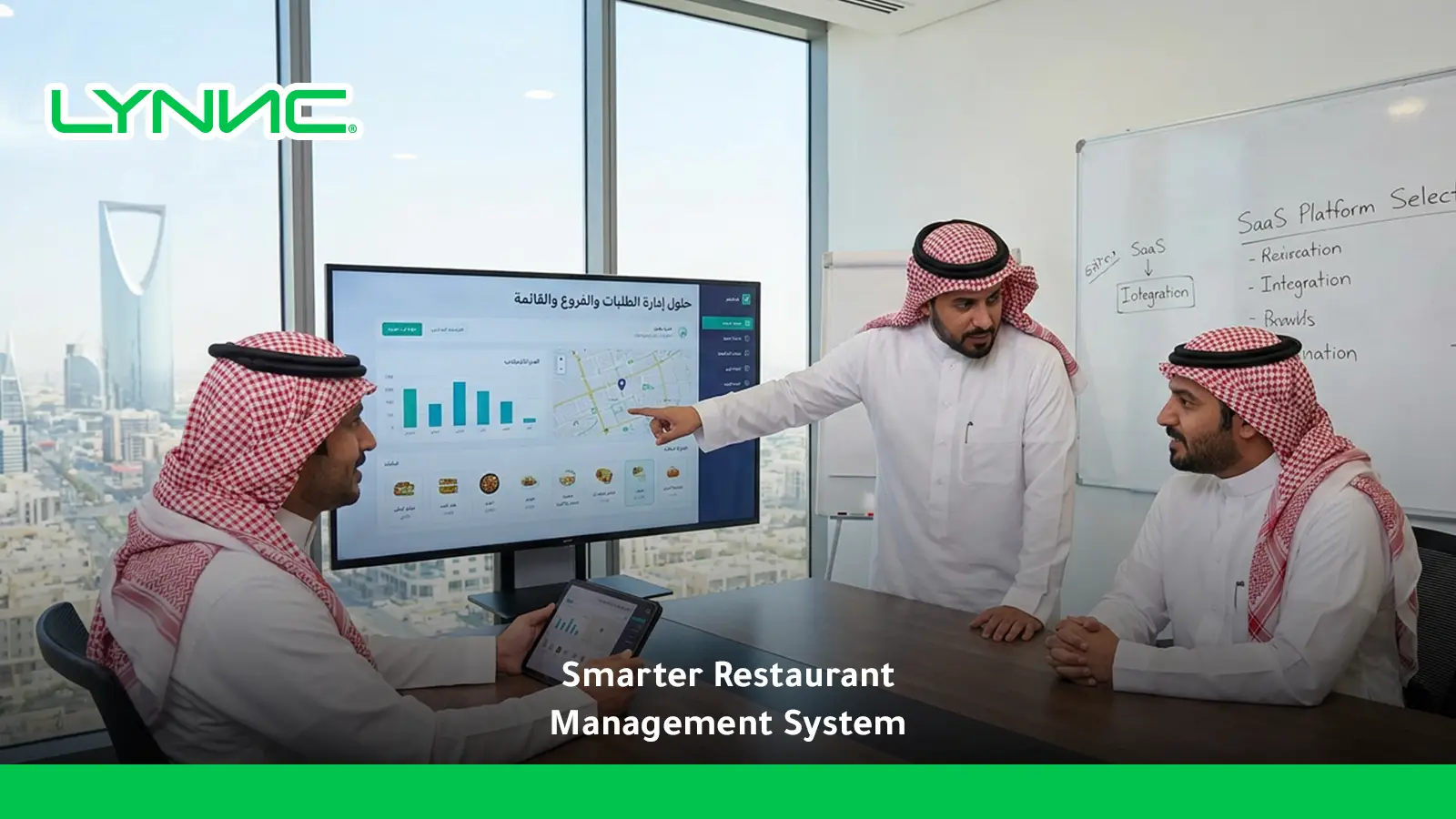
Order management software for QR ordering connects table-based digital orders with POS, kitchen workflows, payments, and reporting in one operating flow.
Instead of treating QR sales as a separate channel, restaurants can route orders automatically, consolidate web and delivery data, track performance, reconcile daily sales, and reduce duplicate entry. Connected systems support clearer restaurant analytics, faster processing, cleaner financial reporting, and a consistent view of every branch and ordering channel.
How QR Orders Enter an Order Management System
1. Scanning and Table Identification
When a guest scans a table QR code, the session can carry information that identifies the relevant table or ordering context. This lets the order management software for QR ordering associate the order with the correct service point without asking staff to enter it manually.
The exact identification method depends on the platform. A properly configured system uses the QR session to preserve the connection between the customer, table, branch, and order throughout the transaction.
2. Order Construction and Customisation
The customer browses the QR menu, selects products, chooses available modifiers, and builds a digital basket. The order record can contain items, quantities, selected options, table context, totals, fulfilment information, and payment status.
Instead of relying on a server to rewrite the customer's choices, the order management software for QR ordering can preserve those selections as structured order data before sending them into restaurant operations.
3. Cloud Routing and Validation
After confirmation, the digital order travels through the platform's connected infrastructure to the restaurant system. Integrations and APIs can validate required order details and transfer the transaction to the systems responsible for processing it.
If online payment is part of the journey, payment status can also be associated with the order before it continues to fulfilment. The precise sequence depends on the payment gateway and restaurant configuration.
4. OMS, POS and Kitchen Processing
Once received, an integrated order management system can pass the transaction into POS and the appropriate kitchen workflow. Menu items and modifiers can then appear on a kitchen printer or KDS according to the restaurant's routing rules.
This is where order management software for QR ordering becomes more valuable than a stand-alone digital menu: the order continues into operational systems instead of stopping on a separate tablet that staff must monitor and re-enter manually.
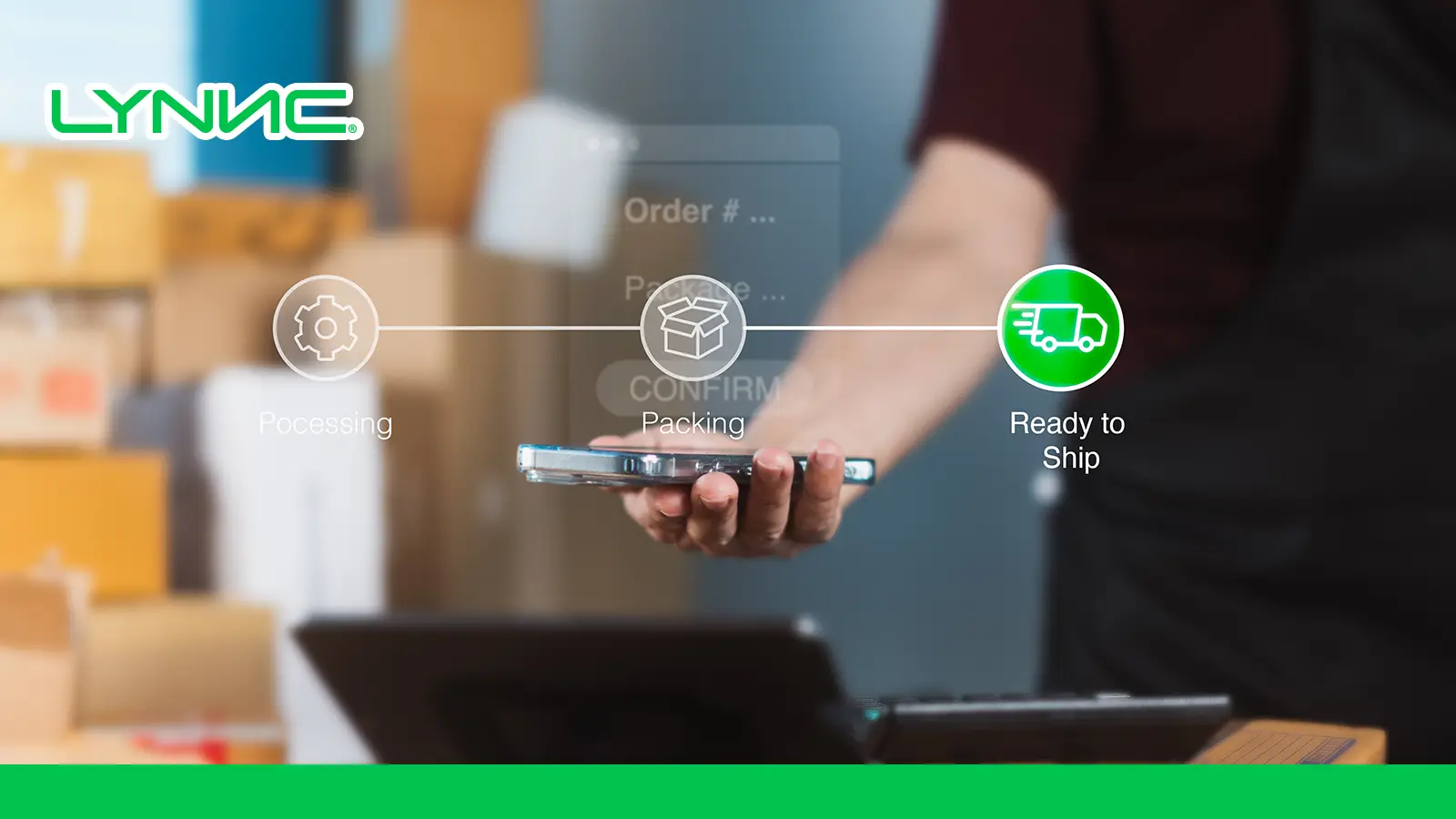
QR Ordering Without OMS vs QR Ordering With OMS
The comparison reflects the operating differences described in the supplied workflow, while actual automation depends on the integrations available in each restaurant system.
How Unified Order Reporting Works
Unified reporting brings transactions from connected ordering channels into one reporting environment instead of requiring teams to compare separate files at the end of every shift.
With order management software for QR ordering, each transaction can retain its source so managers can see total restaurant performance and then filter the data by channel. The most useful reporting views are:
QR Orders
- Order Source: QR transactions can be tagged separately from cashier, web, and delivery orders.
- Table Context: Where supported, reports can associate dine-in transactions with tables, locations, or service areas.
- Average Order Value: Managers can compare average QR spend with other channels.
- Modifier Performance: Reports can show which extras or upgrades customers select frequently.
- Processing Data: Connected timestamps can help measure how quickly a QR order moves through service.
- Primary Keyword Role: Order management software for QR ordering makes these transactions part of the same operating dataset rather than an isolated digital-menu report.
Web Orders
- Direct Sales: Reports can separate pickup and restaurant-managed delivery orders placed through the website.
- Product Performance: Teams can identify products that perform particularly well through direct digital ordering.
- Promotion Tracking: Promo codes and campaigns can be evaluated against completed orders.
- Repeat Behaviour: Where customer identification and consent are available, direct ordering can support retention analysis.
- Channel Economics: Direct web sales can be compared with other channels using consistent reporting definitions.
Delivery App Orders
- Platform Performance: Connected delivery orders can be grouped by marketplace or provider.
- Order Volume: Management can compare how much demand each platform generates.
- Product Mix: Reports can show whether particular items perform differently on delivery channels.
- Operational Timing: Order status data can help identify delays between receipt, preparation, pickup, and completion.
- Margin Analysis: Where commission, fee, and cost data are available, restaurants can compare channel economics rather than relying on gross sales alone.
The source brief specifically separates unified reporting into QR, web, and delivery-app orders, with each channel contributing different operational and commercial insights.
Restaurant Analytics From Unified Order Data
Restaurant analytics become more useful when managers can compare channels using one consistent dataset. Instead of making decisions from isolated POS, QR, website, and delivery reports, the restaurant can analyse how products, customers, and operations behave together.
For order management software for QR ordering, the most useful analysis falls into three areas:
1. Menu Engineering and Profitability
- Stars: High-selling, high-contribution items deserve strong visibility and consistent availability.
- Puzzles: Profitable items with weak demand may need better positioning, images, descriptions, or promotion.
- Plowhorses: Popular products with weaker margins may require portion, ingredient-cost, or pricing review.
- Dogs: Low-demand, low-contribution products should be reviewed to determine whether they still justify menu space.
- Modifier Insights: Compare add-on performance to identify sauces, toppings, sizes, or upgrades customers actually buy.
- Channel Comparison: Order management software for QR ordering can reveal whether a product behaves differently through dine-in QR, web, or delivery.
Menu engineering is more useful when popularity and profitability are considered together rather than treating the best-selling product as automatically the best commercial performer.
2. Customer Behaviour
- Repeat Ordering: Track how often identifiable direct customers return where the system and consent model support it.
- Channel Preference: Compare whether certain products, baskets, or customer segments favour QR, direct web, or delivery.
- Peak Periods: Analyse sales by hour and day to understand when demand changes.
- Offer Performance: Compare promotional periods against normal trading rather than judging promotions only by total sales.
- Basket Behaviour: Use sales analytics to see which items customers commonly purchase together.
The aim is to turn behaviour into practical decisions about menu placement, promotions, staffing, and channel strategy.
3. Operational Efficiency
- Channel Margins: Compare revenue with delivery commissions, payment costs, packaging, discounts, and other known channel expenses.
- Preparation Time: Connected kitchen timestamps can reveal how long orders spend in production.
- Bottlenecks: Identify stations, products, or periods associated with longer processing times.
- Branch Comparisons: Multi-location businesses can compare order volume, product mix, and operating performance using consistent measures.
- Order Flow: Order management software for QR ordering helps connect front-end sales data with the operational stages that determine fulfilment quality.
The supplied requirements focus on combining profitability, customer behaviour, and service efficiency rather than limiting restaurant analytics to sales totals.
End-of-Day Reconciliation
End-of-day reconciliation checks whether recorded sales, payments, discounts, taxes, and channel totals align before the restaurant closes its financial day.
When order management software for QR ordering feeds transactions into the same reporting structure as other channels, finance teams have fewer disconnected totals to compare. A practical reconciliation process covers three areas:
1. Payment Matching
- Cash and POS Payments: Compare closed restaurant transactions with the cash and card amounts recorded for the shift.
- QR and Web Payments: Match digitally paid orders with the relevant payment records where gateway data is integrated.
- Delivery Receivables: Separate marketplace sales that remain payable by third-party platforms from money already collected directly.
- Payment Exceptions: Flag refunds, cancelled transactions, failed payments, or unexplained differences for review.
- Channel Traceability: Order management software for QR ordering should retain enough source information to distinguish QR revenue from other transaction types.
Automation can reduce manual matching, but the exact level depends on the POS, payment, accounting, and marketplace integrations available.
2. Unified Closing Reports
- Gross Sales: Total recognised sales before relevant deductions.
- Taxes: Taxes recorded through connected transactions.
- Discounts: Promotions, vouchers, and discounts applied during the period.
- Refunds and Voids: Transactions that reduce or reverse previously recorded sales.
- Channel Breakdown: QR, web, POS, and delivery sales can be viewed separately when source tagging is available.
- Net Sales View: Management can move from gross activity toward a cleaner picture after recorded discounts and adjustments.
A closing report should use clearly defined accounting fields rather than label gross sales as profit or assume every connected platform calculates net revenue the same way.
3. Discrepancy Control
- Duplicate Entry: Integrated orders reduce the need to type the same transaction into two systems.
- Missing Sales: Central reporting makes it easier to detect a channel total that has not been included.
- Order-to-Payment Checks: Teams can investigate transactions that appear as paid in one system but incomplete in another.
- Inventory Comparison: Where recipe and inventory data are integrated, expected ingredient usage can be compared with physical stock.
- Audit Trail: Consistent transaction references make exceptions easier to trace.
The brief originally connects reconciliation with payment matching, unified closing reports, and discrepancy reduction; the rewritten version keeps that structure while avoiding unsupported claims that reconciliation becomes completely automatic in every setup.
Order Management KPIs
Order management KPIs show whether a restaurant is handling demand accurately and quickly across its different channels.
For order management software for QR ordering, three core measurements provide a useful starting point:
Order Volume
- Definition: The number of orders received during a selected hour, day, week, or other reporting period.
- Channel Breakdown: Separate QR, POS, website, and delivery orders to understand where demand originates.
- Staffing Value: High-volume periods can inform staff scheduling and kitchen preparation.
- Inventory Value: Order patterns can help estimate purchasing and stock requirements.
- Marketing Value: Volume changes can be compared with campaigns or promotions to understand whether demand actually increased.
Order volume shows workload, but it should be considered alongside processing time and error levels to understand whether growth is operationally healthy.
Error Rate
- Definition: The percentage of completed or processed orders affected by an error according to the restaurant's chosen definition.
- Formula:
Order Error Rate = (Erroneous Orders ÷ Total Orders) × 100 - Error Sources: Wrong items, missed modifiers, incorrect quantities, preparation mistakes, or fulfilment problems can be tracked separately.
- Diagnostic Value: A rising error rate can indicate menu configuration problems, kitchen communication issues, training gaps, or integration failures.
- QR Context: Order management software for QR ordering can reduce one source of error by avoiding unnecessary manual re-entry, but it cannot eliminate kitchen or fulfilment mistakes entirely.
There is no universal error-rate threshold that proves a restaurant is operating correctly; each business should establish a consistent internal definition and benchmark.
Processing Time
- Definition: Processing time measures how long an order takes to move through defined operational stages.
- Start Point: Restaurants may measure from order confirmation or acceptance, but the definition should remain consistent.
- End Point: The endpoint may be kitchen completion, handoff, pickup readiness, or final delivery depending on the channel.
- Bottleneck Analysis: Breaking the total time into acceptance, preparation, packing, and handoff can reveal where delays occur.
- Service Value: Order management software for QR ordering provides greater value when timestamps can be compared across different parts of the order journey.
The three KPIs—volume, error rate, and processing time—were the core performance measures specified in the source brief.
How LYNNC Combines Ordering Channels Into One Dashboard
LYNNC currently presents its platform as a connected SaaS environment for F&B and retail businesses, with services including Order Management, QR Ordering, Web Ordering, Digital Menus, and delivery operations. Its Order Management product centralises delivery-app orders, provides real-time tracking, item management, and sales, order, and branch reporting.
For restaurants evaluating order management software for QR ordering, the relevant capabilities include:
- Centralised Order Management: LYNNC's Order Management service brings supported delivery orders into one operating environment instead of relying on separate devices.
- Automatic Order Acceptance: Eligible orders can be accepted automatically where the workflow is configured for automation, reducing repetitive staff actions.
- Real-Time Tracking: Orders can be followed through their operating stages rather than disappearing after initial receipt.
- Central Item Management: Staff can add, edit, or hide products and update descriptions, images, and prices across supported connected delivery channels.
- QR and POS Integration: LYNNC's QR Ordering service supports mobile menu access, ordering and payments while integrating QR transactions with POS operations.
- Branch Reporting: LYNNC states that sales, order, and branch performance can be viewed through management reports, while multi-branch businesses can use central performance tracking.
- Connected Digital Operations: Its broader platform links order management, online ordering, delivery channels, menu management, analytics, and POS connectivity.
This is also where LYNNC platform becomes an operational issue rather than a software trend: each ordering channel needs to connect with the systems responsible for fulfilment, reporting, and management.
Likewise, QR Ordering delivers greater operational value when it feeds a connected POS and order-management workflow instead of remaining an isolated customer-facing interface.
Restaurants that want to evaluate centralised order management can review LYNNC's current Order Management and QR Ordering capabilities before deciding which integrations fit their existing POS, branches, and digital channels.centralized order management
For more context, see Order Tracking in Real Time: From Receipt to Delivery.
Order Management Software for QR Ordering FAQs
How do QR code sales integrate into daily master branch sales reports?
When QR transactions are connected to POS or a central order-management environment, each completed order can enter the restaurant's sales data with a source identifier showing that it originated from QR.
Order management software for QR ordering can then combine QR transactions with other supported channels while still allowing managers to filter sales by source, branch, product, period, or other available dimensions. LYNNC's current Order Management service includes sales, order, and branch reporting from one management environment.
Does a QR menu need an order management system?
Not every QR menu requires an OMS. A simple digital menu may only display products and prices.
An OMS becomes more useful when customers place orders through QR and the restaurant needs those orders to connect with POS, kitchen workflows, reporting, availability, and other sales channels.
Can unified reporting replace separate delivery-app reports?
It can reduce the need to build daily operational reports manually when delivery platforms are properly integrated. However, restaurants may still need platform statements for settlement, commission, tax, or accounting checks.
Unified reporting is most useful as the management view across channels, while provider statements may remain necessary for financial reconciliation.
What should restaurants look for in an order management system?
Prioritise reliable POS integration, clear order-source tracking, kitchen routing, item and availability control, payment compatibility, reporting, exception handling, and multi-branch support where required.
The best order management software for QR ordering should improve the full order journey rather than simply add another dashboard.