To verify a bilingual digital menu for restaurants, run equivalent Arabic and English baskets against one approved item-and-modifier record. Check required choices, minimum and maximum selections, option prices, quantities and the kitchen output. A translated label passes only when both languages preserve the same selection rules and produce the intended preparation instructions.
Freeze the menu record before comparing languages
Choose a representative product in one Saudi branch and record its catalog version, service mode and active price list. Keep those conditions identical for the Arabic and English tests. Otherwise, a branch price difference or a menu update during testing can look like a translation defect.
Use the multilingual menu planning guide when deciding terminology and language ownership. For release testing, the useful output is a completed parity sheet: one row per item, modifier group and option, with the expected rule beside the result observed in each language.
Request an authorized catalog export or administrator view showing identifiers. If the platform uses separate localized records, document their explicit mapping to the same operational product. Similar names alone do not establish that relationship. Record inaccessible fields as unverified rather than substituting a screenshot of the product title.
Build a bilingual modifier parity sheet
Resolve the effective rules for the specific item, including inherited group settings and item-level overrides. A blank setting is not automatically zero. For example, Square's modifier configuration reference distinguishes explicit selection limits from inherited settings and separately controls repeated quantities. Those API values describe Square; your provider must explain its own representation.
HYPOTHETICAL test fixture: a Riyadh branch sells item BG-01, Chicken burger / برجر دجاج, at SAR 28. All identifiers, labels, prices and rules below are invented for this test, not LYNNC configuration or prices. Amounts are item subtotals before taxes, fees or discounts.
| Group and stable option IDs | English / Arabic wording | Effective selection rule | Price and expected meaning |
|---|---|---|---|
| SAUCE: SA-01, SA-02 | Choose one sauce / اختر صلصة واحدة; Garlic / ثوم; BBQ / باربكيو | Required: yes; minimum 1; maximum 1; no default | Both options SAR 0; exactly one approved sauce |
| EXTRAS: EX-01, EX-02, EX-03 | Extra cheese / جبنة إضافية; Jalapeño / هالابينو; Pickles / مخلل | Required: no; minimum 0; maximum 2 distinct choices; repeated quantities disabled | EX-01: +SAR 3; EX-02: +SAR 2; EX-03: +SAR 1; charge only selected extras |
| REMOVE: RM-01 | No onions / بدون بصل | Required: no; minimum 0; maximum 1; no default | SAR 0; remove onions from this burger only |
The sheet must also name the target POS item and option IDs when they differ from the menu IDs. Preserve both sides of that mapping. A label correction should not silently create a second product or redirect an option to a different recipe.
For each group, write what the limit counts: distinct options, total option units, or another documented quantity. “Maximum two” is incomplete when one interface permits two units of cheese and another permits two different extras. Test the approved interpretation rather than assuming every platform counts selections identically.
Run paired Arabic and English orders
- Start clean. Use separate empty baskets with the same branch, menu version and service mode. Record the starting language and test case reference.
- Apply the fixture. Select BG-01, garlic sauce, EX-01 extra cheese, EX-02 jalapeño and no onions. Leave EX-03 pickles unselected in the baseline basket. Capture the selected IDs, quantities and displayed amounts through authorized tools.
- Compare before submission. Each basket should contain SAR 28 + SAR 3 + SAR 2 = SAR 33 in the illustrative item subtotal. Verify each charge separately; matching totals can conceal two offsetting mistakes.
- Submit controlled orders. Follow the restaurant's test-order procedure, recording a separate order reference for each language. Compare the receiving order and actual kitchen ticket.
- Repeat the language switch. Start in Arabic, select the basket and switch to English before confirmation; repeat in reverse. The approved selections must survive, or the interface must clearly explain a documented reset and require reselection.
Compare a normalized record containing branch, item ID, line quantity, group ID, option ID, option quantity and charge. Labels and order references may differ; preparation meaning and applicable charges should match. Ignore harmless option ordering in the export, but preserve the parent line reference so modifiers cannot migrate between identical products.
Test selection boundaries, not just a successful basket
A required asterisk is weak evidence. Run the rejection and quantity cases below in both languages. Use a test environment for cases that cannot be entered safely through the normal interface; do not manipulate live orders to bypass validation.
| Case | Test input | Expected result in Arabic and English |
|---|---|---|
| Missing required sauce | Leave SAUCE empty; select no extras | Submission blocked with a readable sauce instruction; no accepted kitchen order |
| Maximum sauce boundary | Attempt Garlic and BBQ together | Only one sauce can be selected, or the excess is rejected; no silent substitution |
| Optional group empty | Select Garlic; omit EXTRAS and REMOVE | Valid basket; hypothetical subtotal SAR 28; no unwanted defaults |
| Maximum extras boundary | Select EX-01 and EX-02, then attempt to add the third distinct option, EX-03 | EX-01 and EX-02 remain selected; EX-03 is blocked as a third choice, with no silent substitution or added charge; valid subtotal SAR 33 |
| Repeated quantity safeguard | In a fresh baseline, keep EX-01 and EX-02 selected and attempt to increase EX-01 cheese to quantity 2 | A second unit of EX-01 is blocked under the no-repeats rule; quantities stay at 1 each and subtotal stays SAR 33 |
| Same configured item twice | Quantity 2 of the SAR 33 configured burger | Hypothetical subtotal SAR 66; kitchen receives both burgers with the approved modifiers |
| Two separate burger lines | First line: full SAR 33 fixture. Second: garlic only at SAR 28 | Subtotal SAR 61; extras and no-onion instruction remain attached only to the first line |
Include a product with an item-level exception if the real catalog uses one. A shared extras group might allow two selections on BG-01 but only one on another product. Confirm that changing the interface language does not restore the group default and overwrite the product-specific rule.
Check mixed Arabic text where choices are made
Test the modifier picker, validation message, basket summary and confirmation screen on the phones used in the pilot. Check a long Arabic label, an English option embedded in Arabic, a plus sign beside a price, and a Latin product code. The label, checkbox and charge must remain visibly associated when text wraps.
W3C's structural direction guidance explains how HTML establishes base text direction. Its inline bidirectional markup guidance addresses phrases with a different direction, including codes and numbers. Ask the implementation team to isolate mixed-direction fragments appropriately; manually reversing text or digits is not a reliable correction.
Keep the internal identifier BG-01 unchanged in both views. Check that SAR 3, a quantity of 2 and the option label still describe the same selection. Ask a fluent Arabic reviewer to approve the complete instruction in context, including negative wording such as “No onions.” Translation review and functional testing should sign off the same version.
Compare what the kitchen actually receives
For the full hypothetical fixture, the required kitchen meaning is: one BG-01 burger, garlic sauce, extra cheese, jalapeño and no onions. The ticket may use an approved kitchen language different from the guest's language. Judge identity, quantity and intelligibility rather than requiring visually identical Arabic and English tickets.
Capture the guest basket, receiving POS line and kitchen output under the same test reference. If the POS retains EX-01 but the kitchen omits it, assign the defect to output visibility for investigation. If EX-01 is absent from the receiving line, inspect the mapped order data first. The published modifier mapping investigation explains that downstream distinction for delivery-app orders.
HYPOTHETICAL defect: the English sauce group permits zero selections while the Arabic group requires one. An English basket without sauce is accepted. Record the failed rule as SAUCE minimum 0 instead of 1, correct the language-specific configuration or mapping, and rerun both languages with and without sauce. Editing “Choose one sauce” alone would leave the underlying defect unresolved.
Keep a release record that can be retested
| Record | Evidence to retain | Approval condition |
|---|---|---|
| Comparison scope | Branch, menu version, service mode, price list, device and language | Both tests use the same commercial and operational conditions |
| Rule results | Case reference, expected minimum/maximum, actual result in each language | Required and boundary cases pass; inaccessible rules remain explicitly unverified |
| Order equivalence | Arabic and English order references; normalized lines and price breakdowns | Approved item and option mappings, quantities and charges agree |
| Kitchen and wording | Ticket images or KDS captures; approved wording; defect and retest references | Required preparation instructions readable; affected cases pass after correction |
Assign catalog rules to the menu owner, wording to the language reviewer and kitchen acceptance to the branch lead. Release only the tested version and scope. Keep the prior evidence when retesting so the record shows the defect and its correction rather than a replacement “pass.”
Recheck affected products after modifier IDs, limits, prices, translations or kitchen display rules change. For larger menus, test every changed relationship and record which unchanged products were sampled. A sample pass is not proof that every item in every branch was tested. Broader production monitoring can use the restaurant order accuracy measures, while this release record preserves the exact bilingual evidence.
Frequently Asked Questions
What if Arabic and English items have different catalog IDs?
Keep an explicit mapping from each localized record to the approved operational item and modifier IDs. Test the mapping through the receiving order. Different display records can be acceptable; unexplained differences in recipe, selection limits or charge are not.
Should a required flag and a minimum selection value always be identical?
They should express the same approved requirement, but vendors may represent required choices through minimum counts or inherited rules instead of a separate flag. Record the effective rule and prove it with an empty-selection rejection test in both languages.
Must the kitchen ticket use the language selected by the guest?
Use the kitchen language approved by the restaurant. The test passes when the correct item, modifiers and quantities remain understandable to the preparation team. A bilingual guest interface does not by itself establish how a particular printer or KDS handles Arabic.
Which cases should be repeated after a translation-only change?
Repeat the changed label in its selection screen, validation message, basket and kitchen output where applicable. Check the stable identifiers and language switch as well. If the release process also republishes catalog rules, rerun the affected minimum, maximum and pricing cases.
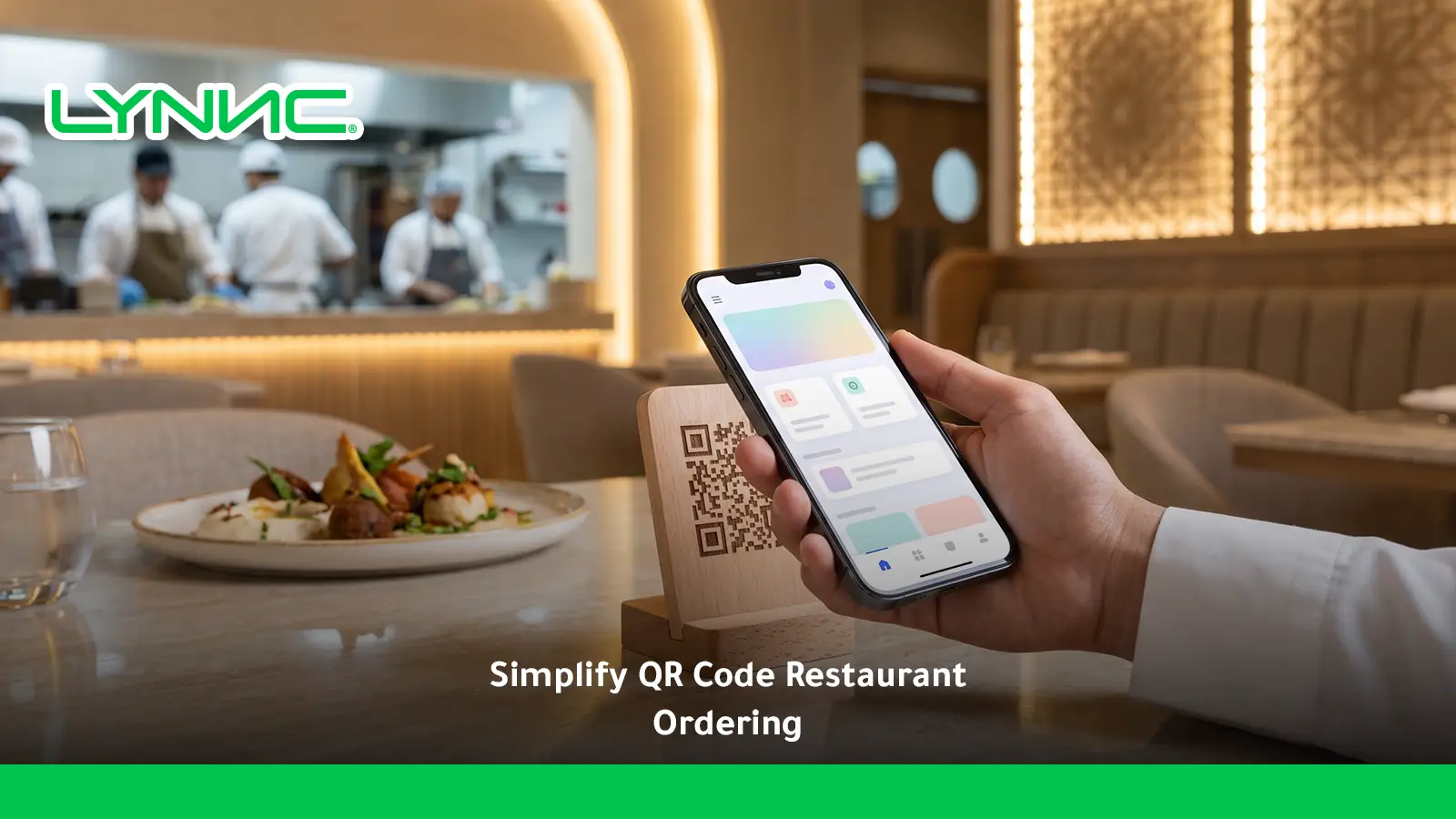
Bring the parity sheet and one representative basket to a LYNNC QR Ordering demonstration. Ask the team to show the Arabic and English selections and the receiving kitchen output for your proposed configuration.